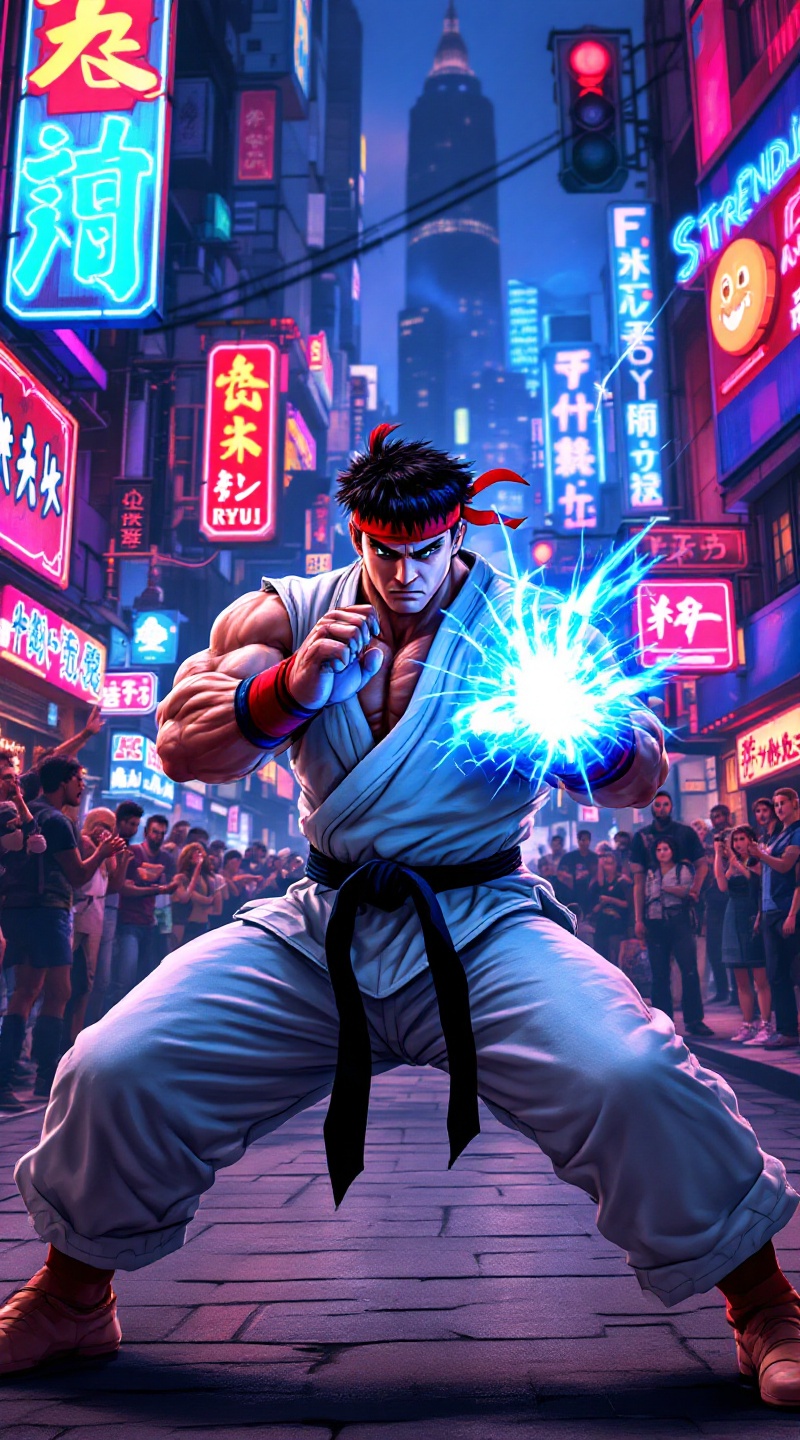
Ryu's Hadouken: Urban Showdown - Flux.1.1 pro
Eingabe
Create a dynamic fighting scene inspired by the classic arcade game "Street Fighter II." Focus on Ryu, a muscular fighter with a determined expression, clad in his iconic white gi, red headband, and black belt. His stance is poised, ready to unleash a powerful Hadouken, glowing blue energy forming in his hands. The background features a vibrant urban setting, with neon signs and a bustling street filled with onlookers, capturing the essence of a lively cityscape. Include elements like a cheering crowd, graffiti-covered walls, and distant skyscrapers, enhancing the atmosphere. The mood is intense and electric, with a sense of anticipation and excitement in the air, embodying the spirit of classic 90s fighting games.
Detaillierte Analyse des Flux KI Image Prompt
Analysiere den detaillierten Prompt, der zur Erstellung des Bildes mit dem Flux KI Image Generator verwendet wurde.
Flux-Prompts für den KI-Bildgenerator erkunden
Wie man ein Bild generiert von Flux.1.1 pro
Folge diesen vier einfachen Schritten, um das gewünschte Bild zu erstellen.
Schritt 1: Gib deinen Text ein (Fühle dich frei, deinen Prompt für bessere Ergebnisse zu verfeinern)
Schritt 2: Wähle das Bildseitenverhältnis
Schritt 3: Wähle dein Flux-Modell:
Schritt 4: Klicke auf die Generieren-Schaltfläche und warte ein paar Sekunden auf dein Bild
Verwandte Flux KI Tools für Prompts über Flux.1.1 pro
Entdecke fortschrittliche Tools von Flux KI, um deinen kreativen Workflow zu verbessern.