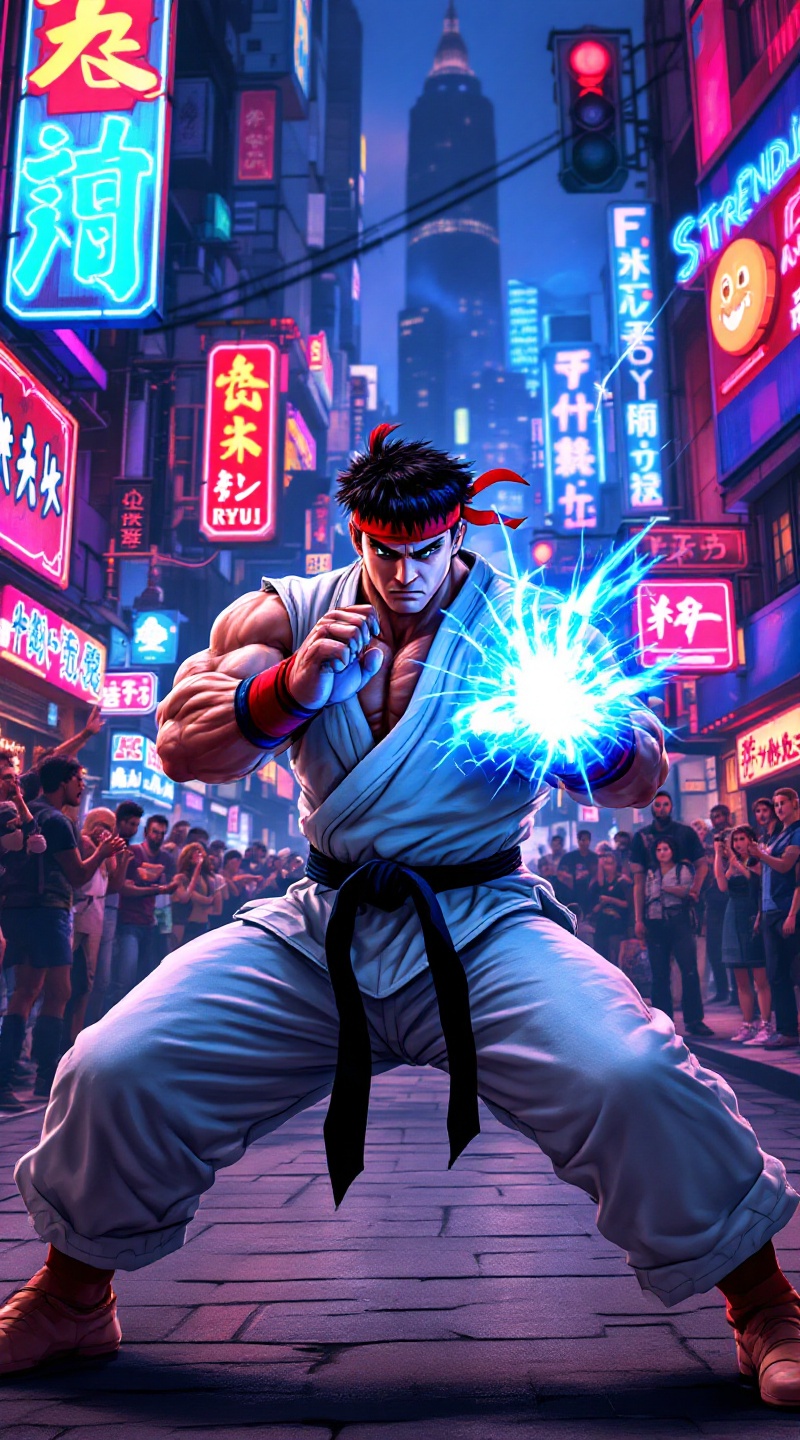
Ryu's Hadouken: Urban Showdown - Flux.1.1 pro
Indicador
Create a dynamic fighting scene inspired by the classic arcade game "Street Fighter II." Focus on Ryu, a muscular fighter with a determined expression, clad in his iconic white gi, red headband, and black belt. His stance is poised, ready to unleash a powerful Hadouken, glowing blue energy forming in his hands. The background features a vibrant urban setting, with neon signs and a bustling street filled with onlookers, capturing the essence of a lively cityscape. Include elements like a cheering crowd, graffiti-covered walls, and distant skyscrapers, enhancing the atmosphere. The mood is intense and electric, with a sense of anticipation and excitement in the air, embodying the spirit of classic 90s fighting games.
Análisis Detallado del Prompt de Imagen de Flux IA
Analiza el prompt detallado utilizado para generar la imagen con Flux IA Image Generator.
Explorar Mensajes para Flux IA
Cómo generar una imagen por Flux.1.1 pro
Sigue estos cuatro sencillos pasos para crear la imagen que deseas.
Paso 1: Ingresa tu texto (No dudes en refinar tu prompt para mejores resultados)
Paso 2: Elige la relación de aspecto de la imagen
Paso 3: Selecciona tu modelo Flux:
Paso 4: Haz clic en el botón Generar y espera unos segundos para tu imagen
Herramientas Flux IA relacionadas para prompts sobre Flux.1.1 pro
Descubre herramientas avanzadas de Flux IA para potenciar tu flujo de trabajo creativo.