Kenshin Takahashi - Flux.1 dev
Eingabe
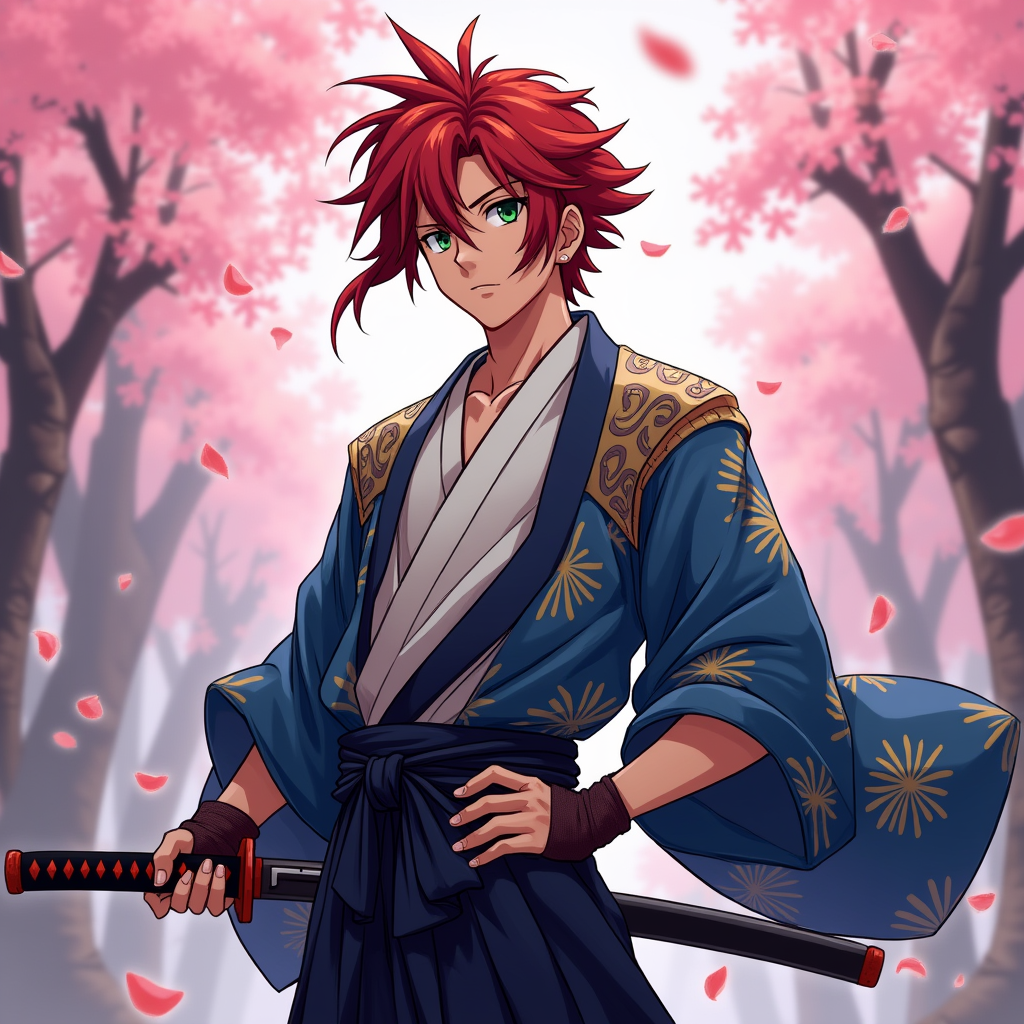
Create an image of Kenshin Takahashi in a vibrant anime style, featuring his striking red hair styled in a spiky manner, with a few strands falling over his forehead. He wears a traditional Japanese kimono, predominantly in shades of deep blue and white, adorned with intricate patterns. His outfit is complemented by a dark sash tied around his waist and a pair of fingerless gloves. Kenshin's expression is determined yet calm, with piercing green eyes that convey both strength and compassion. He stands in a dynamic pose, one hand resting on the hilt of his katana, ready for action. The background features a serene cherry blossom grove, with petals gently falling around him, enhancing the atmosphere. The art style should reflect a blend of classic anime aesthetics, with bold outlines, vibrant colors, and a slight cel-shading effect, capturing the essence of a heroic yet introspective character. Include a subtle glow around the katana to signify its importance.
Detaillierte Analyse des Flux KI Image Prompt
Analysiere den detaillierten Prompt, der zur Erstellung des Bildes mit dem Flux KI Image Generator verwendet wurde.
Flux-Prompts für den KI-Bildgenerator erkunden
Wie man ein Bild generiert von Flux.1 dev
Folge diesen vier einfachen Schritten, um das gewünschte Bild zu erstellen.
Schritt 1: Gib deinen Text ein (Fühle dich frei, deinen Prompt für bessere Ergebnisse zu verfeinern)
Schritt 2: Wähle das Bildseitenverhältnis
Schritt 3: Wähle dein Flux-Modell:
Schritt 4: Klicke auf die Generieren-Schaltfläche und warte ein paar Sekunden auf dein Bild
Verwandte Flux KI Tools für Prompts über Flux.1 dev
Entdecke fortschrittliche Tools von Flux KI, um deinen kreativen Workflow zu verbessern.