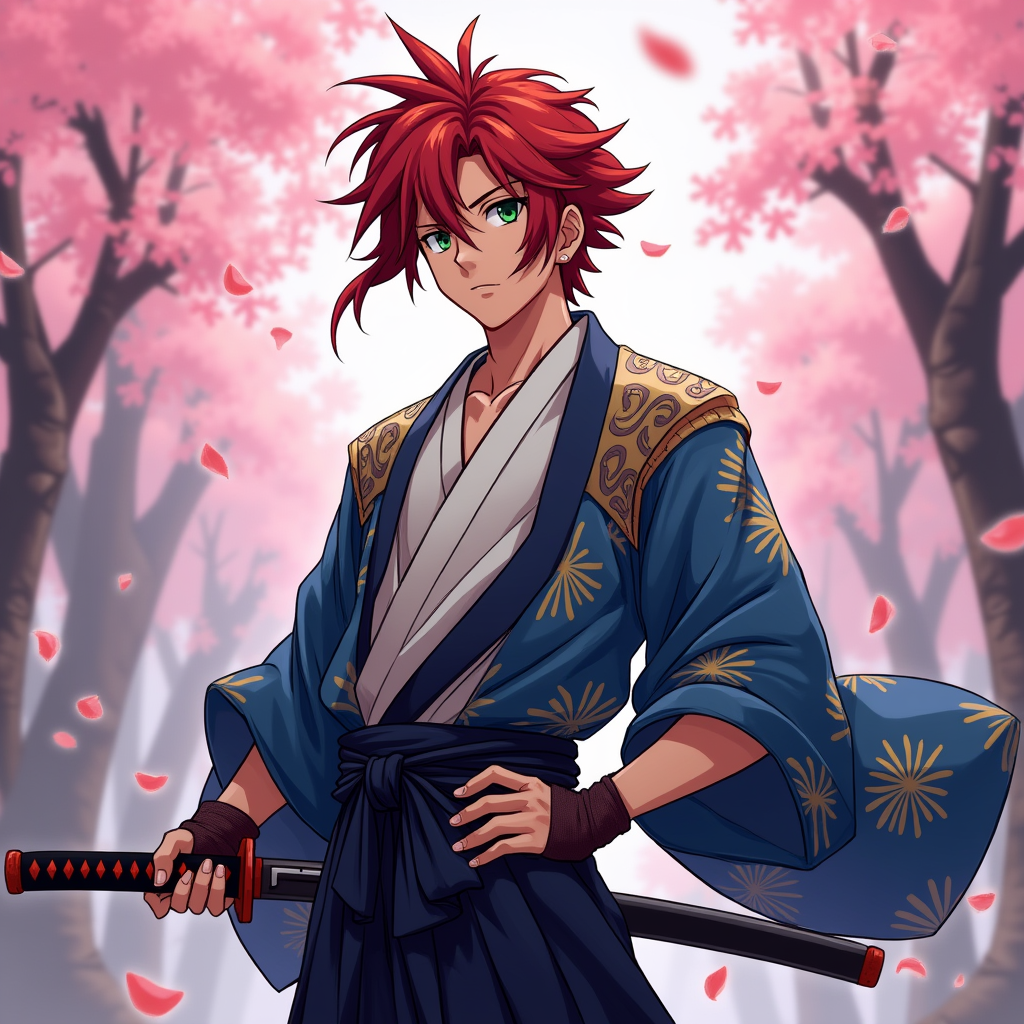
Kenshin Takahashi - Flux.1 dev
prompt
Create an image of Kenshin Takahashi in a vibrant anime style, featuring his striking red hair styled in a spiky manner, with a few strands falling over his forehead. He wears a traditional Japanese kimono, predominantly in shades of deep blue and white, adorned with intricate patterns. His outfit is complemented by a dark sash tied around his waist and a pair of fingerless gloves. Kenshin's expression is determined yet calm, with piercing green eyes that convey both strength and compassion. He stands in a dynamic pose, one hand resting on the hilt of his katana, ready for action. The background features a serene cherry blossom grove, with petals gently falling around him, enhancing the atmosphere. The art style should reflect a blend of classic anime aesthetics, with bold outlines, vibrant colors, and a slight cel-shading effect, capturing the essence of a heroic yet introspective character. Include a subtle glow around the katana to signify its importance.
Analisis Terperinci Prompt Gambar Flux AI
Analisis prompt terperinci yang digunakan untuk menghasilkan gambar dengan Generator Gambar Flux AI.
Jelajahi Prompt Flux untuk Generator Gambar AI Flux
Cara menghasilkan gambar dengan Flux.1 dev
Ikuti empat langkah sederhana ini untuk membuat gambar yang Anda inginkan.
Langkah 1: Masukkan Teks Anda (Silakan sempurnakan prompt untuk hasil yang lebih baik)
Langkah 2: Pilih Rasio Aspek Gambar
Langkah 3: Pilih Model Flux Anda:
Langkah 4: Klik Tombol Buat dan Tunggu Beberapa Detik untuk Gambar Anda
Alat Flux AI terkait untuk prompt tentang Flux.1 dev
Temukan alat-alat canggih dari Flux AI untuk meningkatkan alur kerja kreatif Anda.