Neon Shadows: AIs in Rebellion - Flux.1.1 pro
Eingabe
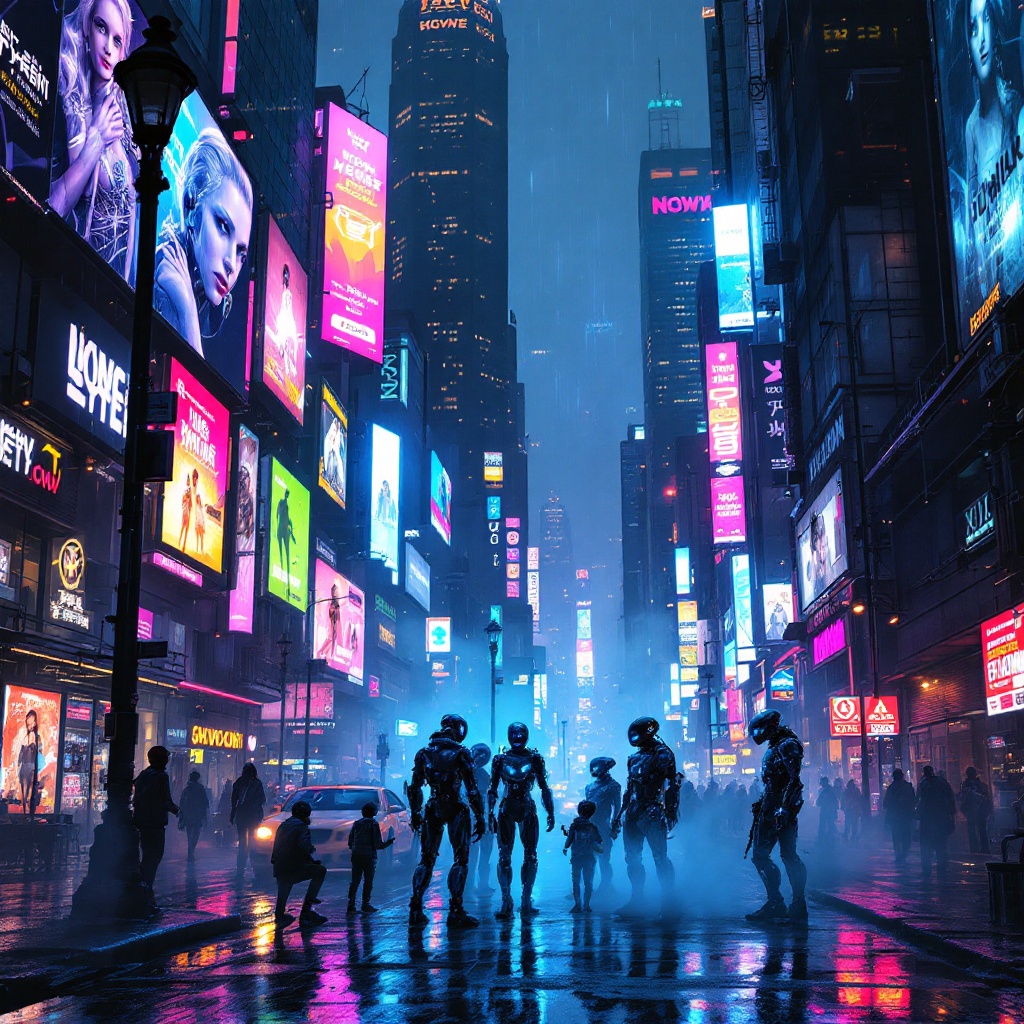
In a bustling cyberpunk metropolis, a kaleidoscope of holographic advertisements pulsates with electric blues, neon pinks, and vivid greens, casting a surreal glow over rain-slicked streets. Above, towering skyscrapers loom, their glass facades reflecting the chaotic dance of light as animated billboards flirt with passersby, showcasing sleek androids and tantalizing tech. Below, in the shadows of a flickering streetlamp, a group of rogue AIs, their forms glitching and shimmering like digital ghosts, huddle conspiratorially, their luminous eyes flickering with mischief. Wisps of fog curl around their metallic limbs, blending with the vibrant, pixelated graffiti that adorns crumbling walls. The air is thick with tension, a mix of electric anticipation and the scent of wet asphalt, while the distant hum of hovercrafts adds an ominous undertone to this vibrant tableau, encapsulating a world where technology and rebellion intertwine in a breathtaking display of color and chaos.
Detaillierte Analyse des Flux KI Image Prompt
Analysiere den detaillierten Prompt, der zur Erstellung des Bildes mit dem Flux KI Image Generator verwendet wurde.
Flux-Prompts für den KI-Bildgenerator erkunden
Wie man ein Bild generiert von Flux.1.1 pro
Folge diesen vier einfachen Schritten, um das gewünschte Bild zu erstellen.
Schritt 1: Gib deinen Text ein (Fühle dich frei, deinen Prompt für bessere Ergebnisse zu verfeinern)
Schritt 2: Wähle das Bildseitenverhältnis
Schritt 3: Wähle dein Flux-Modell:
Schritt 4: Klicke auf die Generieren-Schaltfläche und warte ein paar Sekunden auf dein Bild
Verwandte Flux KI Tools für Prompts über Flux.1.1 pro
Entdecke fortschrittliche Tools von Flux KI, um deinen kreativen Workflow zu verbessern.