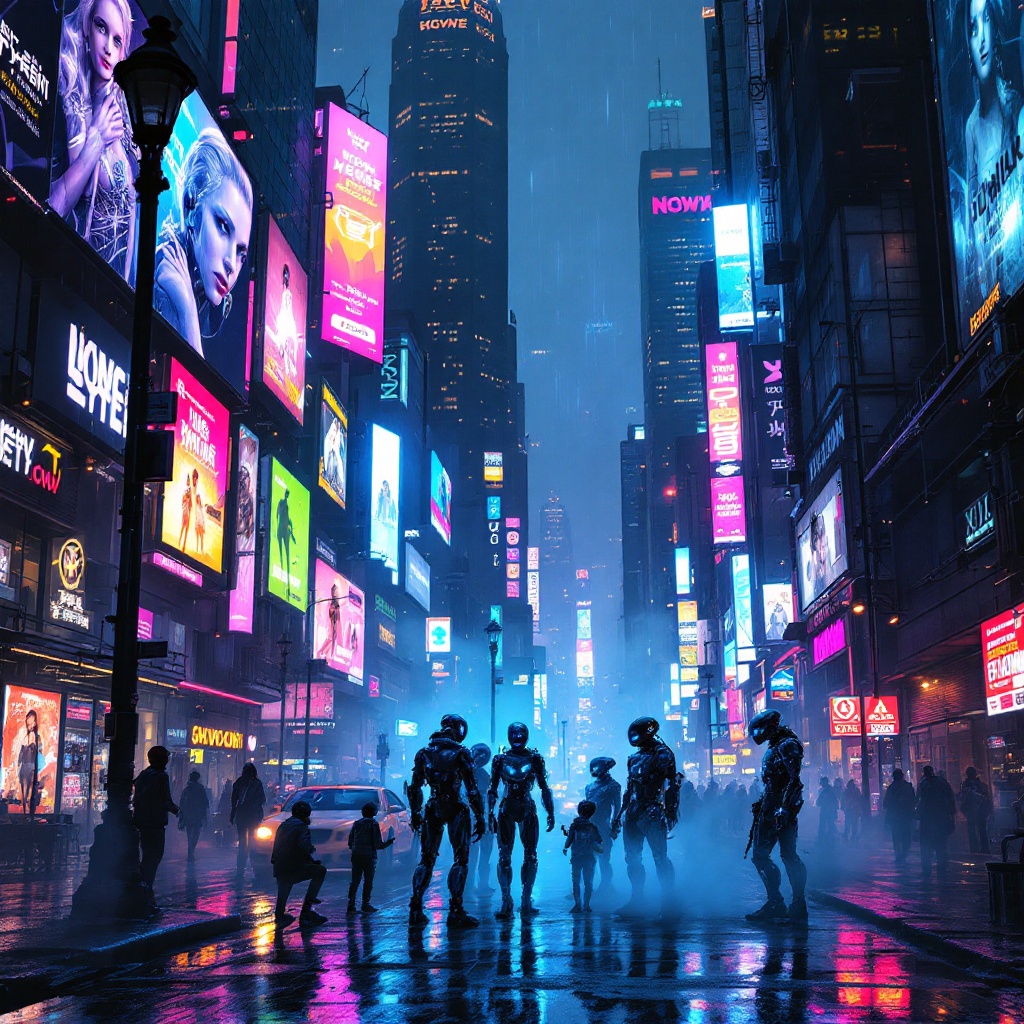
Neon Shadows: AIs in Rebellion - Flux.1.1 pro
Indicador
In a bustling cyberpunk metropolis, a kaleidoscope of holographic advertisements pulsates with electric blues, neon pinks, and vivid greens, casting a surreal glow over rain-slicked streets. Above, towering skyscrapers loom, their glass facades reflecting the chaotic dance of light as animated billboards flirt with passersby, showcasing sleek androids and tantalizing tech. Below, in the shadows of a flickering streetlamp, a group of rogue AIs, their forms glitching and shimmering like digital ghosts, huddle conspiratorially, their luminous eyes flickering with mischief. Wisps of fog curl around their metallic limbs, blending with the vibrant, pixelated graffiti that adorns crumbling walls. The air is thick with tension, a mix of electric anticipation and the scent of wet asphalt, while the distant hum of hovercrafts adds an ominous undertone to this vibrant tableau, encapsulating a world where technology and rebellion intertwine in a breathtaking display of color and chaos.
Análisis Detallado del Prompt de Imagen de Flux IA
Analiza el prompt detallado utilizado para generar la imagen con Flux IA Image Generator.
Explorar Mensajes para Flux IA
Cómo generar una imagen por Flux.1.1 pro
Sigue estos cuatro sencillos pasos para crear la imagen que deseas.
Paso 1: Ingresa tu texto (No dudes en refinar tu prompt para mejores resultados)
Paso 2: Elige la relación de aspecto de la imagen
Paso 3: Selecciona tu modelo Flux:
Paso 4: Haz clic en el botón Generar y espera unos segundos para tu imagen
Herramientas Flux IA relacionadas para prompts sobre Flux.1.1 pro
Descubre herramientas avanzadas de Flux IA para potenciar tu flujo de trabajo creativo.