Samosa - Flux.1 dev
Eingabe
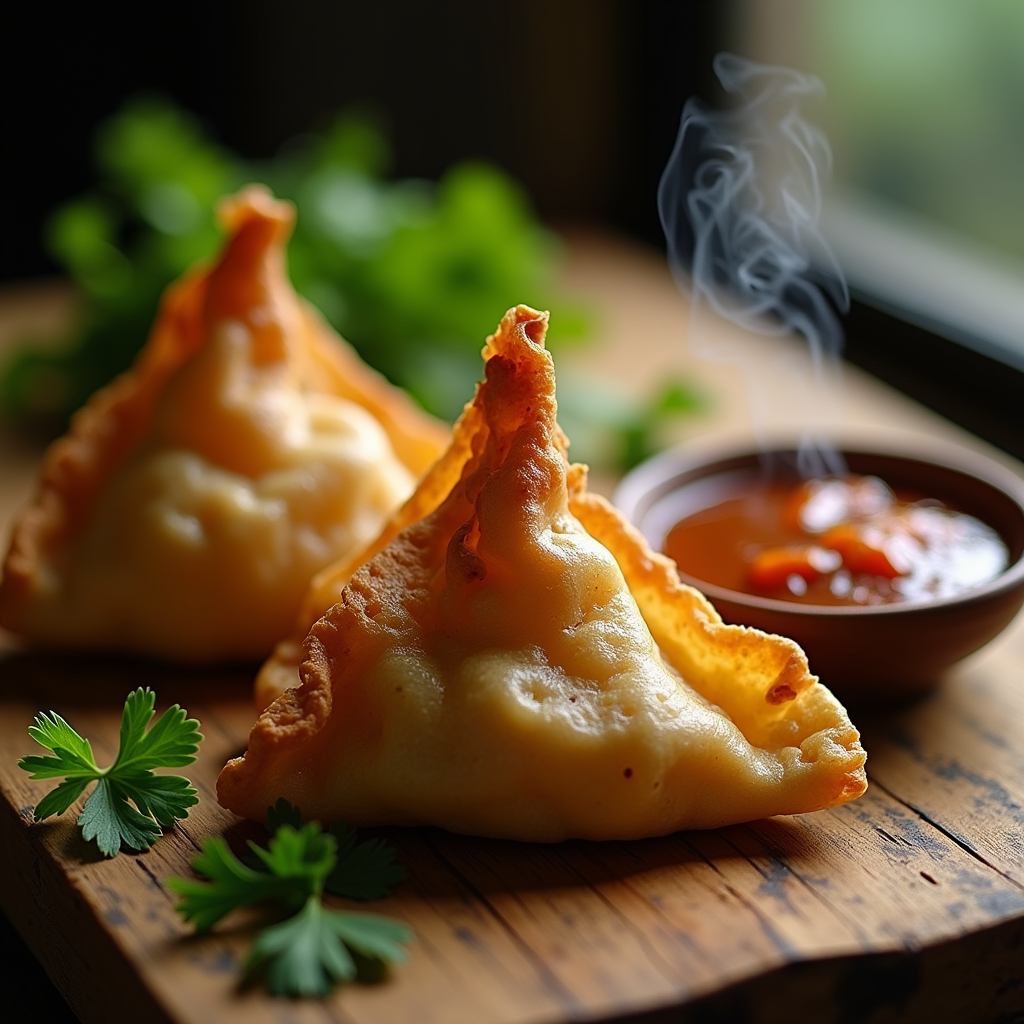
A close-up macro photograph of a golden-brown samosa, its crispy, flaky pastry glistening with a light sheen, revealing hints of warm, earthy spices peeking through the delicate folds. The samosa is artfully arranged on a rustic wooden table, surrounded by vibrant green cilantro and a small bowl of rich, tangy tamarind sauce, its deep brown hue contrasting beautifully with the bright colors of the garnishes. Soft, natural light filters through a nearby window, casting gentle shadows that enhance the texture of the pastry while illuminating the steam rising from the freshly fried samosa, inviting the viewer to savor the aroma. The composition is intimate and inviting, evoking a sense of warmth and comfort, perfect for a cozy, home-cooked meal.
Detaillierte Analyse des Flux KI Image Prompt
Analysiere den detaillierten Prompt, der zur Erstellung des Bildes mit dem Flux KI Image Generator verwendet wurde.
Flux-Prompts für den KI-Bildgenerator erkunden
Wie man ein Bild generiert von Flux.1 dev
Folge diesen vier einfachen Schritten, um das gewünschte Bild zu erstellen.
Schritt 1: Gib deinen Text ein (Fühle dich frei, deinen Prompt für bessere Ergebnisse zu verfeinern)
Schritt 2: Wähle das Bildseitenverhältnis
Schritt 3: Wähle dein Flux-Modell:
Schritt 4: Klicke auf die Generieren-Schaltfläche und warte ein paar Sekunden auf dein Bild
Verwandte Flux KI Tools für Prompts über Flux.1 dev
Entdecke fortschrittliche Tools von Flux KI, um deinen kreativen Workflow zu verbessern.