Samosa - Flux.1 dev
prompt
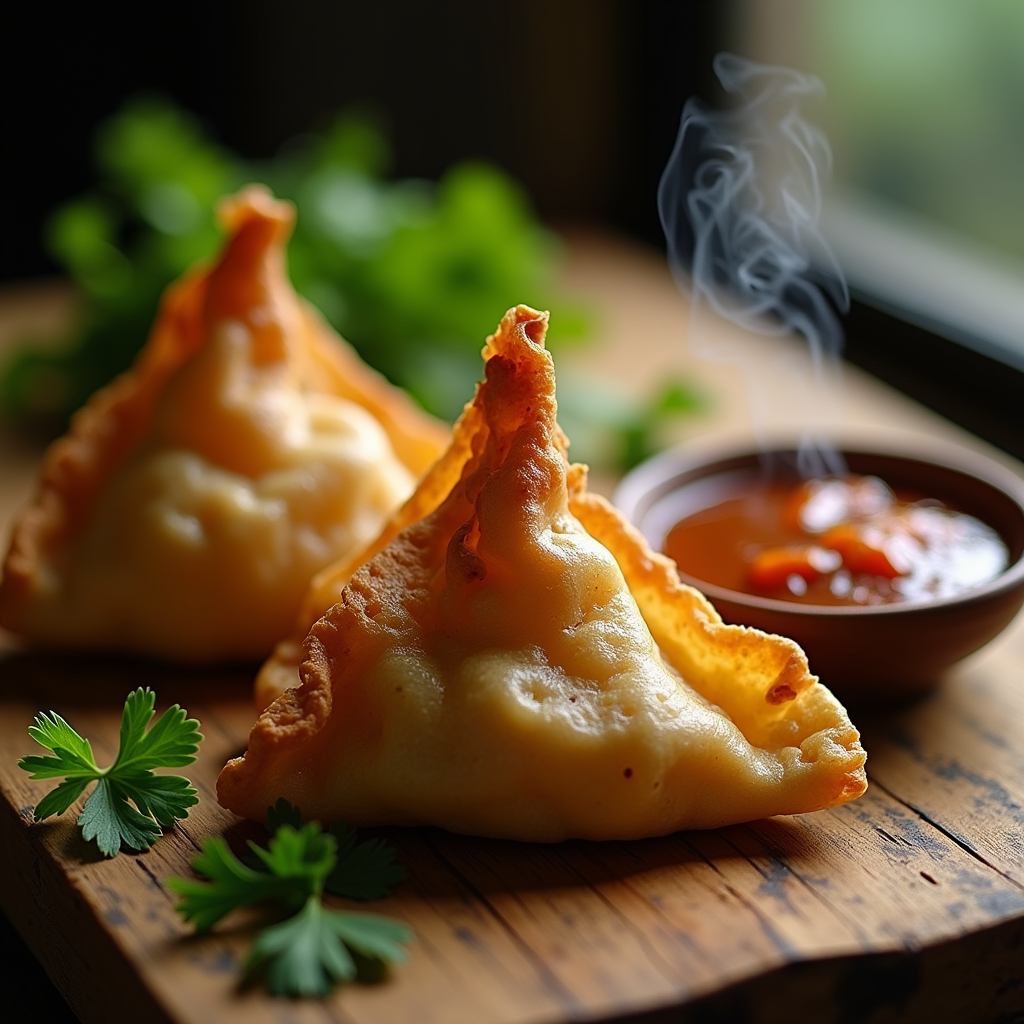
A close-up macro photograph of a golden-brown samosa, its crispy, flaky pastry glistening with a light sheen, revealing hints of warm, earthy spices peeking through the delicate folds. The samosa is artfully arranged on a rustic wooden table, surrounded by vibrant green cilantro and a small bowl of rich, tangy tamarind sauce, its deep brown hue contrasting beautifully with the bright colors of the garnishes. Soft, natural light filters through a nearby window, casting gentle shadows that enhance the texture of the pastry while illuminating the steam rising from the freshly fried samosa, inviting the viewer to savor the aroma. The composition is intimate and inviting, evoking a sense of warmth and comfort, perfect for a cozy, home-cooked meal.
Detailed Analysis of the Flux AI Image Prompt
Analyze the detailed prompt used to generate the image with Flux AI Image Generator.
Explore Flux Prompts for the Flux AI Image Generator
How to generate image by Flux.1 dev
Follow these four simple steps to create your desired image.
Step 1: Enter Your Text (Feel free to refine your prompt for better results)
Step 2: Choose Image Aspect Ratio
Step 3: Select Your Flux Model:
Step 4: Click the Generate Button and Wait a Few Seconds for Your Image
Related Flux AI tools for prompts about Flux.1 dev
Discover advanced tools from Flux AI to boost your creative workflow.