Samosa - Flux.1 dev
prompt
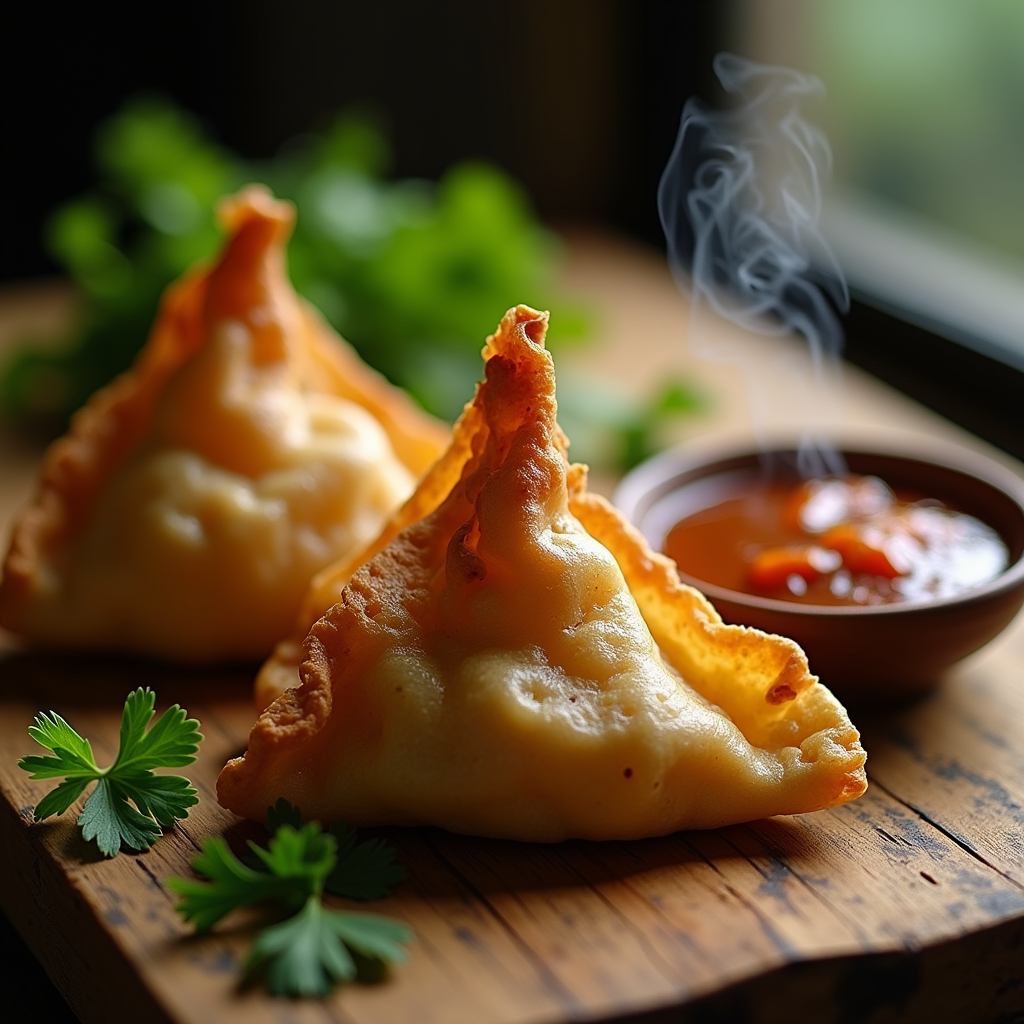
A close-up macro photograph of a golden-brown samosa, its crispy, flaky pastry glistening with a light sheen, revealing hints of warm, earthy spices peeking through the delicate folds. The samosa is artfully arranged on a rustic wooden table, surrounded by vibrant green cilantro and a small bowl of rich, tangy tamarind sauce, its deep brown hue contrasting beautifully with the bright colors of the garnishes. Soft, natural light filters through a nearby window, casting gentle shadows that enhance the texture of the pastry while illuminating the steam rising from the freshly fried samosa, inviting the viewer to savor the aroma. The composition is intimate and inviting, evoking a sense of warmth and comfort, perfect for a cozy, home-cooked meal.
Analisis Terperinci Prompt Gambar Flux AI
Analisis prompt terperinci yang digunakan untuk menghasilkan gambar dengan Generator Gambar Flux AI.
Jelajahi Prompt Flux untuk Generator Gambar AI Flux
Cara menghasilkan gambar dengan Flux.1 dev
Ikuti empat langkah sederhana ini untuk membuat gambar yang Anda inginkan.
Langkah 1: Masukkan Teks Anda (Silakan sempurnakan prompt untuk hasil yang lebih baik)
Langkah 2: Pilih Rasio Aspek Gambar
Langkah 3: Pilih Model Flux Anda:
Langkah 4: Klik Tombol Buat dan Tunggu Beberapa Detik untuk Gambar Anda
Alat Flux AI terkait untuk prompt tentang Flux.1 dev
Temukan alat-alat canggih dari Flux AI untuk meningkatkan alur kerja kreatif Anda.