Lake Papaitonga - Flux.1.1 pro
Eingabe
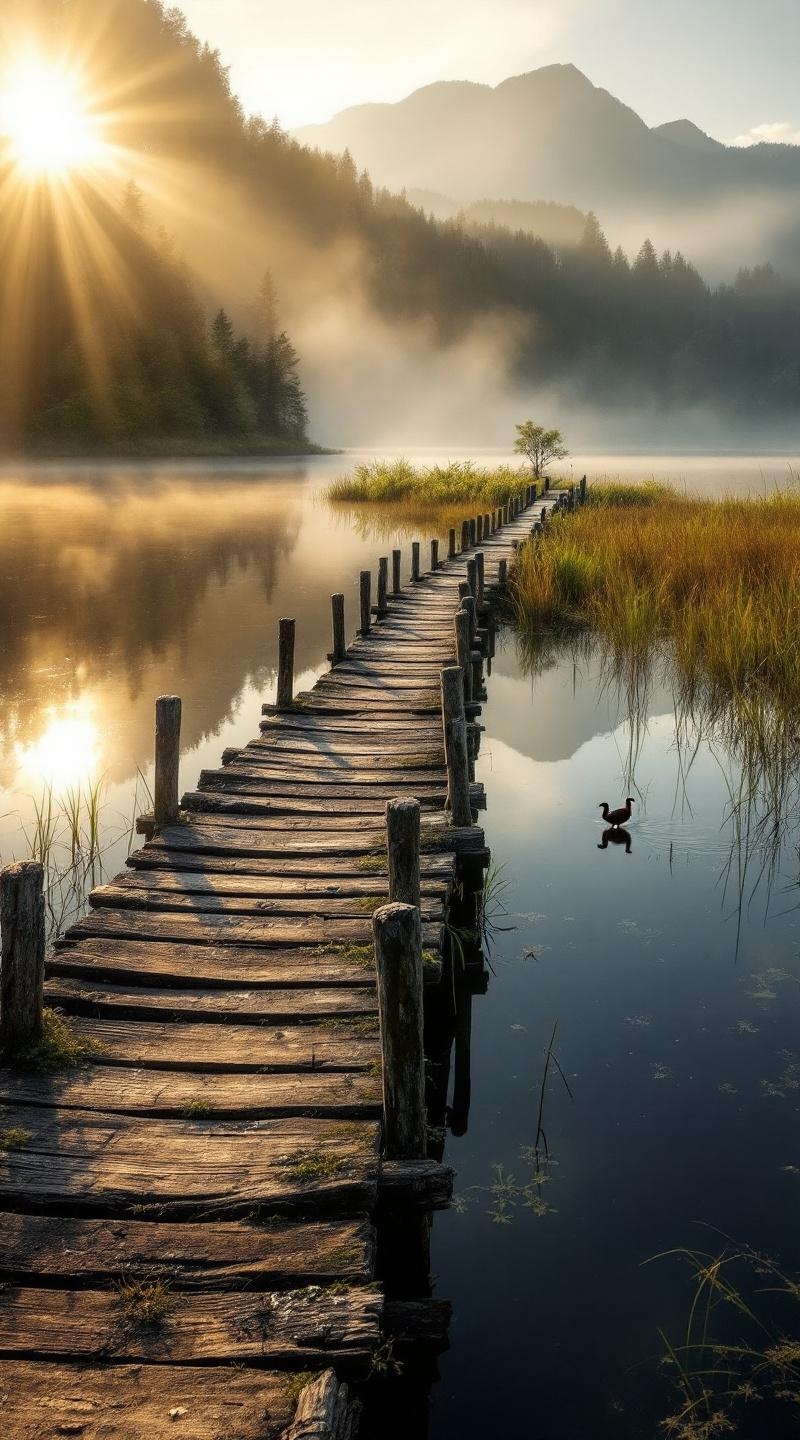
**Prompt:** "A serene, mist-covered dawn at Lake Papaitonga, with golden sunlight filtering through dense native forest, casting soft reflections on the still, dark water. The historic wooden wharf, weathered and worn with time, extends into the lake, its aged timber textured with moss and lichen. Surrounding wetlands teem with raupō (bulrushes) and flax, their vibrant greens contrasting against the deep blues of the water. Distant hills rise softly in the background, shrouded in morning haze. A lone pūkeko (swamp hen) strides along the water’s edge, adding life to the tranquil scene. Capture the scene in a moody, painterly style, with soft focus and rich, earthy tones, evoking the quiet mystique of this sacred Māori wetland." (Characters: 700)
Detaillierte Analyse des Flux KI Image Prompt
Analysiere den detaillierten Prompt, der zur Erstellung des Bildes mit dem Flux KI Image Generator verwendet wurde.
Flux-Prompts für den KI-Bildgenerator erkunden
Wie man ein Bild generiert von Flux.1.1 pro
Folge diesen vier einfachen Schritten, um das gewünschte Bild zu erstellen.
Schritt 1: Gib deinen Text ein (Fühle dich frei, deinen Prompt für bessere Ergebnisse zu verfeinern)
Schritt 2: Wähle das Bildseitenverhältnis
Schritt 3: Wähle dein Flux-Modell:
Schritt 4: Klicke auf die Generieren-Schaltfläche und warte ein paar Sekunden auf dein Bild
Verwandte Flux KI Tools für Prompts über Flux.1.1 pro
Entdecke fortschrittliche Tools von Flux KI, um deinen kreativen Workflow zu verbessern.