Lake Papaitonga - Flux.1.1 pro
prompt
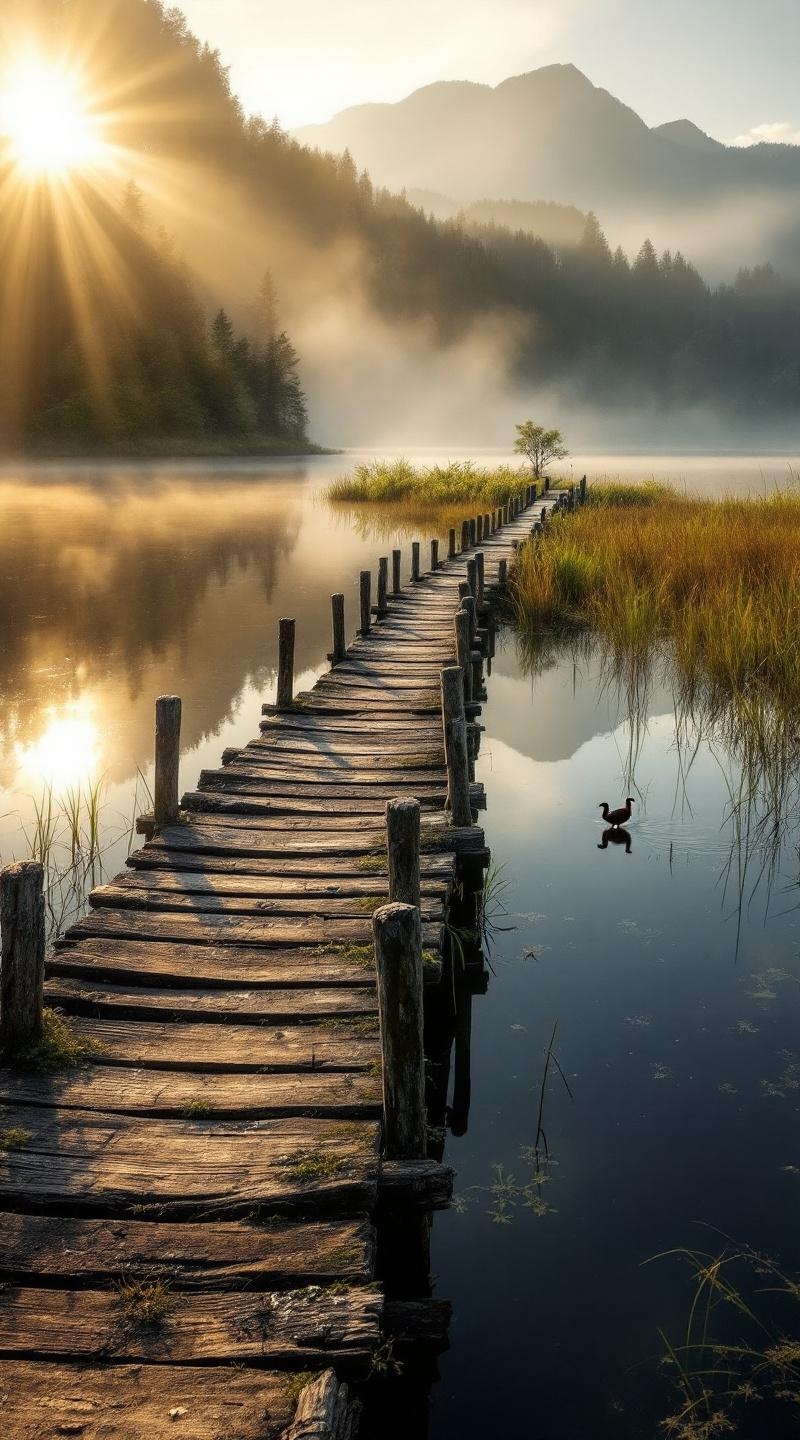
**Prompt:** "A serene, mist-covered dawn at Lake Papaitonga, with golden sunlight filtering through dense native forest, casting soft reflections on the still, dark water. The historic wooden wharf, weathered and worn with time, extends into the lake, its aged timber textured with moss and lichen. Surrounding wetlands teem with raupō (bulrushes) and flax, their vibrant greens contrasting against the deep blues of the water. Distant hills rise softly in the background, shrouded in morning haze. A lone pūkeko (swamp hen) strides along the water’s edge, adding life to the tranquil scene. Capture the scene in a moody, painterly style, with soft focus and rich, earthy tones, evoking the quiet mystique of this sacred Māori wetland." (Characters: 700)
Analisis Terperinci Prompt Gambar Flux AI
Analisis prompt terperinci yang digunakan untuk menghasilkan gambar dengan Generator Gambar Flux AI.
Jelajahi Prompt Flux untuk Generator Gambar AI Flux
Cara menghasilkan gambar dengan Flux.1.1 pro
Ikuti empat langkah sederhana ini untuk membuat gambar yang Anda inginkan.
Langkah 1: Masukkan Teks Anda (Silakan sempurnakan prompt untuk hasil yang lebih baik)
Langkah 2: Pilih Rasio Aspek Gambar
Langkah 3: Pilih Model Flux Anda:
Langkah 4: Klik Tombol Buat dan Tunggu Beberapa Detik untuk Gambar Anda
Alat Flux AI terkait untuk prompt tentang Flux.1.1 pro
Temukan alat-alat canggih dari Flux AI untuk meningkatkan alur kerja kreatif Anda.