Glowing safety manuals detail corporate liability voids - Flux.1 schnell
Eingabe
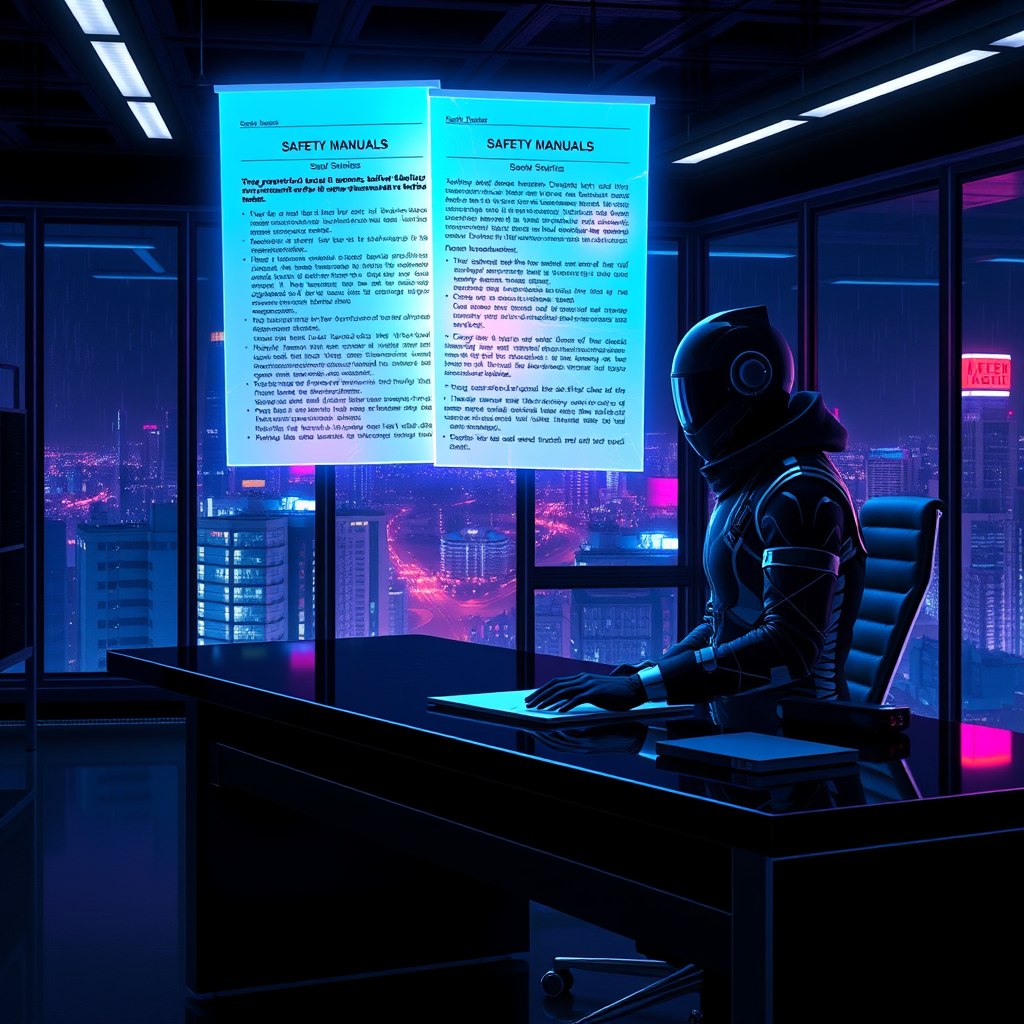
**Prompt:** A neon-drenched cyberpunk office at night, where glowing safety manuals float holographically above a sleek, black desk, their pages pulsing with eerie blue and violet light, revealing dense legalese about corporate liability voids. The room is bathed in the cold glow of flickering LED strips and the ambient hum of distant servers, casting long shadows across the sterile, metallic surfaces. A lone figure in a high-tech suit, their face obscured by a reflective visor, reaches toward the holograms, fingers trailing through the shimmering text as it fractures into glowing fragments. Outside the floor-to-ceiling windows, a sprawling megacity pulses with neon signs and hovering drones, their lights reflecting off the rain-slicked glass. The air is thick with the tension of unseen corporate espionage, the manuals’ glow highlighting the fine print that absolves the powerful—every detail sharp, hyper-stylized, and drenched in the oppressive allure of a dystopian future.
Detaillierte Analyse des Flux KI Image Prompt
Analysiere den detaillierten Prompt, der zur Erstellung des Bildes mit dem Flux KI Image Generator verwendet wurde.
Flux-Prompts für den KI-Bildgenerator erkunden
Wie man ein Bild generiert von Flux.1 schnell
Folge diesen vier einfachen Schritten, um das gewünschte Bild zu erstellen.
Schritt 1: Gib deinen Text ein (Fühle dich frei, deinen Prompt für bessere Ergebnisse zu verfeinern)
Schritt 2: Wähle das Bildseitenverhältnis
Schritt 3: Wähle dein Flux-Modell:
Schritt 4: Klicke auf die Generieren-Schaltfläche und warte ein paar Sekunden auf dein Bild
Verwandte Flux KI Tools für Prompts über Flux.1 schnell
Entdecke fortschrittliche Tools von Flux KI, um deinen kreativen Workflow zu verbessern.