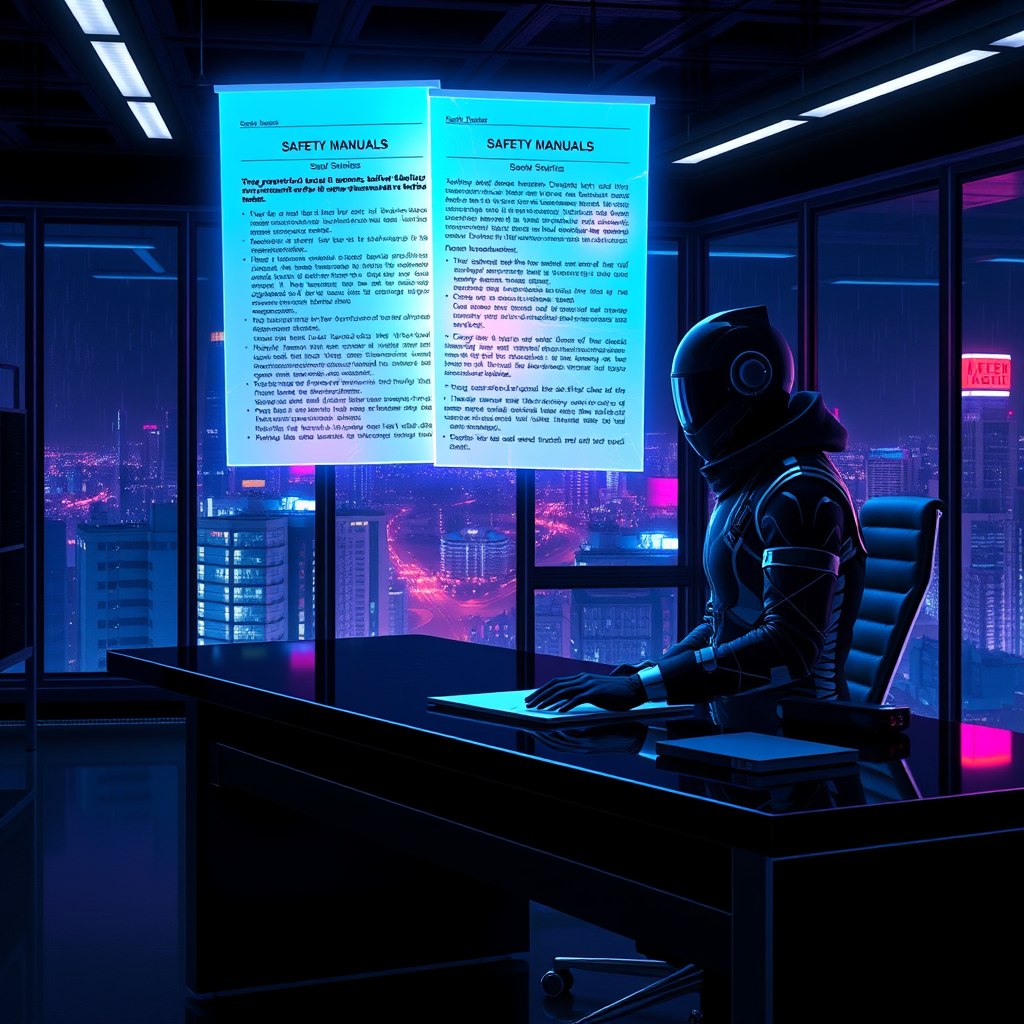
Glowing safety manuals detail corporate liability voids - Flux.1 schnell
Invite
**Prompt:** A neon-drenched cyberpunk office at night, where glowing safety manuals float holographically above a sleek, black desk, their pages pulsing with eerie blue and violet light, revealing dense legalese about corporate liability voids. The room is bathed in the cold glow of flickering LED strips and the ambient hum of distant servers, casting long shadows across the sterile, metallic surfaces. A lone figure in a high-tech suit, their face obscured by a reflective visor, reaches toward the holograms, fingers trailing through the shimmering text as it fractures into glowing fragments. Outside the floor-to-ceiling windows, a sprawling megacity pulses with neon signs and hovering drones, their lights reflecting off the rain-slicked glass. The air is thick with the tension of unseen corporate espionage, the manuals’ glow highlighting the fine print that absolves the powerful—every detail sharp, hyper-stylized, and drenched in the oppressive allure of a dystopian future.
Analyse Détaillée du Prompt d'Image Flux IA
Analysez le prompt détaillé utilisé pour générer l'image avec Flux IA Image Generator.
Explorez les invites Flux IA
Comment générer une image par Flux.1 schnell
Suivez ces quatre étapes simples pour créer l'image désirée.
Étape 1 : Entrez votre texte (N'hésitez pas à affiner votre prompt pour de meilleurs résultats)
Étape 2 : Choisissez le ratio d'aspect de l'image
Étape 3 : Sélectionnez votre modèle Flux :
Étape 4 : Cliquez sur le bouton Générer et attendez quelques secondes pour votre image
Outils Flux IA liés aux prompts sur Flux.1 schnell
Découvrez des outils avancés de Flux IA pour booster votre flux de travail créatif.