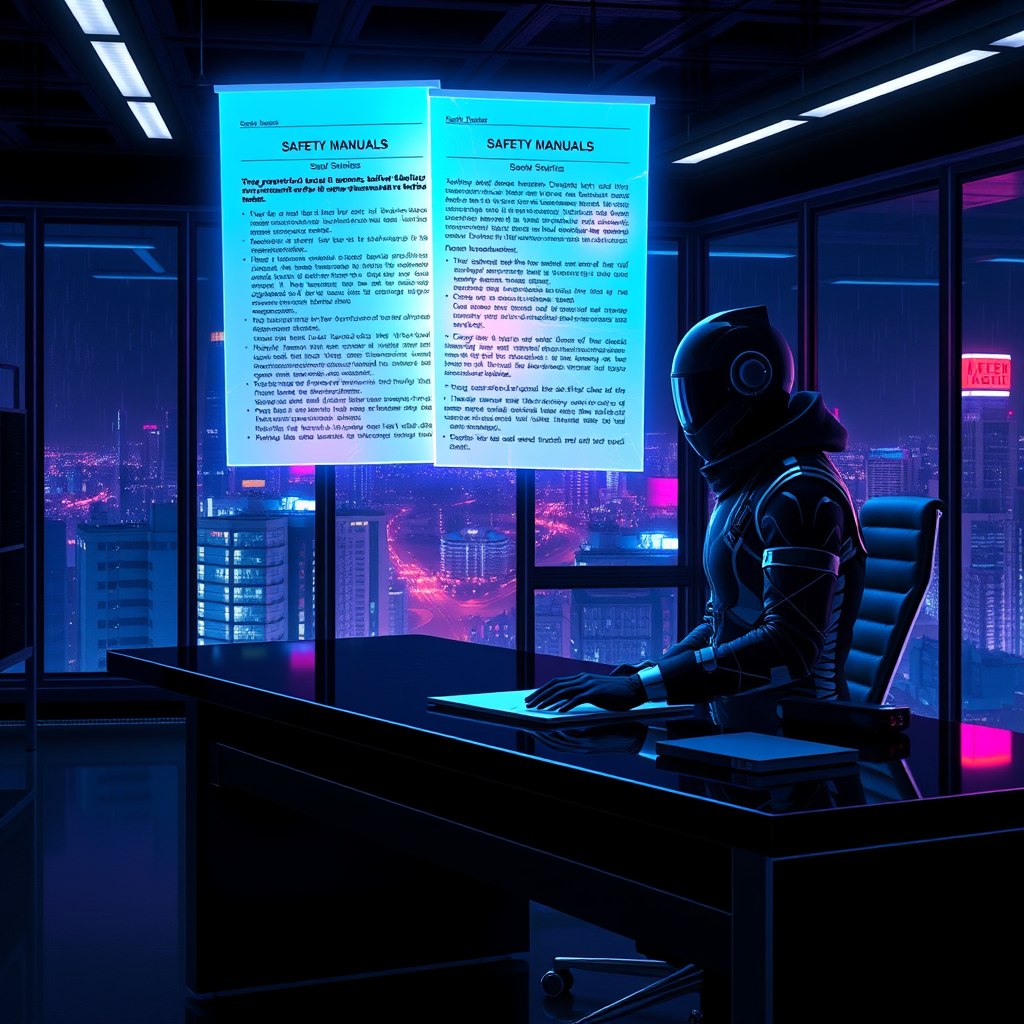
Glowing safety manuals detail corporate liability voids - Flux.1 schnell
prompt
**Prompt:** A neon-drenched cyberpunk office at night, where glowing safety manuals float holographically above a sleek, black desk, their pages pulsing with eerie blue and violet light, revealing dense legalese about corporate liability voids. The room is bathed in the cold glow of flickering LED strips and the ambient hum of distant servers, casting long shadows across the sterile, metallic surfaces. A lone figure in a high-tech suit, their face obscured by a reflective visor, reaches toward the holograms, fingers trailing through the shimmering text as it fractures into glowing fragments. Outside the floor-to-ceiling windows, a sprawling megacity pulses with neon signs and hovering drones, their lights reflecting off the rain-slicked glass. The air is thick with the tension of unseen corporate espionage, the manuals’ glow highlighting the fine print that absolves the powerful—every detail sharp, hyper-stylized, and drenched in the oppressive allure of a dystopian future.
Analisi Dettagliata del Prompt Immagine Flux AI
Analizza il prompt dettagliato utilizzato per generare l'immagine con il Generatore Immagini Flux AI.
Esplora i Prompt Flux per il Generatore Immagini Flux AI
Come generare immagini con Flux.1 schnell
Segui questi quattro semplici passaggi per creare l'immagine desiderata.
Passaggio 1: Inserisci il Tuo Testo (Sentiti libero di perfezionare il prompt per risultati migliori)
Passaggio 2: Scegli le Proporzioni dell'Immagine
Passaggio 3: Seleziona il Tuo Modello Flux:
Passaggio 4: Clicca il Pulsante Genera e Attendi Alcuni Secondi per la Tua Immagine
Strumenti Flux AI correlati per prompt su Flux.1 schnell
Scopri strumenti avanzati di Flux AI per potenziare il tuo flusso di lavoro creativo.