Back Piece-Samurai & Dragon - Flux.1 dev
Eingabe
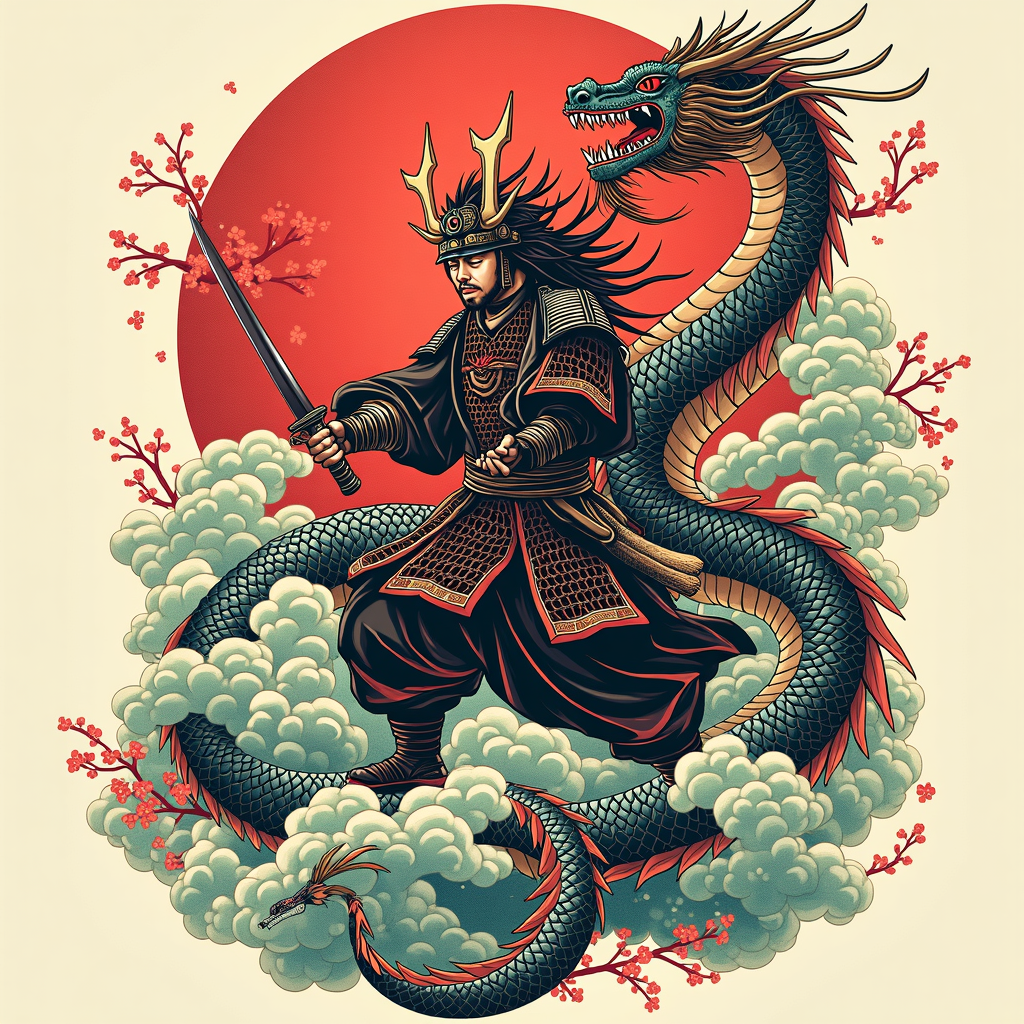
**Prompt:** Create a striking back piece tattoo featuring a fierce samurai in dynamic combat with a majestic dragon, rendered in a bold Japanese traditional style (irezumi). The samurai, clad in detailed armor with flowing robes, wields a katana mid-strike, while the dragon coils around him, its serpentine body adorned with intricate scales and swirling clouds. The composition spans the entire back, from shoulders to lower spine, with the dragon’s tail wrapping around the hips. Use a vibrant color palette of deep reds, rich blues, and emerald greens, accented with black ink for contrast and shading. Incorporate waves, cherry blossoms, and wind bars for movement and symbolism. The mood is epic and heroic, blending cultural reverence with fierce energy. Focus on clean lines, balanced symmetry, and meticulous detail to honor the art form.
Detaillierte Analyse des Flux KI Image Prompt
Analysiere den detaillierten Prompt, der zur Erstellung des Bildes mit dem Flux KI Image Generator verwendet wurde.
Flux-Prompts für den KI-Bildgenerator erkunden
Wie man ein Bild generiert von Flux.1 dev
Folge diesen vier einfachen Schritten, um das gewünschte Bild zu erstellen.
Schritt 1: Gib deinen Text ein (Fühle dich frei, deinen Prompt für bessere Ergebnisse zu verfeinern)
Schritt 2: Wähle das Bildseitenverhältnis
Schritt 3: Wähle dein Flux-Modell:
Schritt 4: Klicke auf die Generieren-Schaltfläche und warte ein paar Sekunden auf dein Bild
Verwandte Flux KI Tools für Prompts über Flux.1 dev
Entdecke fortschrittliche Tools von Flux KI, um deinen kreativen Workflow zu verbessern.