Back Piece-Samurai & Dragon - Flux.1 dev
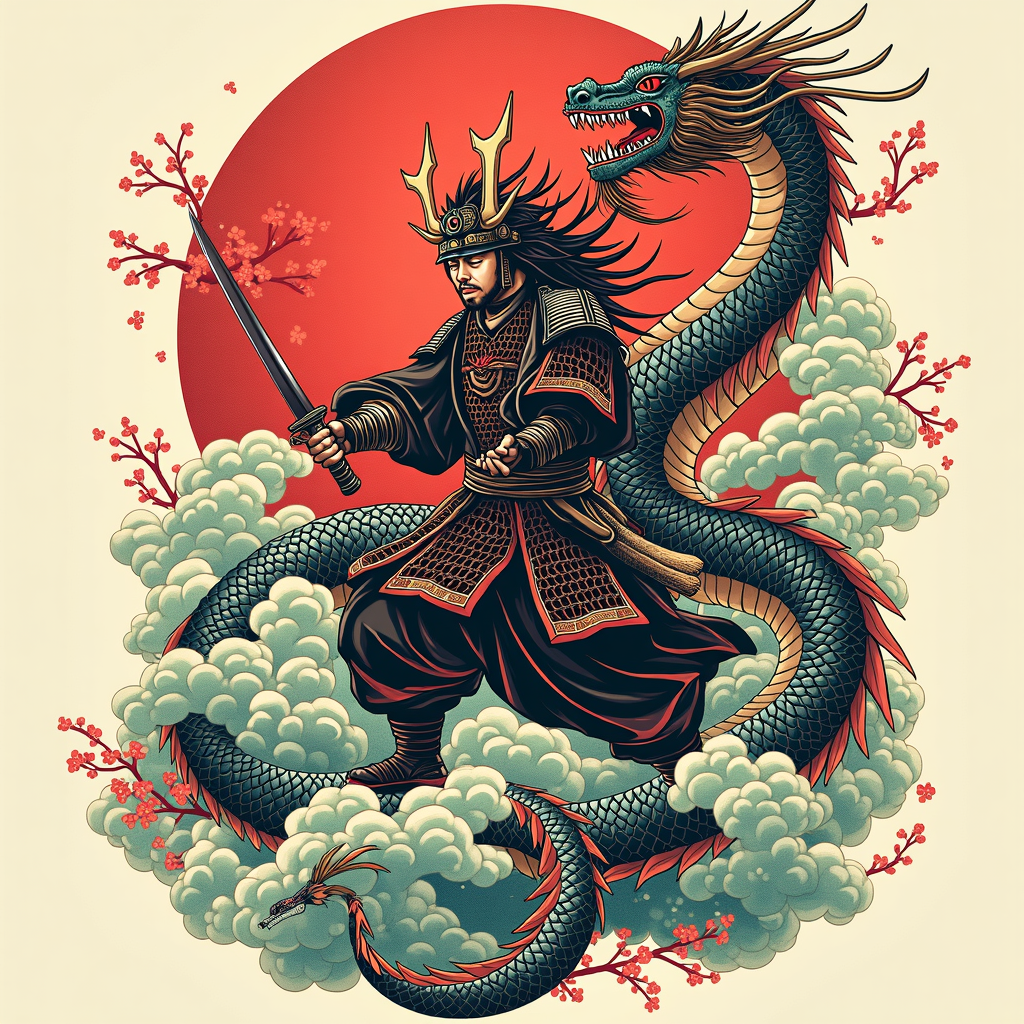
Prompt
**Prompt:** Create a striking back piece tattoo featuring a fierce samurai in dynamic combat with a majestic dragon, rendered in a bold Japanese traditional style (irezumi). The samurai, clad in detailed armor with flowing robes, wields a katana mid-strike, while the dragon coils around him, its serpentine body adorned with intricate scales and swirling clouds. The composition spans the entire back, from shoulders to lower spine, with the dragon’s tail wrapping around the hips. Use a vibrant color palette of deep reds, rich blues, and emerald greens, accented with black ink for contrast and shading. Incorporate waves, cherry blossoms, and wind bars for movement and symbolism. The mood is epic and heroic, blending cultural reverence with fierce energy. Focus on clean lines, balanced symmetry, and meticulous detail to honor the art form.
Análise Detalhada do Prompt de Imagem Flux IA
Analise o prompt detalhado usado para gerar a imagem com o Flux IA Image Generator.
Explore Prompts Flux para o Gerador de Imagens
Como gerar uma imagem por Flux.1 dev
Siga estes quatro passos simples para criar a imagem desejada.
Passo 1: Insira seu texto (Sinta-se à vontade para refinar seu prompt para melhores resultados)
Passo 2: Escolha a proporção da imagem
Passo 3: Selecione seu modelo Flux:
Passo 4: Clique no botão Gerar e aguarde alguns segundos para sua imagem
Ferramentas Flux IA relacionadas a prompts sobre Flux.1 dev
Descubra ferramentas avançadas da Flux IA para melhorar seu fluxo de trabalho criativo.