Neck-Tiny Compass Rose - Flux.1 schnell
Eingabe
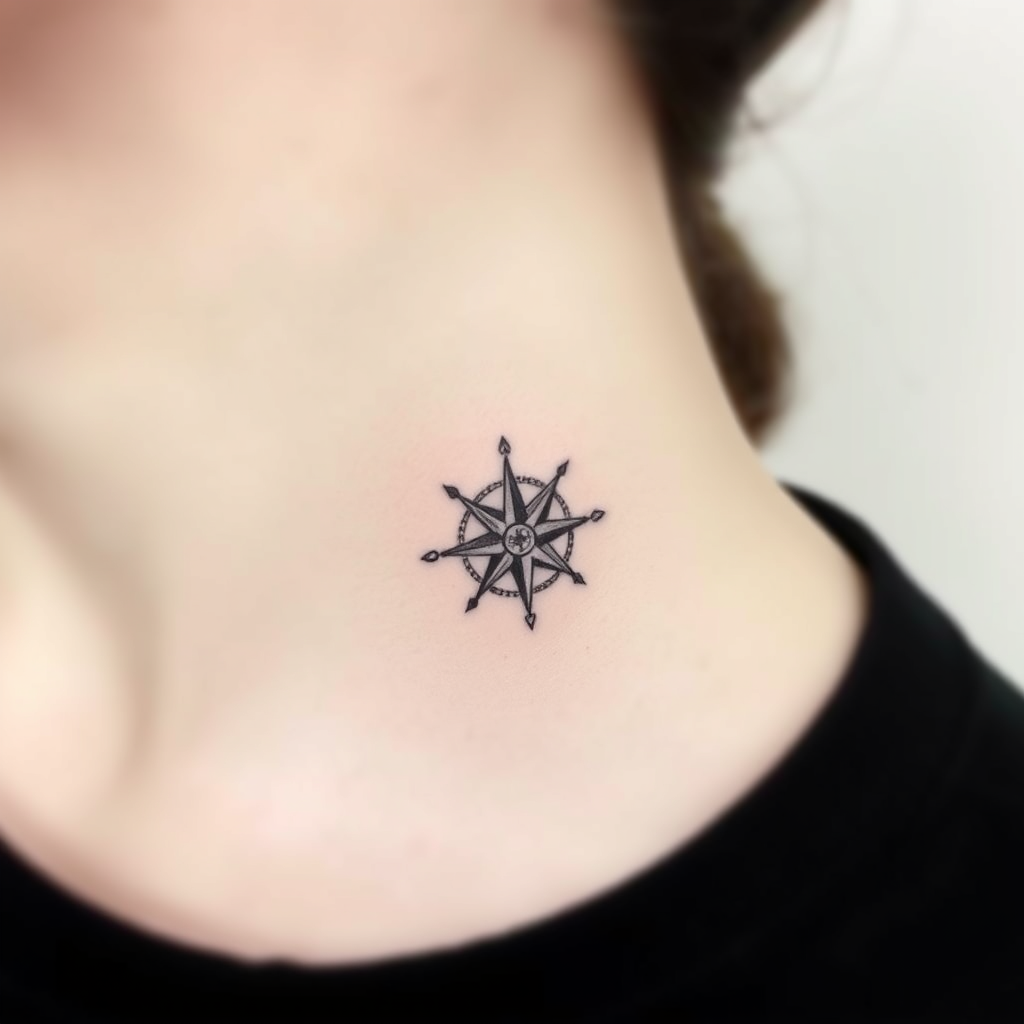
Create a delicate, minimalist tattoo design of a tiny compass rose, no larger than 2 inches, placed subtly on the side of the neck. Use fine, precise linework with subtle shading for depth, in a sleek black-and-gray palette. Incorporate subtle geometric patterns or dotwork accents to enhance the compass's points, evoking a sense of adventure and direction. The style should be clean and modern, with a slight etching-like texture for an organic feel. Keep the mood understated yet meaningful, symbolizing guidance and exploration. Ensure the design flows naturally with the neck's curvature for a seamless, elegant look.
Detaillierte Analyse des Flux KI Image Prompt
Analysiere den detaillierten Prompt, der zur Erstellung des Bildes mit dem Flux KI Image Generator verwendet wurde.
Flux-Prompts für den KI-Bildgenerator erkunden
Wie man ein Bild generiert von Flux.1 schnell
Folge diesen vier einfachen Schritten, um das gewünschte Bild zu erstellen.
Schritt 1: Gib deinen Text ein (Fühle dich frei, deinen Prompt für bessere Ergebnisse zu verfeinern)
Schritt 2: Wähle das Bildseitenverhältnis
Schritt 3: Wähle dein Flux-Modell:
Schritt 4: Klicke auf die Generieren-Schaltfläche und warte ein paar Sekunden auf dein Bild
Verwandte Flux KI Tools für Prompts über Flux.1 schnell
Entdecke fortschrittliche Tools von Flux KI, um deinen kreativen Workflow zu verbessern.