Neck-Tiny Compass Rose - Flux.1 schnell
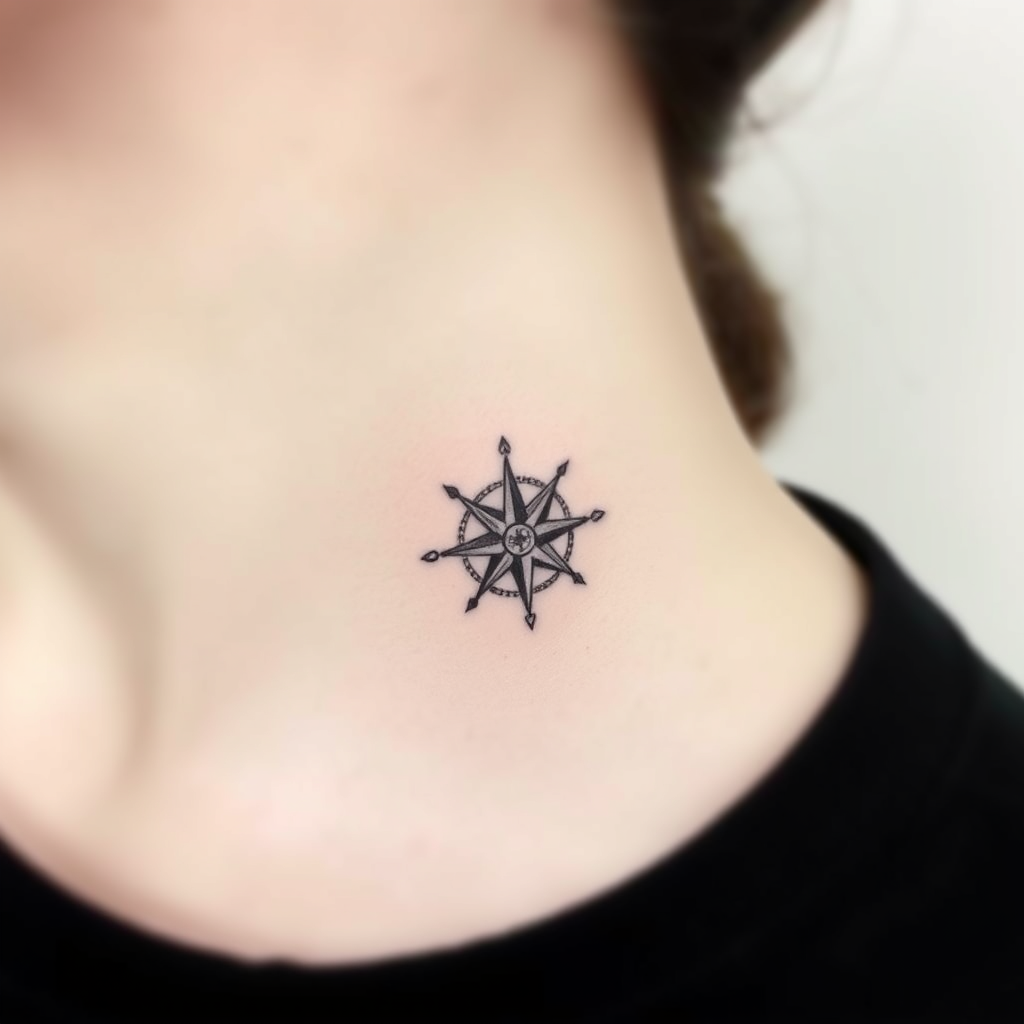
prompt
Create a delicate, minimalist tattoo design of a tiny compass rose, no larger than 2 inches, placed subtly on the side of the neck. Use fine, precise linework with subtle shading for depth, in a sleek black-and-gray palette. Incorporate subtle geometric patterns or dotwork accents to enhance the compass's points, evoking a sense of adventure and direction. The style should be clean and modern, with a slight etching-like texture for an organic feel. Keep the mood understated yet meaningful, symbolizing guidance and exploration. Ensure the design flows naturally with the neck's curvature for a seamless, elegant look.
Analisi Dettagliata del Prompt Immagine Flux AI
Analizza il prompt dettagliato utilizzato per generare l'immagine con il Generatore Immagini Flux AI.
Esplora i Prompt Flux per il Generatore Immagini Flux AI
Come generare immagini con Flux.1 schnell
Segui questi quattro semplici passaggi per creare l'immagine desiderata.
Passaggio 1: Inserisci il Tuo Testo (Sentiti libero di perfezionare il prompt per risultati migliori)
Passaggio 2: Scegli le Proporzioni dell'Immagine
Passaggio 3: Seleziona il Tuo Modello Flux:
Passaggio 4: Clicca il Pulsante Genera e Attendi Alcuni Secondi per la Tua Immagine
Strumenti Flux AI correlati per prompt su Flux.1 schnell
Scopri strumenti avanzati di Flux AI per potenziare il tuo flusso di lavoro creativo.