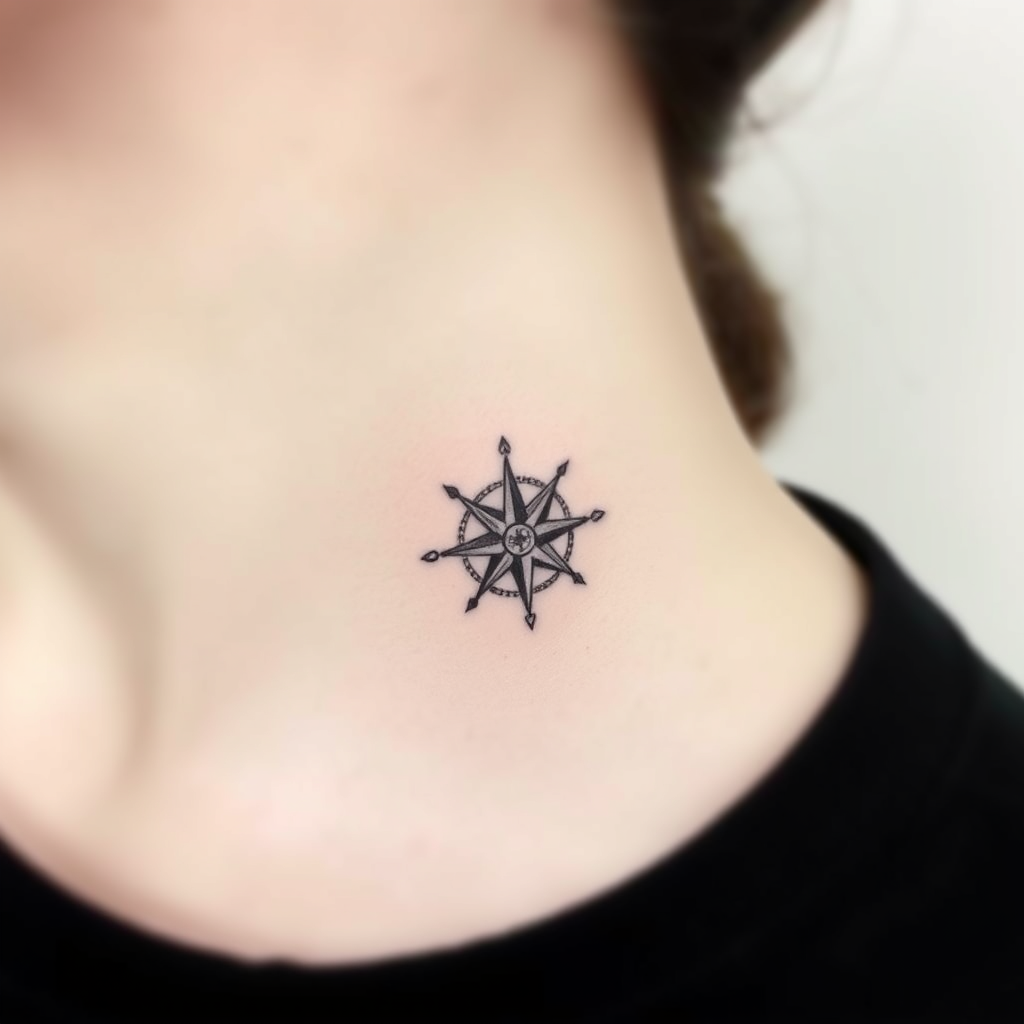
Neck-Tiny Compass Rose - Flux.1 schnell
prompt
Create a delicate, minimalist tattoo design of a tiny compass rose, no larger than 2 inches, placed subtly on the side of the neck. Use fine, precise linework with subtle shading for depth, in a sleek black-and-gray palette. Incorporate subtle geometric patterns or dotwork accents to enhance the compass's points, evoking a sense of adventure and direction. The style should be clean and modern, with a slight etching-like texture for an organic feel. Keep the mood understated yet meaningful, symbolizing guidance and exploration. Ensure the design flows naturally with the neck's curvature for a seamless, elegant look.
Analisis Terperinci Prompt Gambar Flux AI
Analisis prompt terperinci yang digunakan untuk menghasilkan gambar dengan Generator Gambar Flux AI.
Jelajahi Prompt Flux untuk Generator Gambar AI Flux
Cara menghasilkan gambar dengan Flux.1 schnell
Ikuti empat langkah sederhana ini untuk membuat gambar yang Anda inginkan.
Langkah 1: Masukkan Teks Anda (Silakan sempurnakan prompt untuk hasil yang lebih baik)
Langkah 2: Pilih Rasio Aspek Gambar
Langkah 3: Pilih Model Flux Anda:
Langkah 4: Klik Tombol Buat dan Tunggu Beberapa Detik untuk Gambar Anda
Alat Flux AI terkait untuk prompt tentang Flux.1 schnell
Temukan alat-alat canggih dari Flux AI untuk meningkatkan alur kerja kreatif Anda.