Leech - Flux.1.1 pro
Eingabe
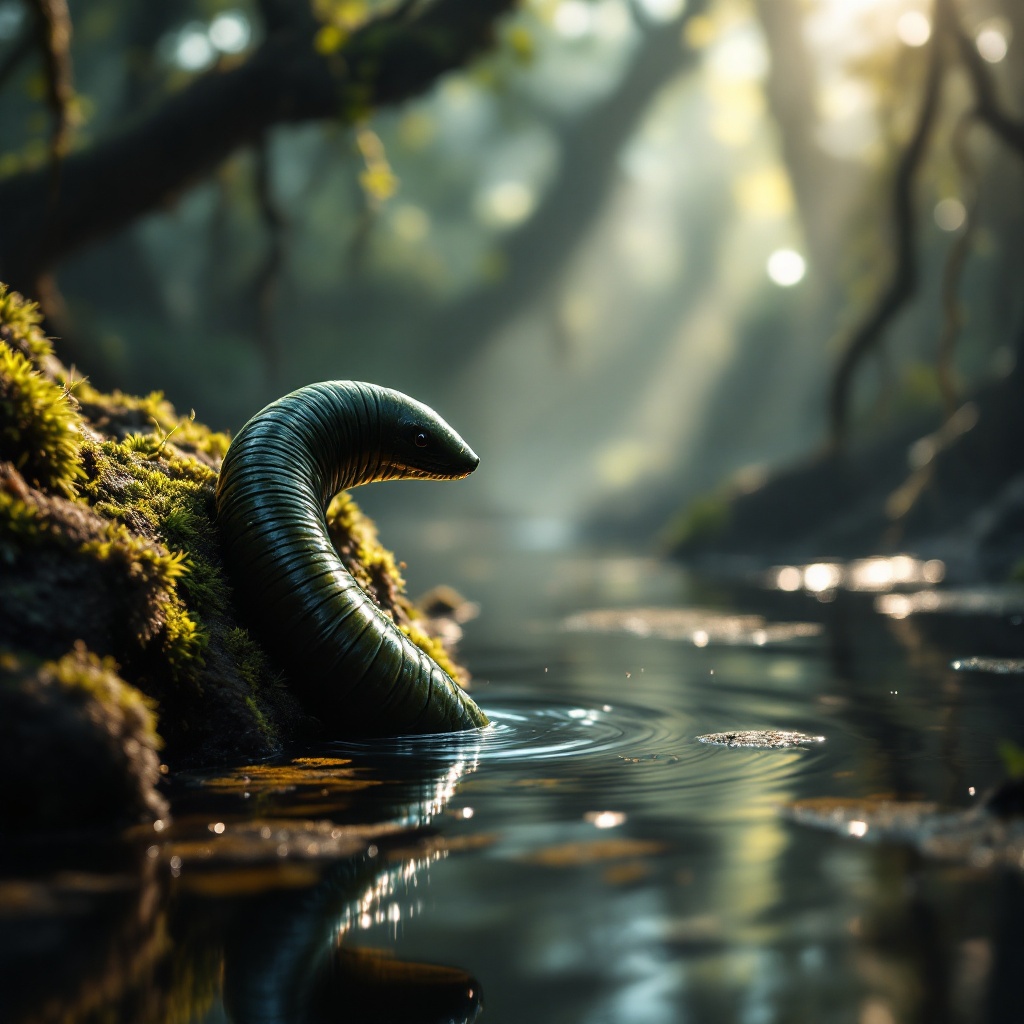
**Image Prompt:** A close-up of a sleek, segmented leech clinging to a moss-covered rock in a misty, sun-dappled swamp. Its glossy, dark green body glistens with moisture, its muscular form slightly arched as it senses movement in the water. The background is a lush, murky wetland with tangled roots and floating algae, rendered in a hyper-realistic style with soft, diffused lighting. The color palette is deep emerald, muddy brown, and golden highlights filtering through the canopy. The mood is eerie yet mesmerizing, capturing the leech’s quiet lethality. Shot from a low angle to emphasize its sinuous form, with shallow depth of field blurring the swamp’s murk. Tiny ripples distort the water’s surface, hinting at unseen prey nearby.
Detaillierte Analyse des Flux KI Image Prompt
Analysiere den detaillierten Prompt, der zur Erstellung des Bildes mit dem Flux KI Image Generator verwendet wurde.
Flux-Prompts für den KI-Bildgenerator erkunden
Wie man ein Bild generiert von Flux.1.1 pro
Folge diesen vier einfachen Schritten, um das gewünschte Bild zu erstellen.
Schritt 1: Gib deinen Text ein (Fühle dich frei, deinen Prompt für bessere Ergebnisse zu verfeinern)
Schritt 2: Wähle das Bildseitenverhältnis
Schritt 3: Wähle dein Flux-Modell:
Schritt 4: Klicke auf die Generieren-Schaltfläche und warte ein paar Sekunden auf dein Bild
Verwandte Flux KI Tools für Prompts über Flux.1.1 pro
Entdecke fortschrittliche Tools von Flux KI, um deinen kreativen Workflow zu verbessern.