Leech - Flux.1.1 pro
prompt
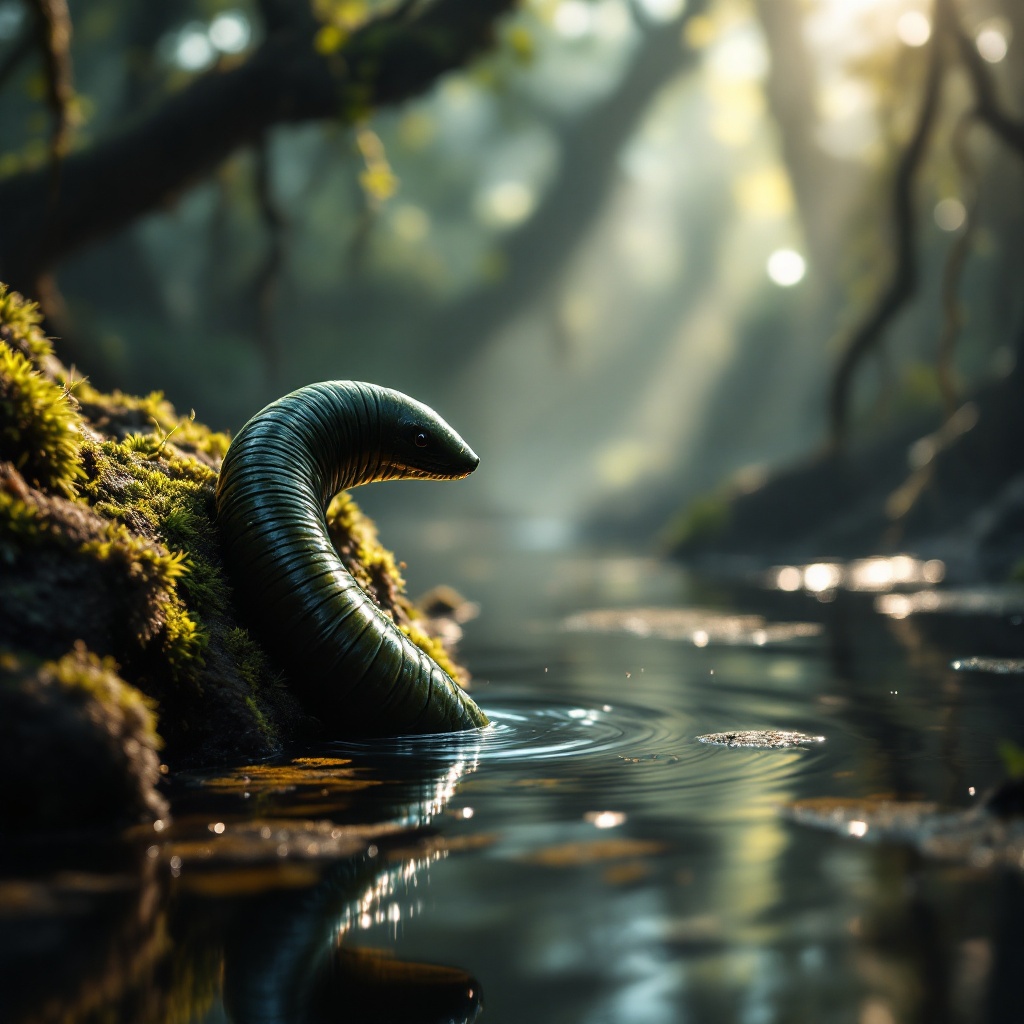
**Image Prompt:** A close-up of a sleek, segmented leech clinging to a moss-covered rock in a misty, sun-dappled swamp. Its glossy, dark green body glistens with moisture, its muscular form slightly arched as it senses movement in the water. The background is a lush, murky wetland with tangled roots and floating algae, rendered in a hyper-realistic style with soft, diffused lighting. The color palette is deep emerald, muddy brown, and golden highlights filtering through the canopy. The mood is eerie yet mesmerizing, capturing the leech’s quiet lethality. Shot from a low angle to emphasize its sinuous form, with shallow depth of field blurring the swamp’s murk. Tiny ripples distort the water’s surface, hinting at unseen prey nearby.
Analisis Terperinci Prompt Gambar Flux AI
Analisis prompt terperinci yang digunakan untuk menghasilkan gambar dengan Generator Gambar Flux AI.
Jelajahi Prompt Flux untuk Generator Gambar AI Flux
Cara menghasilkan gambar dengan Flux.1.1 pro
Ikuti empat langkah sederhana ini untuk membuat gambar yang Anda inginkan.
Langkah 1: Masukkan Teks Anda (Silakan sempurnakan prompt untuk hasil yang lebih baik)
Langkah 2: Pilih Rasio Aspek Gambar
Langkah 3: Pilih Model Flux Anda:
Langkah 4: Klik Tombol Buat dan Tunggu Beberapa Detik untuk Gambar Anda
Alat Flux AI terkait untuk prompt tentang Flux.1.1 pro
Temukan alat-alat canggih dari Flux AI untuk meningkatkan alur kerja kreatif Anda.