Leech - Flux.1.1 pro
Invite
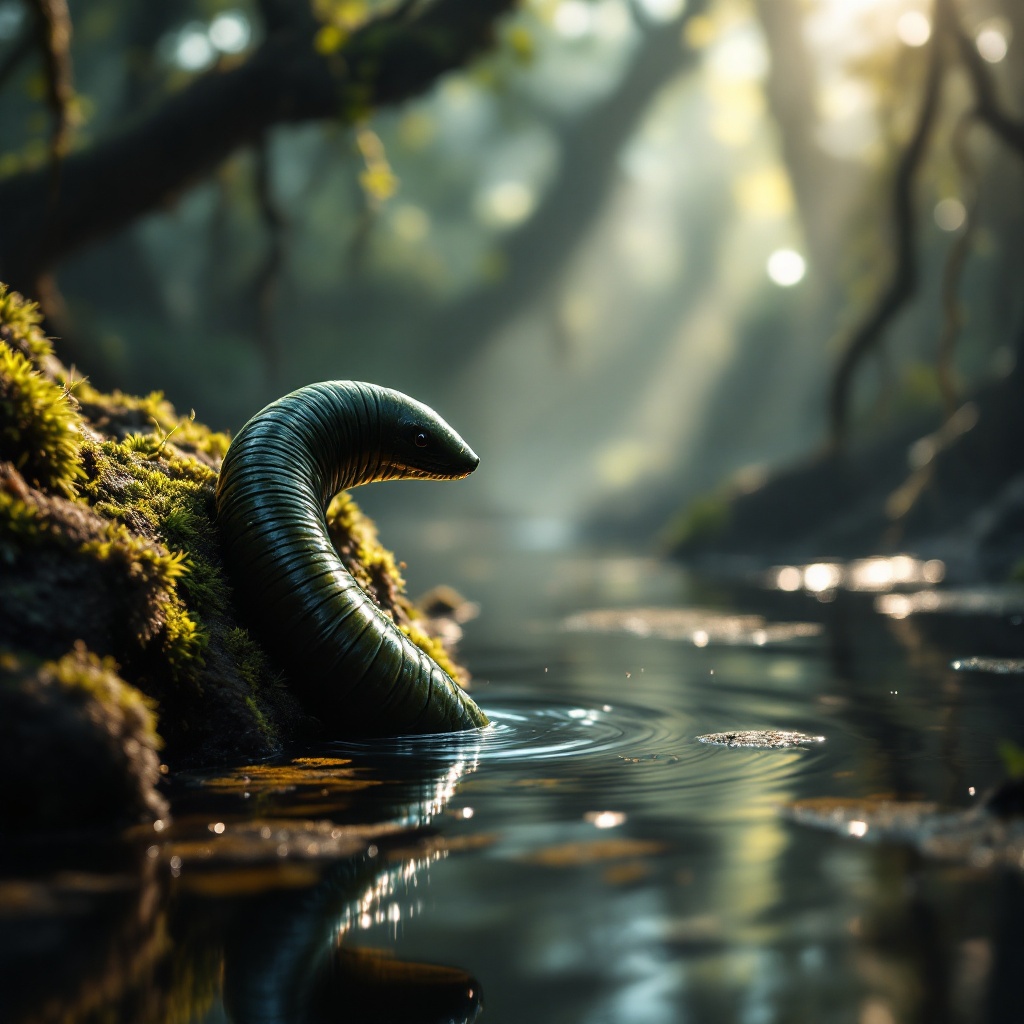
**Image Prompt:** A close-up of a sleek, segmented leech clinging to a moss-covered rock in a misty, sun-dappled swamp. Its glossy, dark green body glistens with moisture, its muscular form slightly arched as it senses movement in the water. The background is a lush, murky wetland with tangled roots and floating algae, rendered in a hyper-realistic style with soft, diffused lighting. The color palette is deep emerald, muddy brown, and golden highlights filtering through the canopy. The mood is eerie yet mesmerizing, capturing the leech’s quiet lethality. Shot from a low angle to emphasize its sinuous form, with shallow depth of field blurring the swamp’s murk. Tiny ripples distort the water’s surface, hinting at unseen prey nearby.
Analyse Détaillée du Prompt d'Image Flux IA
Analysez le prompt détaillé utilisé pour générer l'image avec Flux IA Image Generator.
Explorez les invites Flux IA
Comment générer une image par Flux.1.1 pro
Suivez ces quatre étapes simples pour créer l'image désirée.
Étape 1 : Entrez votre texte (N'hésitez pas à affiner votre prompt pour de meilleurs résultats)
Étape 2 : Choisissez le ratio d'aspect de l'image
Étape 3 : Sélectionnez votre modèle Flux :
Étape 4 : Cliquez sur le bouton Générer et attendez quelques secondes pour votre image
Outils Flux IA liés aux prompts sur Flux.1.1 pro
Découvrez des outils avancés de Flux IA pour booster votre flux de travail créatif.