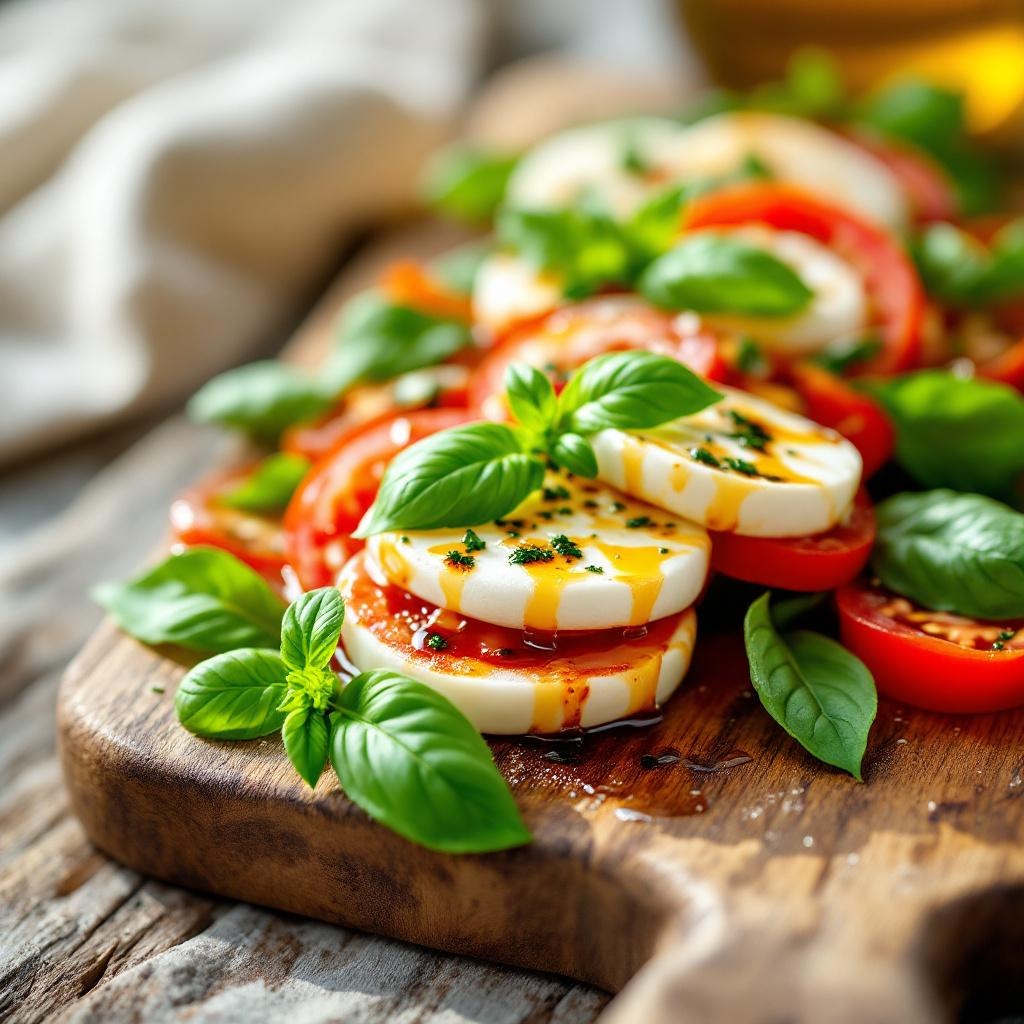
Caprese Salad - Flux.1.1 pro
Eingabe
**Prompt:** "A vibrant Caprese salad, layered with thick, ruby-red tomato slices, creamy white buffalo mozzarella, and emerald-green basil leaves, drizzled with golden olive oil and a balsamic glaze. The ingredients glisten under soft, diffused natural light, highlighting their fresh, juicy textures. Arranged on a rustic wooden board with a weathered edge, the dish is framed closely, capturing dewdrops on the basil and the delicate sheen of oil pooling around the cheese. The setting is a sunlit Italian terrace, linen napkins casually draped nearby, evoking warmth and authenticity. Shot in a crisp, macro style with shallow depth of field, the image emphasizes the salad’s lush colors and inviting contrast between the silky mozzarella and crisp basil." (999 characters)
Detaillierte Analyse des Flux KI Image Prompt
Analysiere den detaillierten Prompt, der zur Erstellung des Bildes mit dem Flux KI Image Generator verwendet wurde.
Flux-Prompts für den KI-Bildgenerator erkunden
Wie man ein Bild generiert von Flux.1.1 pro
Folge diesen vier einfachen Schritten, um das gewünschte Bild zu erstellen.
Schritt 1: Gib deinen Text ein (Fühle dich frei, deinen Prompt für bessere Ergebnisse zu verfeinern)
Schritt 2: Wähle das Bildseitenverhältnis
Schritt 3: Wähle dein Flux-Modell:
Schritt 4: Klicke auf die Generieren-Schaltfläche und warte ein paar Sekunden auf dein Bild
Verwandte Flux KI Tools für Prompts über Flux.1.1 pro
Entdecke fortschrittliche Tools von Flux KI, um deinen kreativen Workflow zu verbessern.