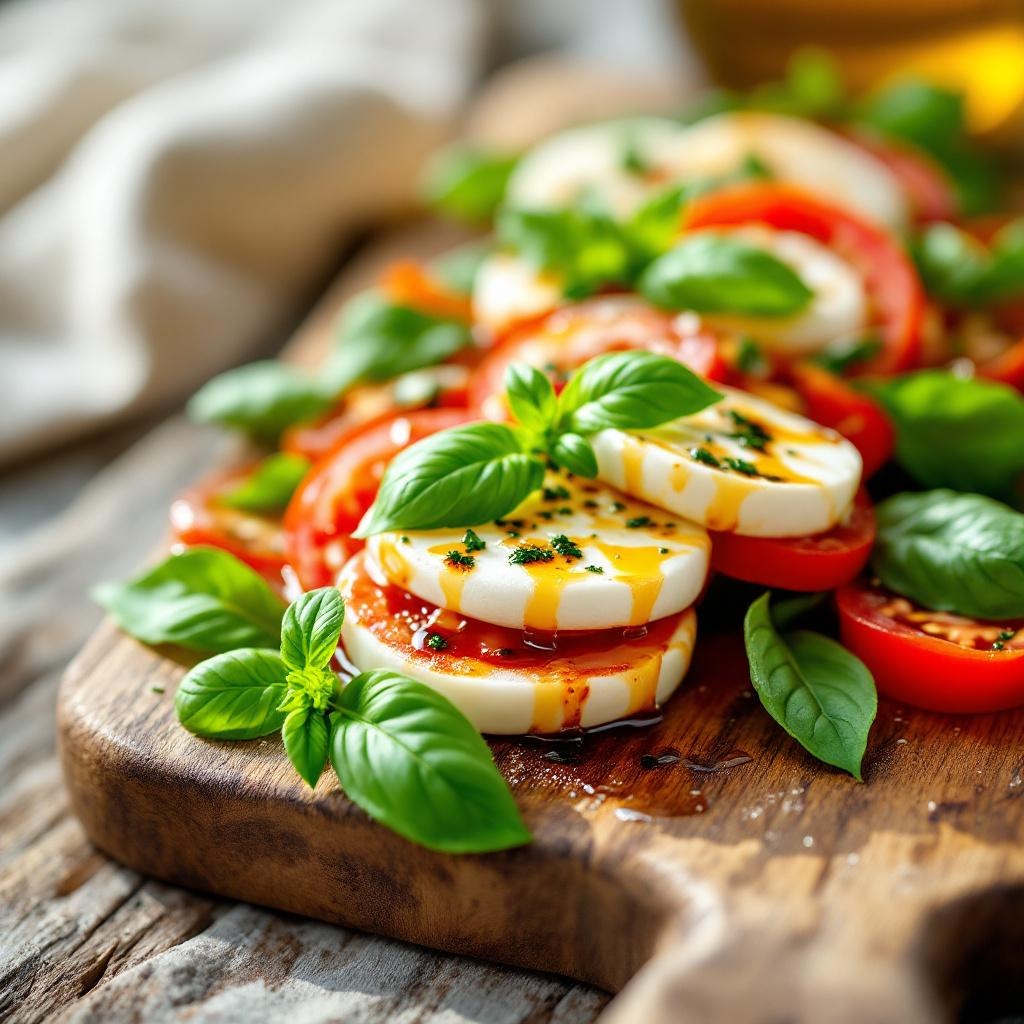
Caprese Salad - Flux.1.1 pro
Indicador
**Prompt:** "A vibrant Caprese salad, layered with thick, ruby-red tomato slices, creamy white buffalo mozzarella, and emerald-green basil leaves, drizzled with golden olive oil and a balsamic glaze. The ingredients glisten under soft, diffused natural light, highlighting their fresh, juicy textures. Arranged on a rustic wooden board with a weathered edge, the dish is framed closely, capturing dewdrops on the basil and the delicate sheen of oil pooling around the cheese. The setting is a sunlit Italian terrace, linen napkins casually draped nearby, evoking warmth and authenticity. Shot in a crisp, macro style with shallow depth of field, the image emphasizes the salad’s lush colors and inviting contrast between the silky mozzarella and crisp basil." (999 characters)
Análisis Detallado del Prompt de Imagen de Flux IA
Analiza el prompt detallado utilizado para generar la imagen con Flux IA Image Generator.
Explorar Mensajes para Flux IA
Cómo generar una imagen por Flux.1.1 pro
Sigue estos cuatro sencillos pasos para crear la imagen que deseas.
Paso 1: Ingresa tu texto (No dudes en refinar tu prompt para mejores resultados)
Paso 2: Elige la relación de aspecto de la imagen
Paso 3: Selecciona tu modelo Flux:
Paso 4: Haz clic en el botón Generar y espera unos segundos para tu imagen
Herramientas Flux IA relacionadas para prompts sobre Flux.1.1 pro
Descubre herramientas avanzadas de Flux IA para potenciar tu flujo de trabajo creativo.