Wrist-Semicolon & Compass - Flux.1.1 pro
Eingabe
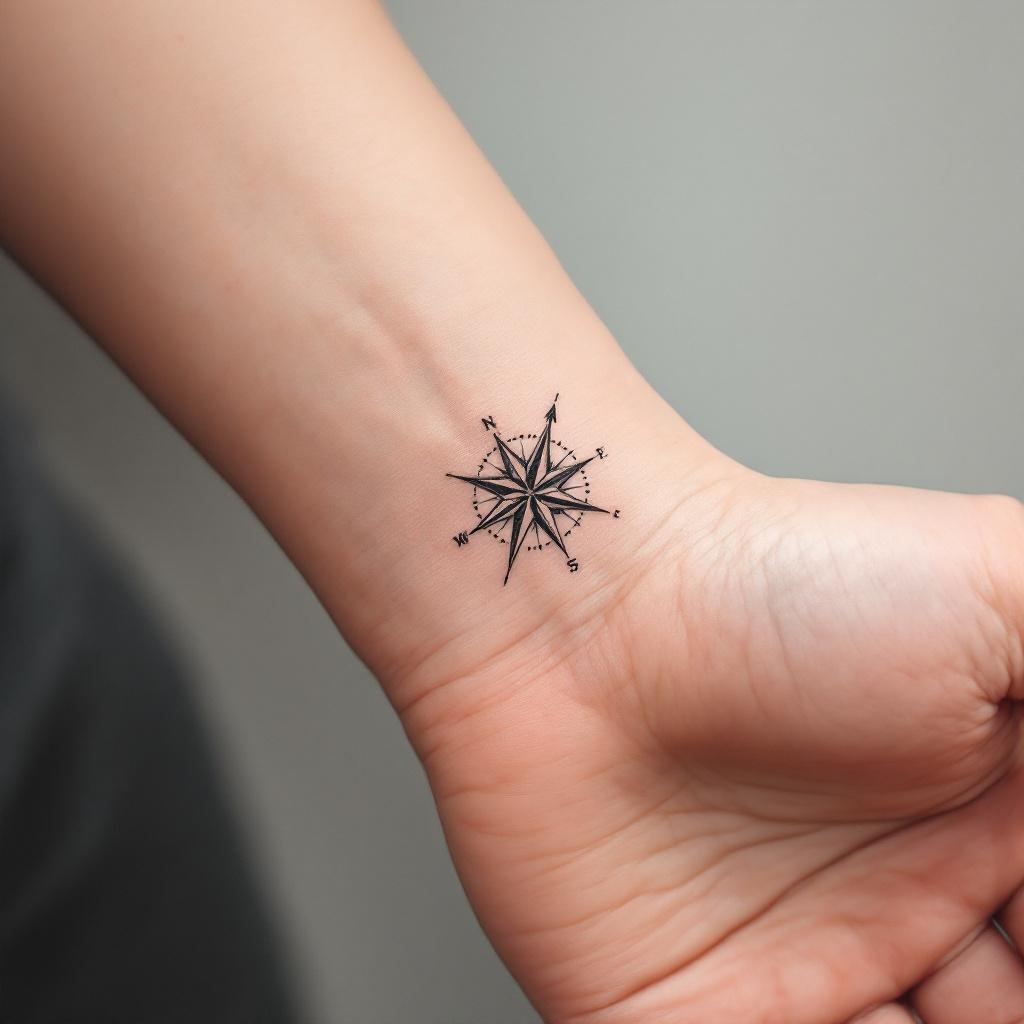
**Prompt:** A minimalist black ink tattoo combining a delicate semicolon with a sleek compass design, symbolizing resilience and direction. The semicolon wraps subtly around the inner wrist, blending seamlessly with the compass’s clean lines and precise points. Fine dotwork shading adds depth, while thin, precise strokes ensure elegance. The compass features subtle directional markings (N, S, E, W) with a tiny arrow pointing forward. Tiny geometric patterns or micro-details enhance the design without clutter. Monochromatic, with sharp contrast for readability. The overall aesthetic is understated yet meaningful, evoking hope and perseverance. Size: 2-3 inches, perfectly scaled for wrist visibility.
Detaillierte Analyse des Flux KI Image Prompt
Analysiere den detaillierten Prompt, der zur Erstellung des Bildes mit dem Flux KI Image Generator verwendet wurde.
Flux-Prompts für den KI-Bildgenerator erkunden
Wie man ein Bild generiert von Flux.1.1 pro
Folge diesen vier einfachen Schritten, um das gewünschte Bild zu erstellen.
Schritt 1: Gib deinen Text ein (Fühle dich frei, deinen Prompt für bessere Ergebnisse zu verfeinern)
Schritt 2: Wähle das Bildseitenverhältnis
Schritt 3: Wähle dein Flux-Modell:
Schritt 4: Klicke auf die Generieren-Schaltfläche und warte ein paar Sekunden auf dein Bild
Verwandte Flux KI Tools für Prompts über Flux.1.1 pro
Entdecke fortschrittliche Tools von Flux KI, um deinen kreativen Workflow zu verbessern.