Augmented reality tags overlay protest warnings - Flux.1 dev
Eingabe
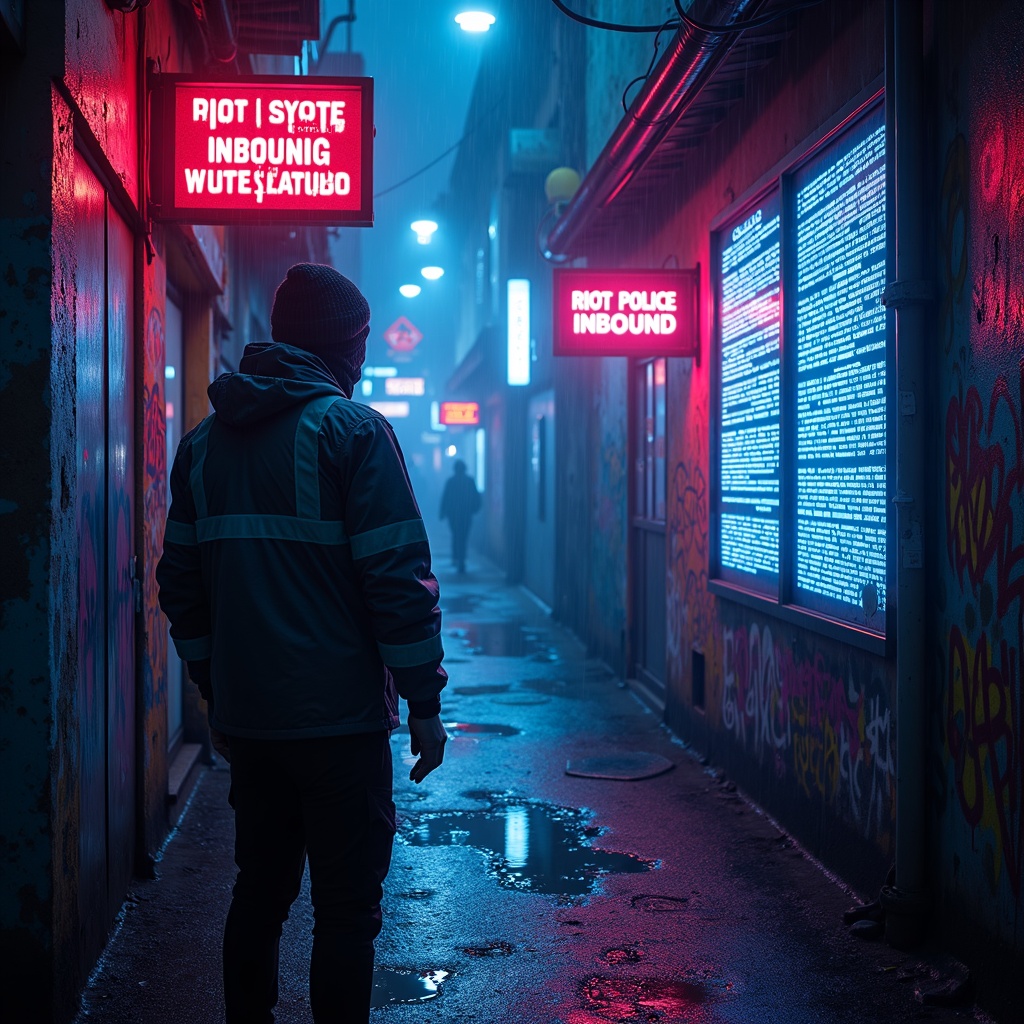
The scene unfolds in a rain-slicked cyberpunk alley, where neon signs flicker with unstable holograms casting pulsating glows of electric blue and toxic pink onto wet asphalt. Augmented reality tags float ominously in the air, their jagged, glitching text screaming warnings like "RIOT POLICE INBOUND" and "SYSTEM OVERRIDE DETECTED" in harsh, pixelated fonts. The tags pulse with urgency, some dissolving into static, others flaring crimson as if bleeding code. A masked protester, clad in a tattered reflective jacket, reaches toward a shimmering AR glyph, their fingers distorting the projection like ripples in water. The air hums with the low buzz of unseen drones, their red scanning lasers cutting through the mist. Graffiti-covered walls flicker with corrupted AR overlays, half-rendered symbols of resistance melting into digital decay. Puddles reflect the chaos, doubling the neon chaos as the scent of ozone and damp concrete lingers. The atmosphere is tense, charged with the weight of rebellion and the cold gaze of surveillance.
Detaillierte Analyse des Flux KI Image Prompt
Analysiere den detaillierten Prompt, der zur Erstellung des Bildes mit dem Flux KI Image Generator verwendet wurde.
Flux-Prompts für den KI-Bildgenerator erkunden
Wie man ein Bild generiert von Flux.1 dev
Folge diesen vier einfachen Schritten, um das gewünschte Bild zu erstellen.
Schritt 1: Gib deinen Text ein (Fühle dich frei, deinen Prompt für bessere Ergebnisse zu verfeinern)
Schritt 2: Wähle das Bildseitenverhältnis
Schritt 3: Wähle dein Flux-Modell:
Schritt 4: Klicke auf die Generieren-Schaltfläche und warte ein paar Sekunden auf dein Bild
Verwandte Flux KI Tools für Prompts über Flux.1 dev
Entdecke fortschrittliche Tools von Flux KI, um deinen kreativen Workflow zu verbessern.