Augmented reality tags overlay protest warnings - Flux.1 dev
Indicador
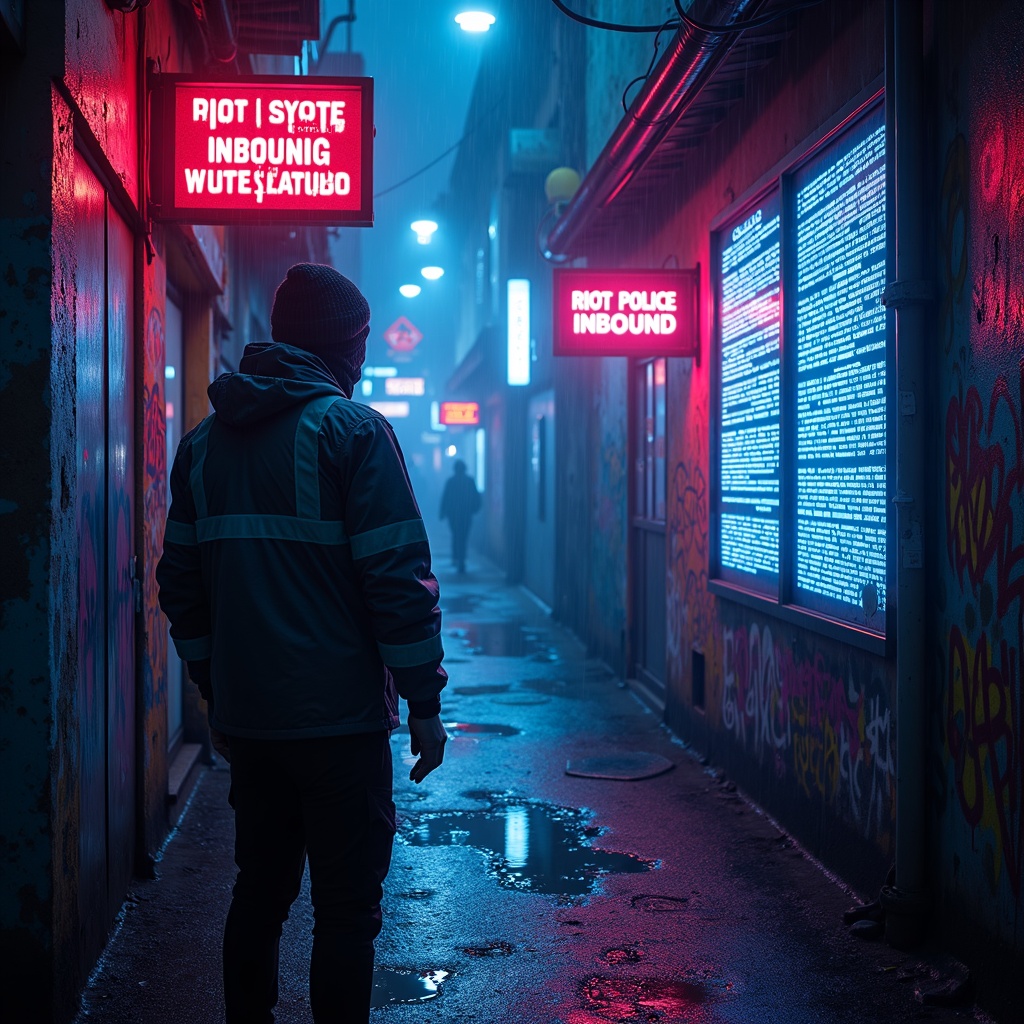
The scene unfolds in a rain-slicked cyberpunk alley, where neon signs flicker with unstable holograms casting pulsating glows of electric blue and toxic pink onto wet asphalt. Augmented reality tags float ominously in the air, their jagged, glitching text screaming warnings like "RIOT POLICE INBOUND" and "SYSTEM OVERRIDE DETECTED" in harsh, pixelated fonts. The tags pulse with urgency, some dissolving into static, others flaring crimson as if bleeding code. A masked protester, clad in a tattered reflective jacket, reaches toward a shimmering AR glyph, their fingers distorting the projection like ripples in water. The air hums with the low buzz of unseen drones, their red scanning lasers cutting through the mist. Graffiti-covered walls flicker with corrupted AR overlays, half-rendered symbols of resistance melting into digital decay. Puddles reflect the chaos, doubling the neon chaos as the scent of ozone and damp concrete lingers. The atmosphere is tense, charged with the weight of rebellion and the cold gaze of surveillance.
Análisis Detallado del Prompt de Imagen de Flux IA
Analiza el prompt detallado utilizado para generar la imagen con Flux IA Image Generator.
Explorar Mensajes para Flux IA
Cómo generar una imagen por Flux.1 dev
Sigue estos cuatro sencillos pasos para crear la imagen que deseas.
Paso 1: Ingresa tu texto (No dudes en refinar tu prompt para mejores resultados)
Paso 2: Elige la relación de aspecto de la imagen
Paso 3: Selecciona tu modelo Flux:
Paso 4: Haz clic en el botón Generar y espera unos segundos para tu imagen
Herramientas Flux IA relacionadas para prompts sobre Flux.1 dev
Descubre herramientas avanzadas de Flux IA para potenciar tu flujo de trabajo creativo.