Whale - Flux.1.1 pro
Eingabe
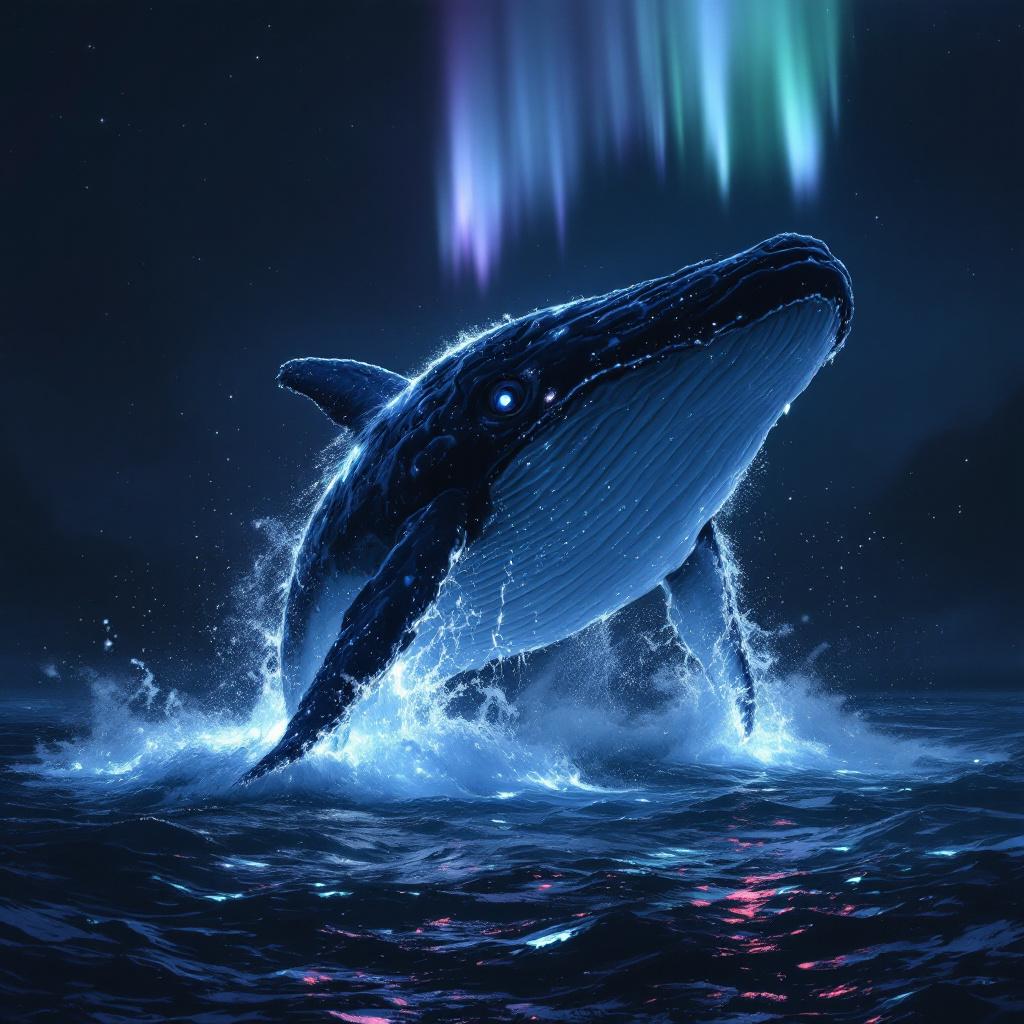
A colossal sperm whale, its wrinkled, barnacle-encrusted hide glowing softly, breaches majestically from an obsidian-dark ocean. Half of its immense body is airborne, a cascade of phosphorescent water clinging to its fluke and dorsal ridge. Its single enormous eye, a glassy orb of ancient wisdom, gazes directly forward, reflecting the faint auroral glow above. **Artistic Style:** Hyperrealistic rendered in the style of fantasy concept art, with painterly brushstrokes evident upon closer inspection. **Lighting:** Ethereal bioluminescent glow emanating from the whale and the disturbed water, contrasted with a faint, otherworldly aurora borealis overhead in hues of teal and lavender. The overall scene is dramatically lit, casting deep, mysterious shadows. **Color Palette:** Predominantly deep indigos, ocean blacks, and shimmering aquamarines, punctuated by the soft luminosity of the whale and aurora. **Camera Angle & Composition:** Low-angle, wide shot from beneath the whale, emphasizing its monumental scale against the vast, star-dusted abyss. Rule of thirds composition, with the whale's eye centered. **Additional Elements:** Distant, subtly glowing plankton trails in the water, hinting at a vibrant hidden ecosystem.
Detaillierte Analyse des Flux KI Image Prompt
Analysiere den detaillierten Prompt, der zur Erstellung des Bildes mit dem Flux KI Image Generator verwendet wurde.
Flux-Prompts für den KI-Bildgenerator erkunden
Wie man ein Bild generiert von Flux.1.1 pro
Folge diesen vier einfachen Schritten, um das gewünschte Bild zu erstellen.
Schritt 1: Gib deinen Text ein (Fühle dich frei, deinen Prompt für bessere Ergebnisse zu verfeinern)
Schritt 2: Wähle das Bildseitenverhältnis
Schritt 3: Wähle dein Flux-Modell:
Schritt 4: Klicke auf die Generieren-Schaltfläche und warte ein paar Sekunden auf dein Bild
Verwandte Flux KI Tools für Prompts über Flux.1.1 pro
Entdecke fortschrittliche Tools von Flux KI, um deinen kreativen Workflow zu verbessern.