Whale - Flux.1.1 pro
Indicador
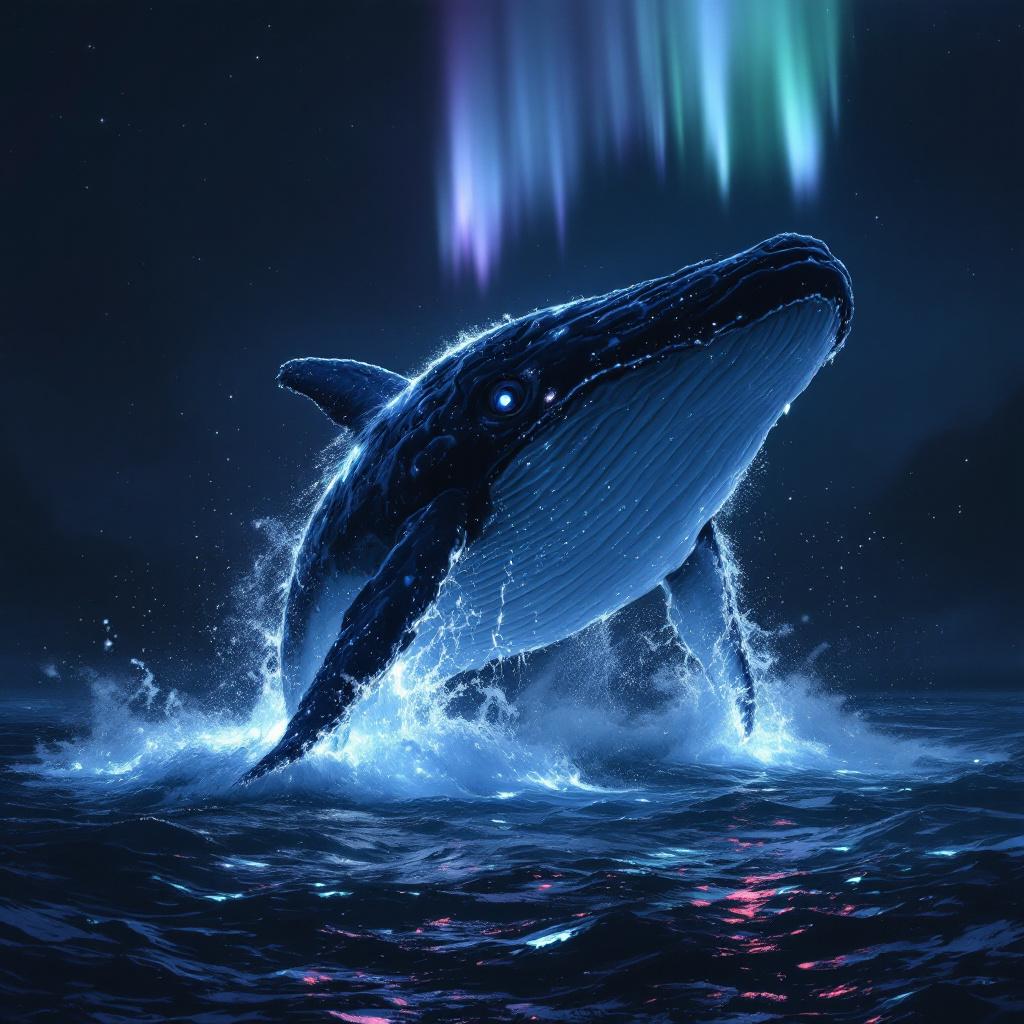
A colossal sperm whale, its wrinkled, barnacle-encrusted hide glowing softly, breaches majestically from an obsidian-dark ocean. Half of its immense body is airborne, a cascade of phosphorescent water clinging to its fluke and dorsal ridge. Its single enormous eye, a glassy orb of ancient wisdom, gazes directly forward, reflecting the faint auroral glow above. **Artistic Style:** Hyperrealistic rendered in the style of fantasy concept art, with painterly brushstrokes evident upon closer inspection. **Lighting:** Ethereal bioluminescent glow emanating from the whale and the disturbed water, contrasted with a faint, otherworldly aurora borealis overhead in hues of teal and lavender. The overall scene is dramatically lit, casting deep, mysterious shadows. **Color Palette:** Predominantly deep indigos, ocean blacks, and shimmering aquamarines, punctuated by the soft luminosity of the whale and aurora. **Camera Angle & Composition:** Low-angle, wide shot from beneath the whale, emphasizing its monumental scale against the vast, star-dusted abyss. Rule of thirds composition, with the whale's eye centered. **Additional Elements:** Distant, subtly glowing plankton trails in the water, hinting at a vibrant hidden ecosystem.
Análisis Detallado del Prompt de Imagen de Flux IA
Analiza el prompt detallado utilizado para generar la imagen con Flux IA Image Generator.
Explorar Mensajes para Flux IA
Cómo generar una imagen por Flux.1.1 pro
Sigue estos cuatro sencillos pasos para crear la imagen que deseas.
Paso 1: Ingresa tu texto (No dudes en refinar tu prompt para mejores resultados)
Paso 2: Elige la relación de aspecto de la imagen
Paso 3: Selecciona tu modelo Flux:
Paso 4: Haz clic en el botón Generar y espera unos segundos para tu imagen
Herramientas Flux IA relacionadas para prompts sobre Flux.1.1 pro
Descubre herramientas avanzadas de Flux IA para potenciar tu flujo de trabajo creativo.