Whale - Flux.1.1 pro
Invite
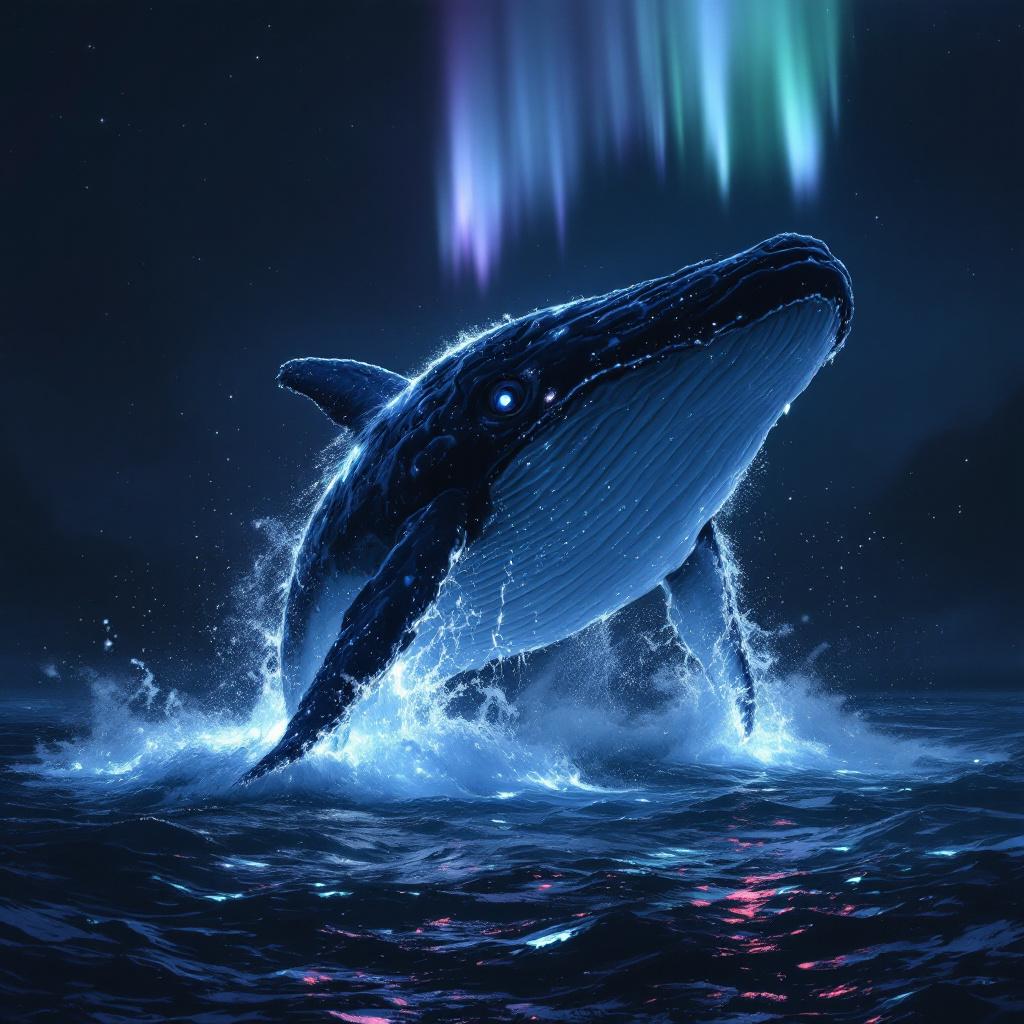
A colossal sperm whale, its wrinkled, barnacle-encrusted hide glowing softly, breaches majestically from an obsidian-dark ocean. Half of its immense body is airborne, a cascade of phosphorescent water clinging to its fluke and dorsal ridge. Its single enormous eye, a glassy orb of ancient wisdom, gazes directly forward, reflecting the faint auroral glow above. **Artistic Style:** Hyperrealistic rendered in the style of fantasy concept art, with painterly brushstrokes evident upon closer inspection. **Lighting:** Ethereal bioluminescent glow emanating from the whale and the disturbed water, contrasted with a faint, otherworldly aurora borealis overhead in hues of teal and lavender. The overall scene is dramatically lit, casting deep, mysterious shadows. **Color Palette:** Predominantly deep indigos, ocean blacks, and shimmering aquamarines, punctuated by the soft luminosity of the whale and aurora. **Camera Angle & Composition:** Low-angle, wide shot from beneath the whale, emphasizing its monumental scale against the vast, star-dusted abyss. Rule of thirds composition, with the whale's eye centered. **Additional Elements:** Distant, subtly glowing plankton trails in the water, hinting at a vibrant hidden ecosystem.
Analyse Détaillée du Prompt d'Image Flux IA
Analysez le prompt détaillé utilisé pour générer l'image avec Flux IA Image Generator.
Explorez les invites Flux IA
Comment générer une image par Flux.1.1 pro
Suivez ces quatre étapes simples pour créer l'image désirée.
Étape 1 : Entrez votre texte (N'hésitez pas à affiner votre prompt pour de meilleurs résultats)
Étape 2 : Choisissez le ratio d'aspect de l'image
Étape 3 : Sélectionnez votre modèle Flux :
Étape 4 : Cliquez sur le bouton Générer et attendez quelques secondes pour votre image
Outils Flux IA liés aux prompts sur Flux.1.1 pro
Découvrez des outils avancés de Flux IA pour booster votre flux de travail créatif.