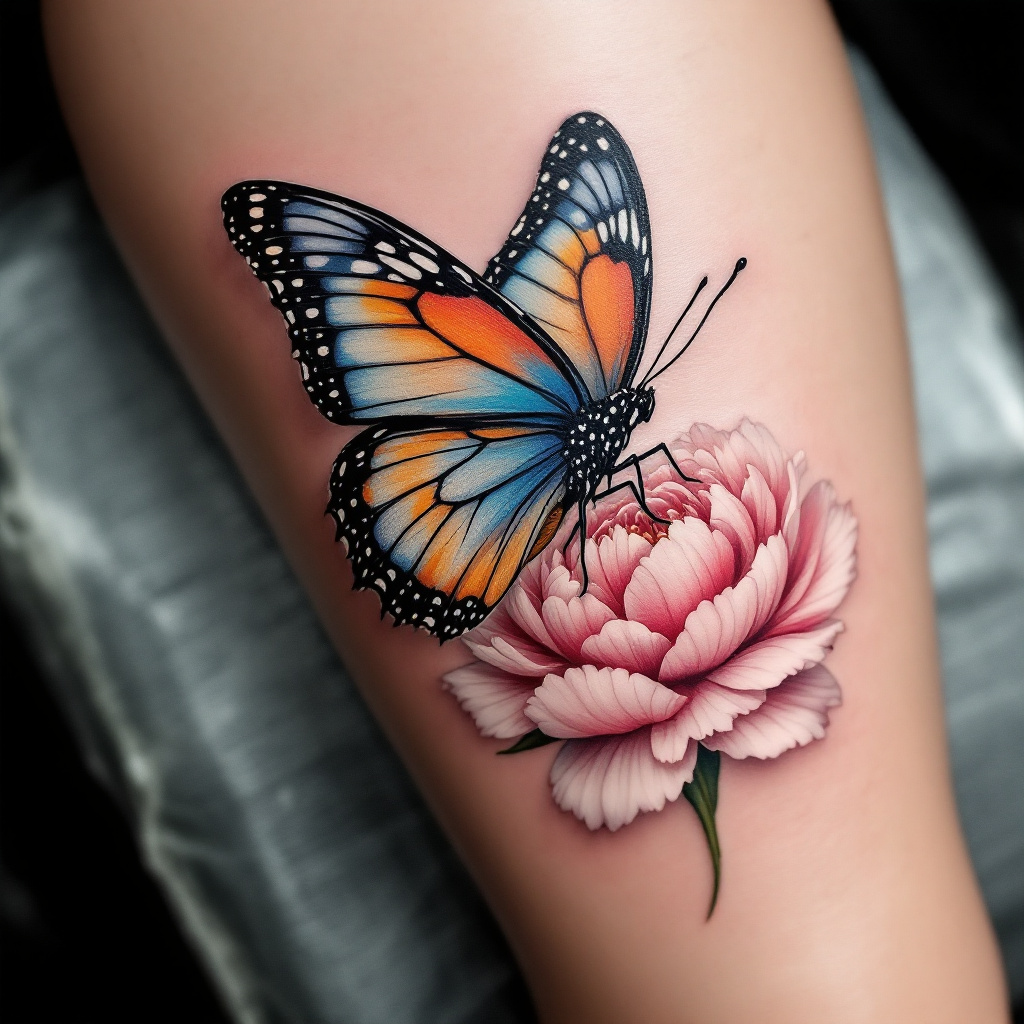
Serene Butterfly & Peony Tattoo - Flux.1.1 pro
Indicador
Create a realistic tattoo design for the side of the calf featuring a beautifully detailed butterfly resting delicately on a vibrant flower. The butterfly should display intricate wing patterns with shades of blue, orange, and black, showcasing a lifelike texture that captures the light. The flower, a blooming peony, should be rendered in soft pinks and whites, with detailed petals and subtle shading that adds depth. The overall size of the tattoo should be medium, allowing it to flow gracefully along the calf's natural curves. The design should incorporate fine lines and delicate dot work to enhance the intricacy of the elements. Symbolically, the butterfly represents transformation and beauty, while the peony signifies prosperity and romance. The overall mood is serene and uplifting, with a harmonious blend of colors that evoke a sense of tranquility and natural elegance.
Análisis Detallado del Prompt de Imagen de Flux IA
Analiza el prompt detallado utilizado para generar la imagen con Flux IA Image Generator.
Explorar Mensajes para Flux IA
Cómo generar una imagen por Flux.1.1 pro
Sigue estos cuatro sencillos pasos para crear la imagen que deseas.
Paso 1: Ingresa tu texto (No dudes en refinar tu prompt para mejores resultados)
Paso 2: Elige la relación de aspecto de la imagen
Paso 3: Selecciona tu modelo Flux:
Paso 4: Haz clic en el botón Generar y espera unos segundos para tu imagen
Herramientas Flux IA relacionadas para prompts sobre Flux.1.1 pro
Descubre herramientas avanzadas de Flux IA para potenciar tu flujo de trabajo creativo.