Neon Shadows: Forge of Chaos - Flux.1 dev
Indicador
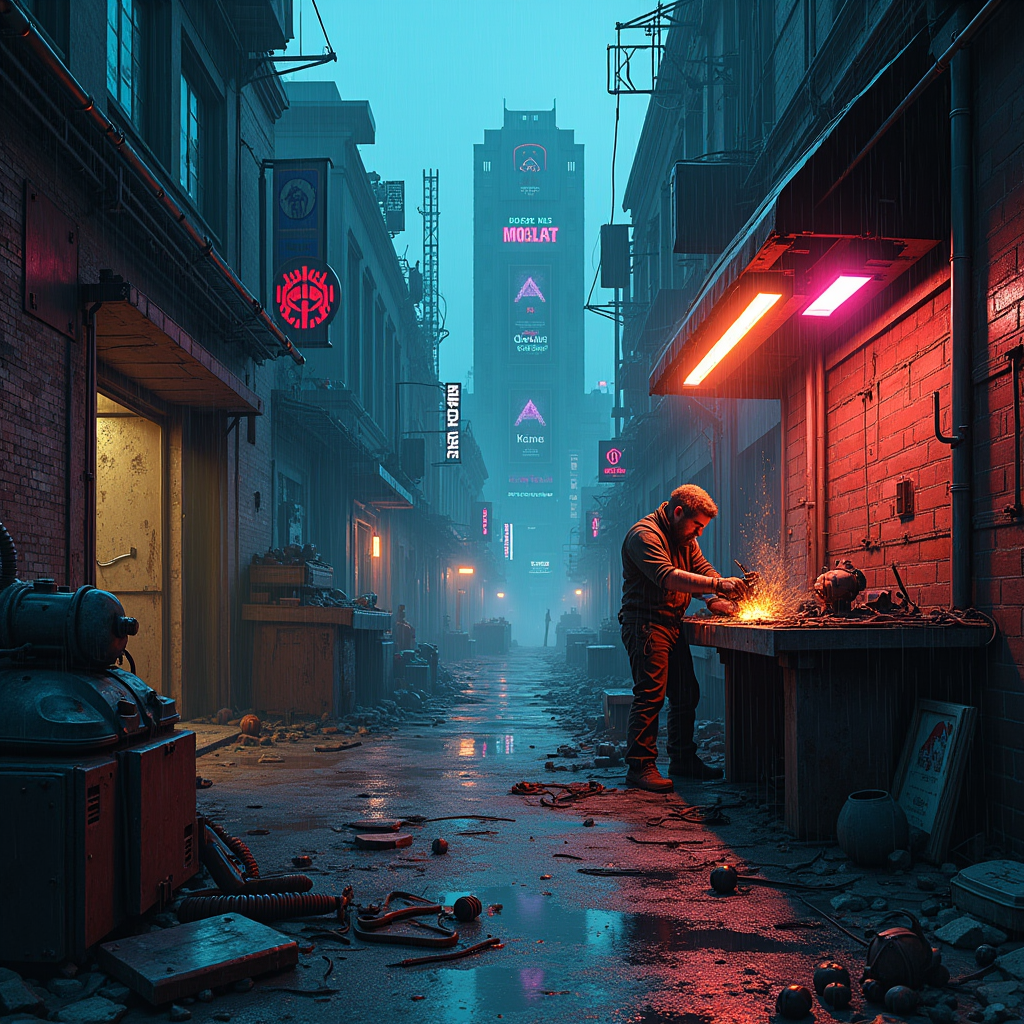
In a dimly lit, rain-soaked alleyway of a sprawling cyberpunk city, electric shadows flicker against crumbling brick walls, casting eerie silhouettes of towering skyscrapers adorned with neon advertisements. A rogue mechanic, clad in tattered leather and illuminated by the glow of a flickering overhead sign, meticulously assembles sentient machines from discarded urban detritus—rusted gears, shattered screens, and tangled wires. His workshop, a chaotic blend of high-tech and junkyard, is bathed in a palette of deep blues and vibrant magentas, with sparks flying as he welds a robotic arm that glimmers with a faint, pulsating light. Above, a storm brews, casting dramatic shadows that dance around him, while the air hums with the electric tension of creation. In the background, a massive, half-constructed automaton looms, its eyes glowing ominously, hinting at the potential for both innovation and chaos in this dystopian realm.
Análisis Detallado del Prompt de Imagen de Flux IA
Analiza el prompt detallado utilizado para generar la imagen con Flux IA Image Generator.
Explorar Mensajes para Flux IA
Cómo generar una imagen por Flux.1 dev
Sigue estos cuatro sencillos pasos para crear la imagen que deseas.
Paso 1: Ingresa tu texto (No dudes en refinar tu prompt para mejores resultados)
Paso 2: Elige la relación de aspecto de la imagen
Paso 3: Selecciona tu modelo Flux:
Paso 4: Haz clic en el botón Generar y espera unos segundos para tu imagen
Herramientas Flux IA relacionadas para prompts sobre Flux.1 dev
Descubre herramientas avanzadas de Flux IA para potenciar tu flujo de trabajo creativo.