Neon Shadows: Forge of Chaos - Flux.1 dev
prompt
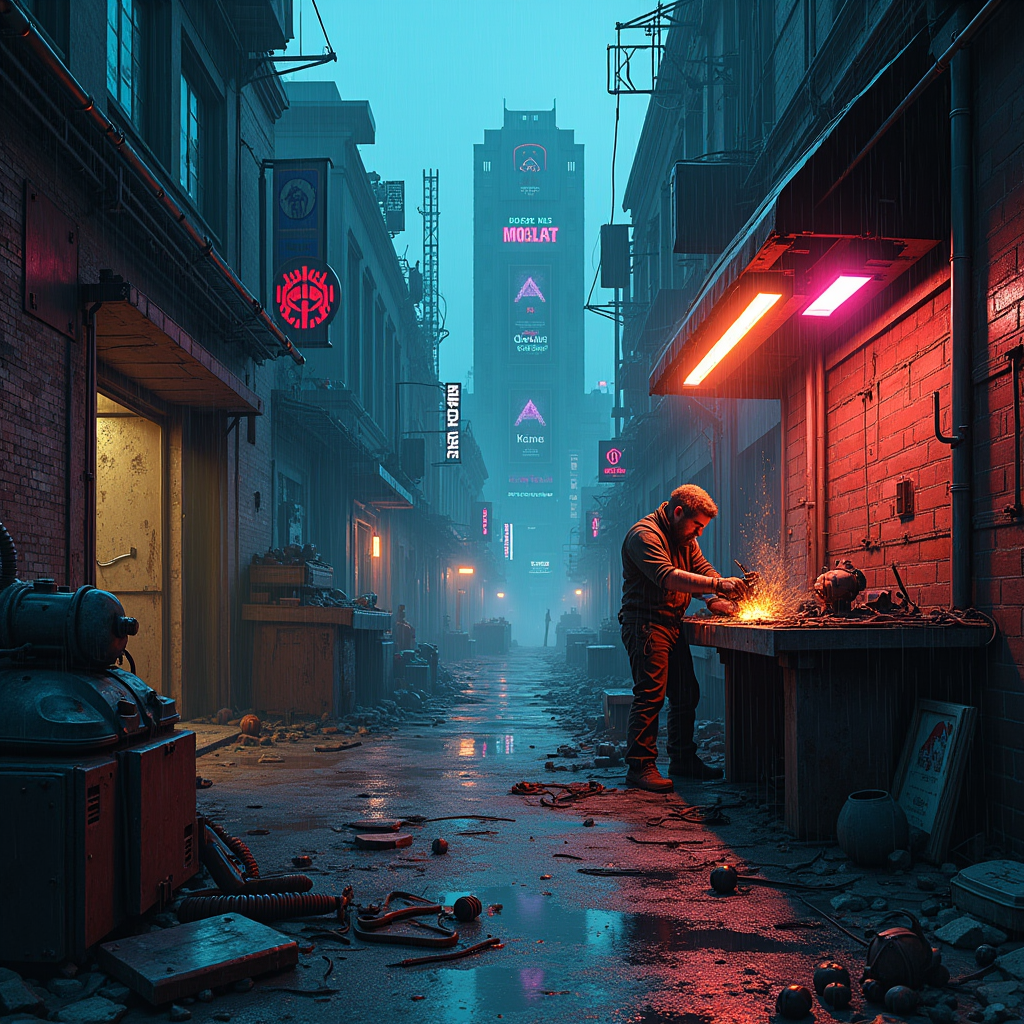
In a dimly lit, rain-soaked alleyway of a sprawling cyberpunk city, electric shadows flicker against crumbling brick walls, casting eerie silhouettes of towering skyscrapers adorned with neon advertisements. A rogue mechanic, clad in tattered leather and illuminated by the glow of a flickering overhead sign, meticulously assembles sentient machines from discarded urban detritus—rusted gears, shattered screens, and tangled wires. His workshop, a chaotic blend of high-tech and junkyard, is bathed in a palette of deep blues and vibrant magentas, with sparks flying as he welds a robotic arm that glimmers with a faint, pulsating light. Above, a storm brews, casting dramatic shadows that dance around him, while the air hums with the electric tension of creation. In the background, a massive, half-constructed automaton looms, its eyes glowing ominously, hinting at the potential for both innovation and chaos in this dystopian realm.
Analisi Dettagliata del Prompt Immagine Flux AI
Analizza il prompt dettagliato utilizzato per generare l'immagine con il Generatore Immagini Flux AI.
Esplora i Prompt Flux per il Generatore Immagini Flux AI
Come generare immagini con Flux.1 dev
Segui questi quattro semplici passaggi per creare l'immagine desiderata.
Passaggio 1: Inserisci il Tuo Testo (Sentiti libero di perfezionare il prompt per risultati migliori)
Passaggio 2: Scegli le Proporzioni dell'Immagine
Passaggio 3: Seleziona il Tuo Modello Flux:
Passaggio 4: Clicca il Pulsante Genera e Attendi Alcuni Secondi per la Tua Immagine
Strumenti Flux AI correlati per prompt su Flux.1 dev
Scopri strumenti avanzati di Flux AI per potenziare il tuo flusso di lavoro creativo.