Neon Shadows: Forge of Chaos - Flux.1 dev
Invite
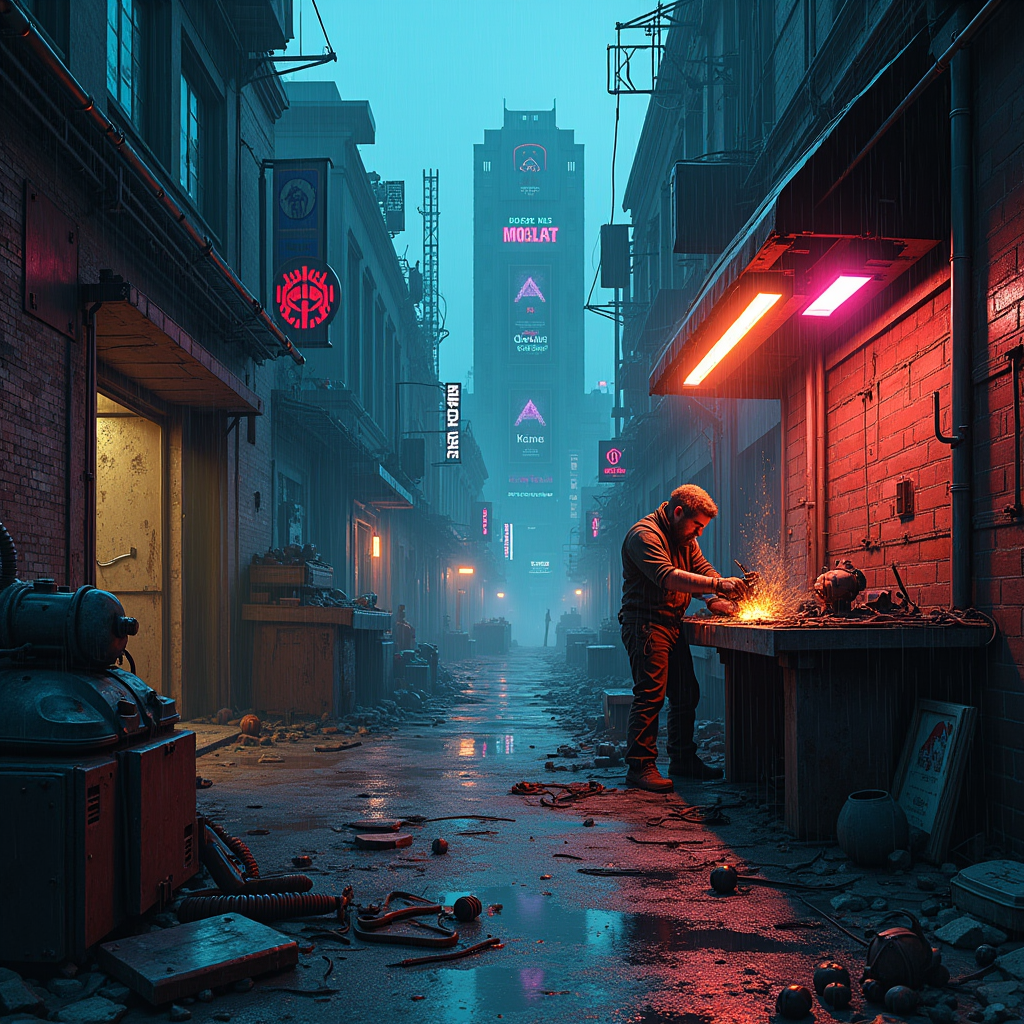
In a dimly lit, rain-soaked alleyway of a sprawling cyberpunk city, electric shadows flicker against crumbling brick walls, casting eerie silhouettes of towering skyscrapers adorned with neon advertisements. A rogue mechanic, clad in tattered leather and illuminated by the glow of a flickering overhead sign, meticulously assembles sentient machines from discarded urban detritus—rusted gears, shattered screens, and tangled wires. His workshop, a chaotic blend of high-tech and junkyard, is bathed in a palette of deep blues and vibrant magentas, with sparks flying as he welds a robotic arm that glimmers with a faint, pulsating light. Above, a storm brews, casting dramatic shadows that dance around him, while the air hums with the electric tension of creation. In the background, a massive, half-constructed automaton looms, its eyes glowing ominously, hinting at the potential for both innovation and chaos in this dystopian realm.
Analyse Détaillée du Prompt d'Image Flux IA
Analysez le prompt détaillé utilisé pour générer l'image avec Flux IA Image Generator.
Explorez les invites Flux IA
Comment générer une image par Flux.1 dev
Suivez ces quatre étapes simples pour créer l'image désirée.
Étape 1 : Entrez votre texte (N'hésitez pas à affiner votre prompt pour de meilleurs résultats)
Étape 2 : Choisissez le ratio d'aspect de l'image
Étape 3 : Sélectionnez votre modèle Flux :
Étape 4 : Cliquez sur le bouton Générer et attendez quelques secondes pour votre image
Outils Flux IA liés aux prompts sur Flux.1 dev
Découvrez des outils avancés de Flux IA pour booster votre flux de travail créatif.