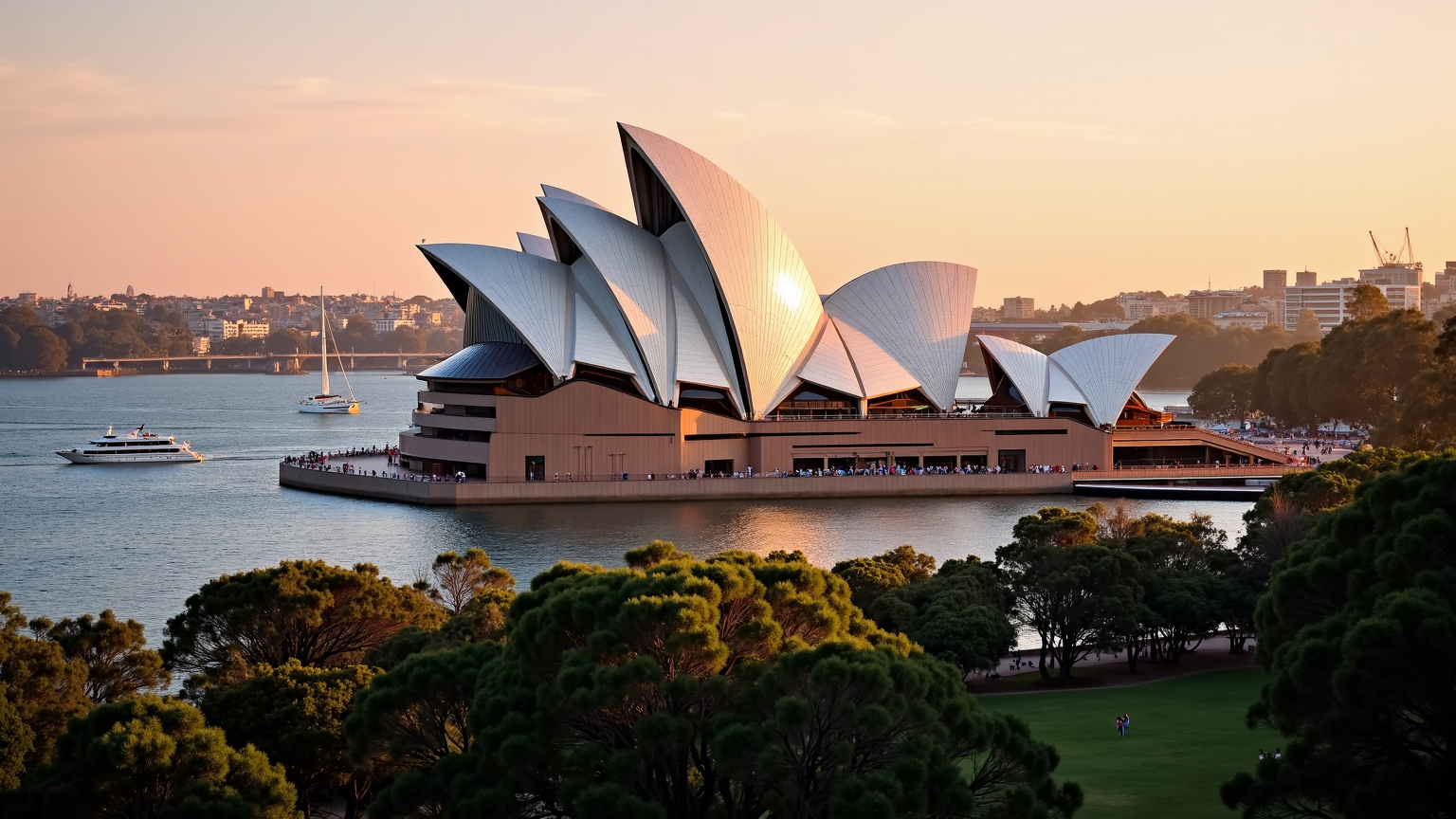
Sydney Opera House - Flux.1 dev
Indicador
**Prompt:** "The iconic Sydney Opera House at golden hour, its gleaming white sail-like shells bathed in warm, radiant sunlight, contrasting against the deep blue of Sydney Harbour. The intricate geometric tiles shimmer with a pearlescent sheen, while the modernist curves and soaring rooflines create dynamic shadows. The surrounding water reflects the building’s elegant form, with sailboats and ferries gliding past. Lush green parkland frames the foreground, dotted with people enjoying the view. The sky transitions from soft pink to amber, enhancing the futuristic yet timeless beauty of this UNESCO World Heritage landmark. Capture the scene with a wide-angle, high-detail photographic style, emphasizing its grandeur and harmony with the harbor." (999 characters)
Análisis Detallado del Prompt de Imagen de Flux IA
Analiza el prompt detallado utilizado para generar la imagen con Flux IA Image Generator.
Explorar Mensajes para Flux IA
Cómo generar una imagen por Flux.1 dev
Sigue estos cuatro sencillos pasos para crear la imagen que deseas.
Paso 1: Ingresa tu texto (No dudes en refinar tu prompt para mejores resultados)
Paso 2: Elige la relación de aspecto de la imagen
Paso 3: Selecciona tu modelo Flux:
Paso 4: Haz clic en el botón Generar y espera unos segundos para tu imagen
Herramientas Flux IA relacionadas para prompts sobre Flux.1 dev
Descubre herramientas avanzadas de Flux IA para potenciar tu flujo de trabajo creativo.