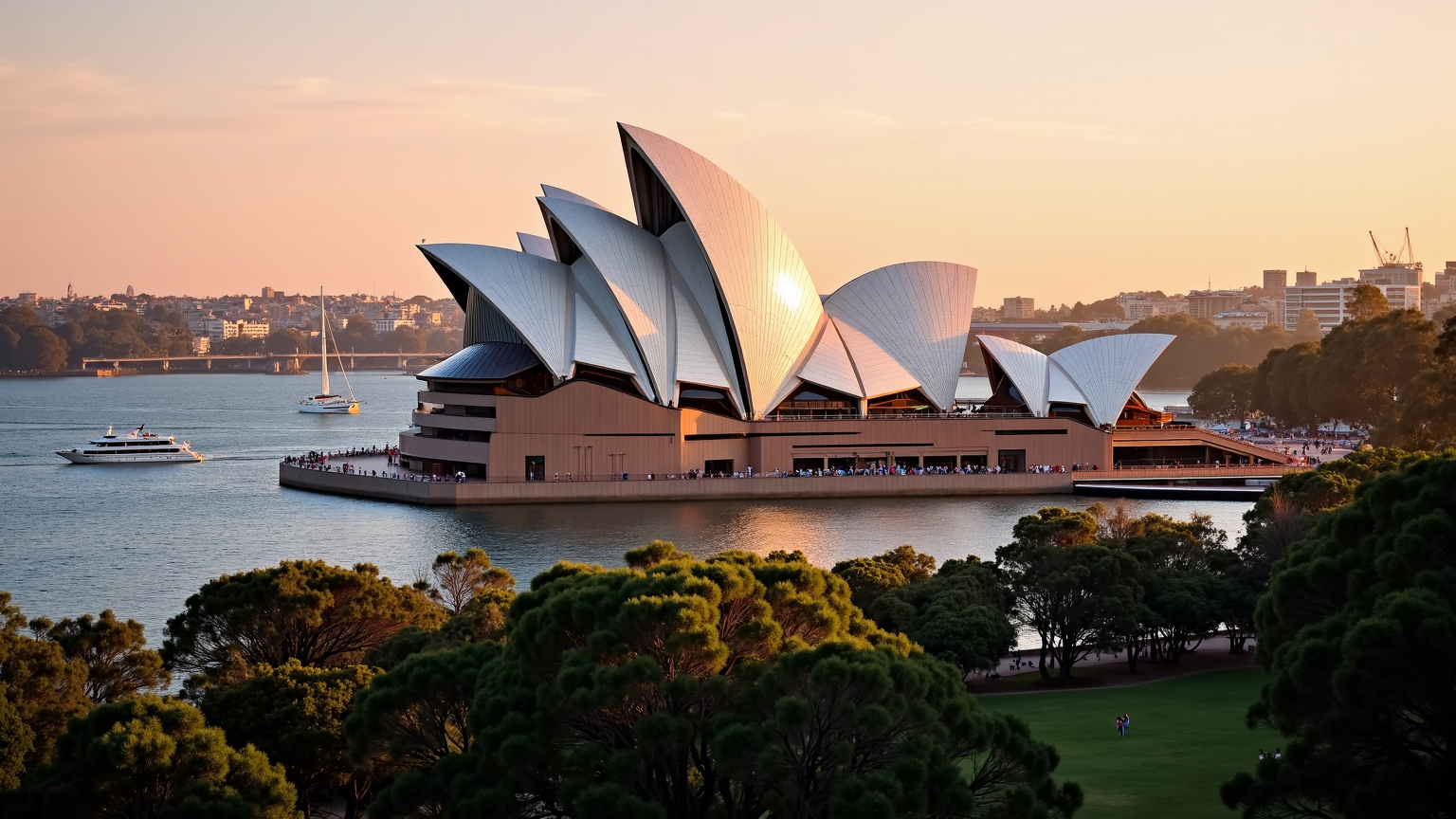
Sydney Opera House - Flux.1 dev
Invite
**Prompt:** "The iconic Sydney Opera House at golden hour, its gleaming white sail-like shells bathed in warm, radiant sunlight, contrasting against the deep blue of Sydney Harbour. The intricate geometric tiles shimmer with a pearlescent sheen, while the modernist curves and soaring rooflines create dynamic shadows. The surrounding water reflects the building’s elegant form, with sailboats and ferries gliding past. Lush green parkland frames the foreground, dotted with people enjoying the view. The sky transitions from soft pink to amber, enhancing the futuristic yet timeless beauty of this UNESCO World Heritage landmark. Capture the scene with a wide-angle, high-detail photographic style, emphasizing its grandeur and harmony with the harbor." (999 characters)
Analyse Détaillée du Prompt d'Image Flux IA
Analysez le prompt détaillé utilisé pour générer l'image avec Flux IA Image Generator.
Explorez les invites Flux IA
Comment générer une image par Flux.1 dev
Suivez ces quatre étapes simples pour créer l'image désirée.
Étape 1 : Entrez votre texte (N'hésitez pas à affiner votre prompt pour de meilleurs résultats)
Étape 2 : Choisissez le ratio d'aspect de l'image
Étape 3 : Sélectionnez votre modèle Flux :
Étape 4 : Cliquez sur le bouton Générer et attendez quelques secondes pour votre image
Outils Flux IA liés aux prompts sur Flux.1 dev
Découvrez des outils avancés de Flux IA pour booster votre flux de travail créatif.