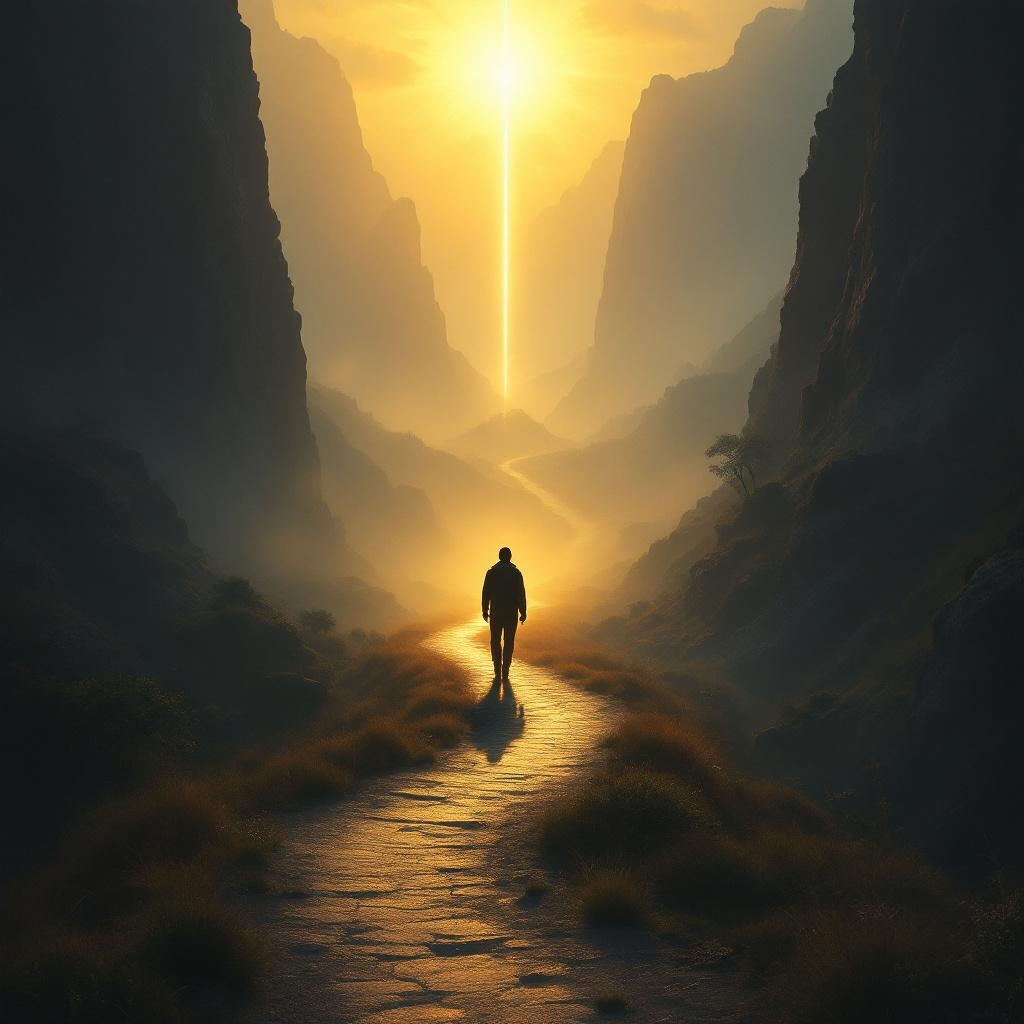
Whoever walks in integrity is kept safe. - Flux.1.1 pro
Indicador
**Prompt:** "A serene, golden-hued landscape at dawn, where a lone traveler walks a narrow, winding path through a misty valley, symbolizing integrity. The path is illuminated by soft, ethereal light, while shadows loom on either side—representing temptation and danger—but cannot touch the traveler. The figure is upright, confident, and bathed in a protective glow, evoking divine safeguarding. Surrounding cliffs are rugged, yet a radiant beacon shines ahead, guiding the way. Style: reminiscent of Romanticism with dramatic lighting, akin to Caspar David Friedrich’s compositions. Mood: tranquil yet awe-inspiring, emphasizing safety through moral steadfastness. Colors: warm golds, deep blues, and muted earth tones." (999 characters)
Análisis Detallado del Prompt de Imagen de Flux IA
Analiza el prompt detallado utilizado para generar la imagen con Flux IA Image Generator.
Explorar Mensajes para Flux IA
Cómo generar una imagen por Flux.1.1 pro
Sigue estos cuatro sencillos pasos para crear la imagen que deseas.
Paso 1: Ingresa tu texto (No dudes en refinar tu prompt para mejores resultados)
Paso 2: Elige la relación de aspecto de la imagen
Paso 3: Selecciona tu modelo Flux:
Paso 4: Haz clic en el botón Generar y espera unos segundos para tu imagen
Herramientas Flux IA relacionadas para prompts sobre Flux.1.1 pro
Descubre herramientas avanzadas de Flux IA para potenciar tu flujo de trabajo creativo.