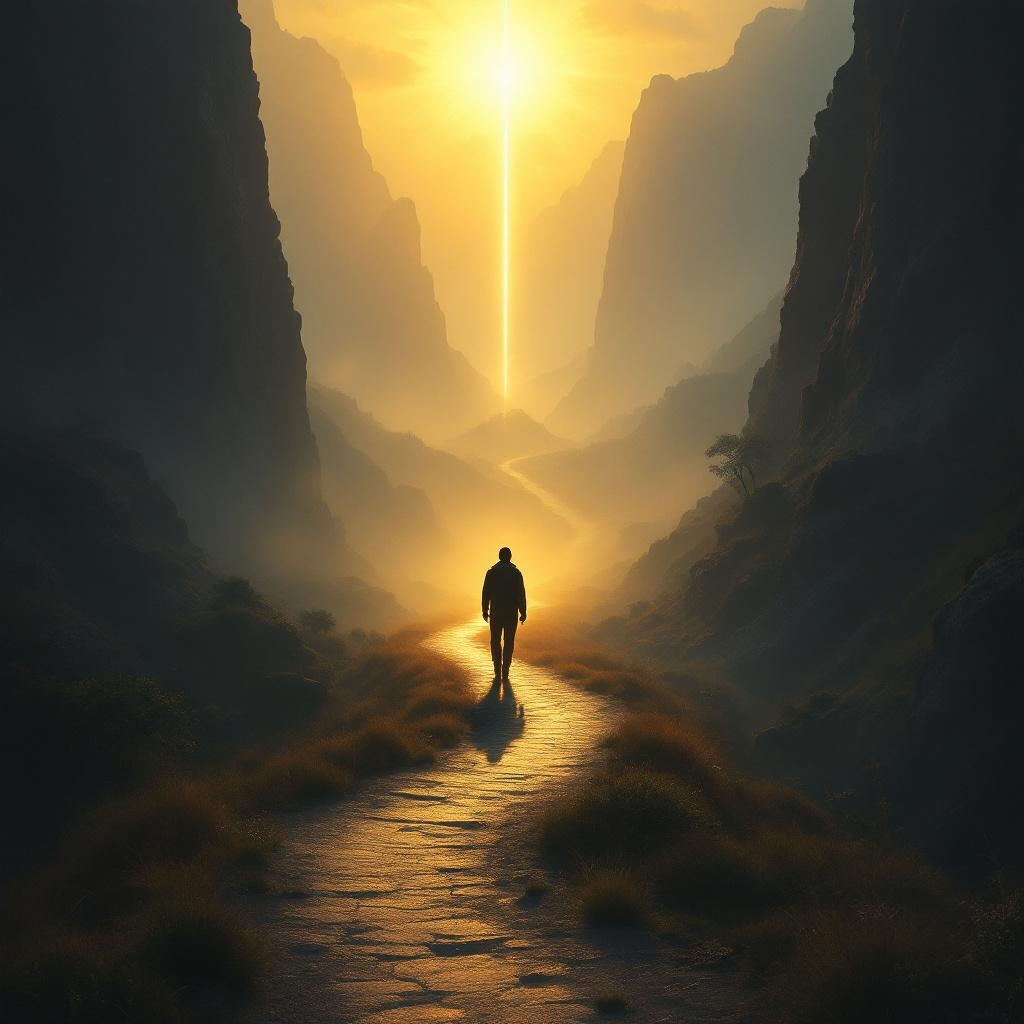
Whoever walks in integrity is kept safe. - Flux.1.1 pro
prompt
**Prompt:** "A serene, golden-hued landscape at dawn, where a lone traveler walks a narrow, winding path through a misty valley, symbolizing integrity. The path is illuminated by soft, ethereal light, while shadows loom on either side—representing temptation and danger—but cannot touch the traveler. The figure is upright, confident, and bathed in a protective glow, evoking divine safeguarding. Surrounding cliffs are rugged, yet a radiant beacon shines ahead, guiding the way. Style: reminiscent of Romanticism with dramatic lighting, akin to Caspar David Friedrich’s compositions. Mood: tranquil yet awe-inspiring, emphasizing safety through moral steadfastness. Colors: warm golds, deep blues, and muted earth tones." (999 characters)
Analisis Terperinci Prompt Gambar Flux AI
Analisis prompt terperinci yang digunakan untuk menghasilkan gambar dengan Generator Gambar Flux AI.
Jelajahi Prompt Flux untuk Generator Gambar AI Flux
Cara menghasilkan gambar dengan Flux.1.1 pro
Ikuti empat langkah sederhana ini untuk membuat gambar yang Anda inginkan.
Langkah 1: Masukkan Teks Anda (Silakan sempurnakan prompt untuk hasil yang lebih baik)
Langkah 2: Pilih Rasio Aspek Gambar
Langkah 3: Pilih Model Flux Anda:
Langkah 4: Klik Tombol Buat dan Tunggu Beberapa Detik untuk Gambar Anda
Alat Flux AI terkait untuk prompt tentang Flux.1.1 pro
Temukan alat-alat canggih dari Flux AI untuk meningkatkan alur kerja kreatif Anda.