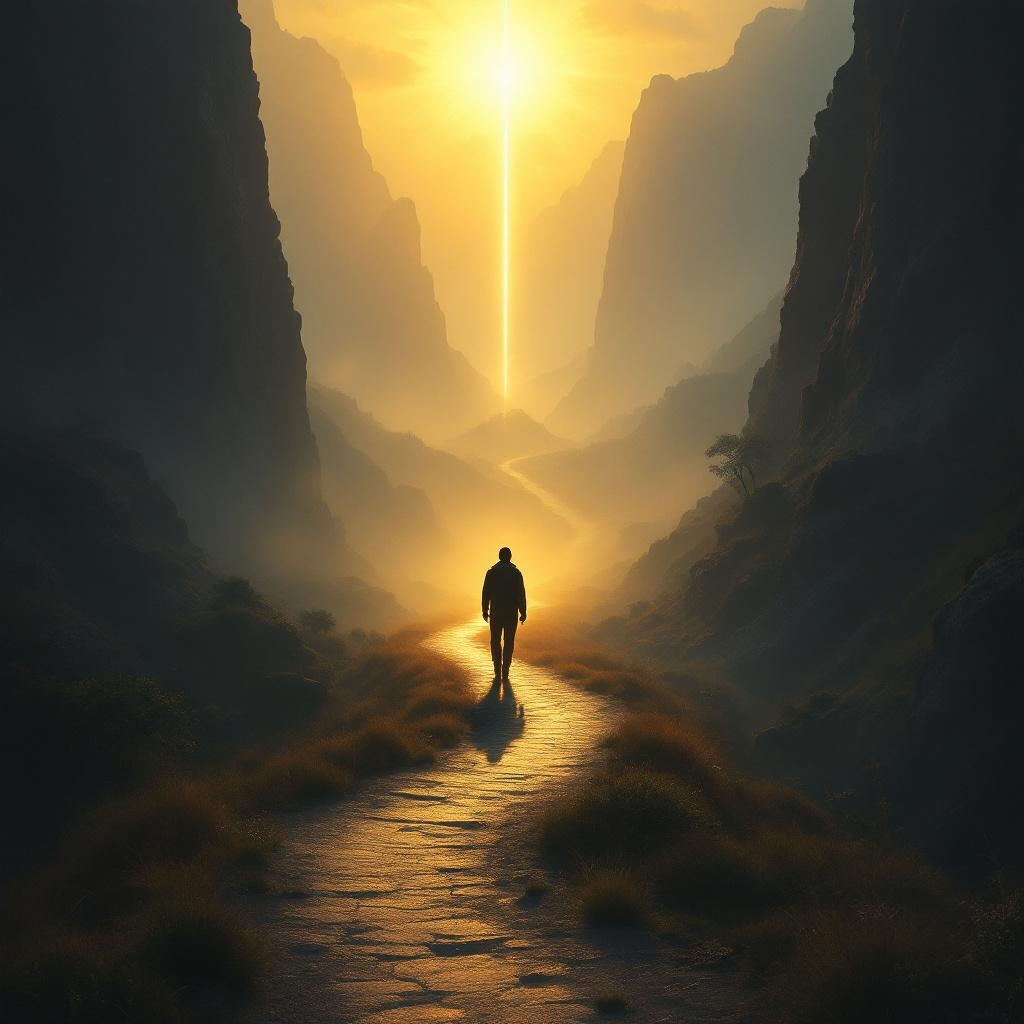
Whoever walks in integrity is kept safe. - Flux.1.1 pro
Invite
**Prompt:** "A serene, golden-hued landscape at dawn, where a lone traveler walks a narrow, winding path through a misty valley, symbolizing integrity. The path is illuminated by soft, ethereal light, while shadows loom on either side—representing temptation and danger—but cannot touch the traveler. The figure is upright, confident, and bathed in a protective glow, evoking divine safeguarding. Surrounding cliffs are rugged, yet a radiant beacon shines ahead, guiding the way. Style: reminiscent of Romanticism with dramatic lighting, akin to Caspar David Friedrich’s compositions. Mood: tranquil yet awe-inspiring, emphasizing safety through moral steadfastness. Colors: warm golds, deep blues, and muted earth tones." (999 characters)
Analyse Détaillée du Prompt d'Image Flux IA
Analysez le prompt détaillé utilisé pour générer l'image avec Flux IA Image Generator.
Explorez les invites Flux IA
Comment générer une image par Flux.1.1 pro
Suivez ces quatre étapes simples pour créer l'image désirée.
Étape 1 : Entrez votre texte (N'hésitez pas à affiner votre prompt pour de meilleurs résultats)
Étape 2 : Choisissez le ratio d'aspect de l'image
Étape 3 : Sélectionnez votre modèle Flux :
Étape 4 : Cliquez sur le bouton Générer et attendez quelques secondes pour votre image
Outils Flux IA liés aux prompts sur Flux.1.1 pro
Découvrez des outils avancés de Flux IA pour booster votre flux de travail créatif.