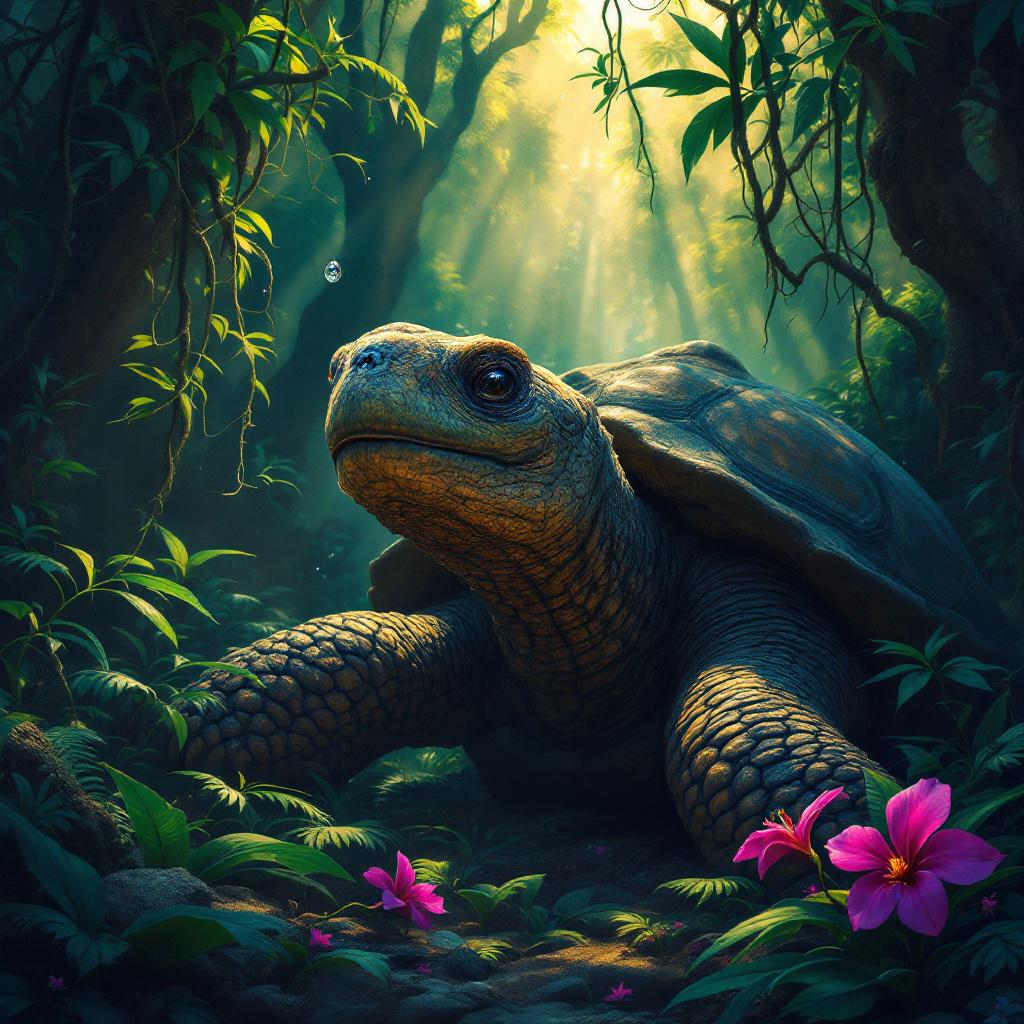
Tortoise - Flux.1.1 pro
Indicador
A venerable giant tortoise, ancient and wise, its gnarled, moss-dusted shell a tapestry of deep greens and earthy browns, rests beneath the dappled sunlight of an ancient rainforest. Its scaly neck extends gently, a single, knowing eye gazing contemplatively at a crystalline dewdrop clinging precariously to a vibrant fuchsia orchid petal. The surrounding foliage is a riot of emerald ferns and trailing vines, with shafts of golden light piercing through the dense canopy. **Artistic Style:** Intricate fantasy realism, reminiscent of Brom with a touch of botanical illustration. **Lighting & Color:** Soft, warm, ethereal backlighting through the canopy, creating strong contrasts between highlights and deep jungle shadows. A rich, jewel-toned palette of greens, purples, and golds, with a hint of mystic blues in the distance. **Mood:** Serene, ancient, contemplative, slightly mystical. **Camera Angle & Composition:** Eye-level shot, slightly Dutch angle, focusing on the tortoise's gaze and the orchid. Rule of thirds composition, with the tortoise's head off-center. **Additional Elements:** A single, almost imperceptible firefly hovering near the orchid, leaving a faint, luminescent trail.
Análisis Detallado del Prompt de Imagen de Flux IA
Analiza el prompt detallado utilizado para generar la imagen con Flux IA Image Generator.
Explorar Mensajes para Flux IA
Cómo generar una imagen por Flux.1.1 pro
Sigue estos cuatro sencillos pasos para crear la imagen que deseas.
Paso 1: Ingresa tu texto (No dudes en refinar tu prompt para mejores resultados)
Paso 2: Elige la relación de aspecto de la imagen
Paso 3: Selecciona tu modelo Flux:
Paso 4: Haz clic en el botón Generar y espera unos segundos para tu imagen
Herramientas Flux IA relacionadas para prompts sobre Flux.1.1 pro
Descubre herramientas avanzadas de Flux IA para potenciar tu flujo de trabajo creativo.