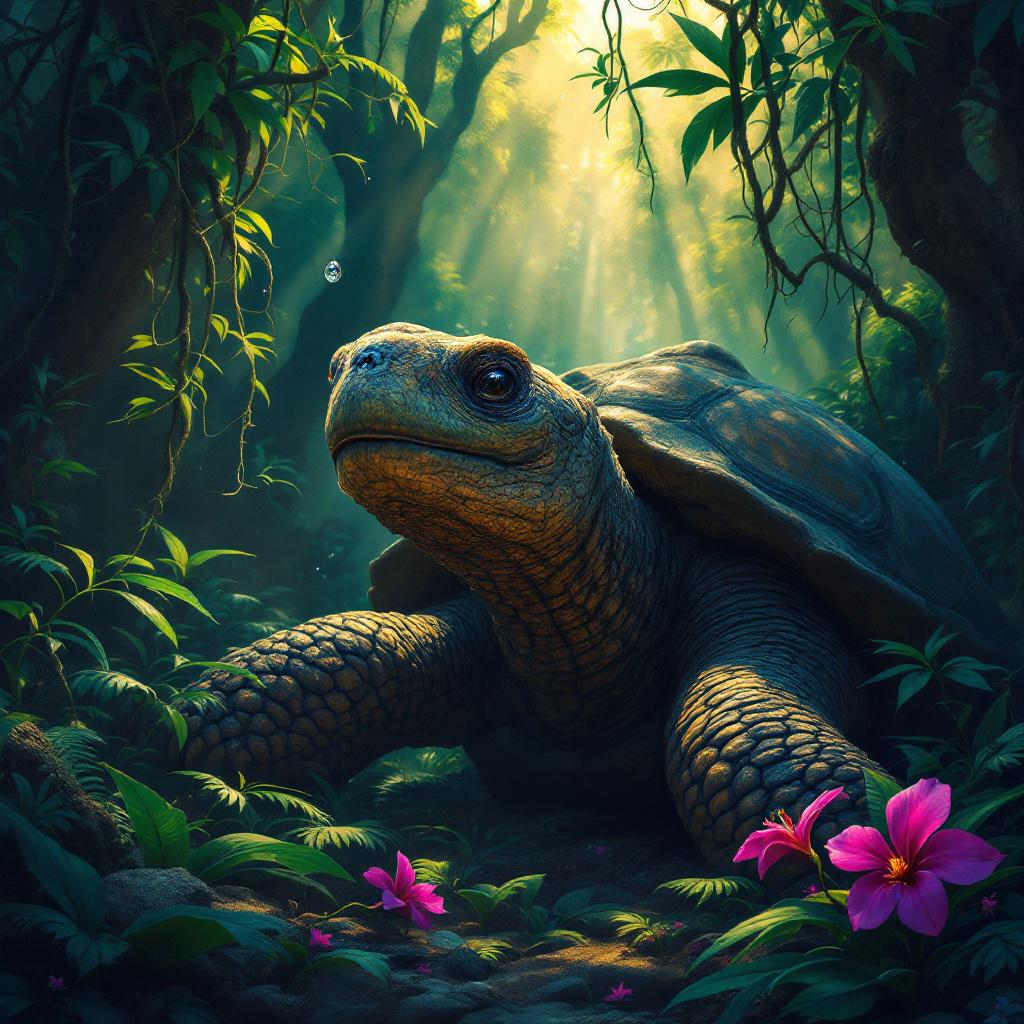
Tortoise - Flux.1.1 pro
Invite
A venerable giant tortoise, ancient and wise, its gnarled, moss-dusted shell a tapestry of deep greens and earthy browns, rests beneath the dappled sunlight of an ancient rainforest. Its scaly neck extends gently, a single, knowing eye gazing contemplatively at a crystalline dewdrop clinging precariously to a vibrant fuchsia orchid petal. The surrounding foliage is a riot of emerald ferns and trailing vines, with shafts of golden light piercing through the dense canopy. **Artistic Style:** Intricate fantasy realism, reminiscent of Brom with a touch of botanical illustration. **Lighting & Color:** Soft, warm, ethereal backlighting through the canopy, creating strong contrasts between highlights and deep jungle shadows. A rich, jewel-toned palette of greens, purples, and golds, with a hint of mystic blues in the distance. **Mood:** Serene, ancient, contemplative, slightly mystical. **Camera Angle & Composition:** Eye-level shot, slightly Dutch angle, focusing on the tortoise's gaze and the orchid. Rule of thirds composition, with the tortoise's head off-center. **Additional Elements:** A single, almost imperceptible firefly hovering near the orchid, leaving a faint, luminescent trail.
Analyse Détaillée du Prompt d'Image Flux IA
Analysez le prompt détaillé utilisé pour générer l'image avec Flux IA Image Generator.
Explorez les invites Flux IA
Comment générer une image par Flux.1.1 pro
Suivez ces quatre étapes simples pour créer l'image désirée.
Étape 1 : Entrez votre texte (N'hésitez pas à affiner votre prompt pour de meilleurs résultats)
Étape 2 : Choisissez le ratio d'aspect de l'image
Étape 3 : Sélectionnez votre modèle Flux :
Étape 4 : Cliquez sur le bouton Générer et attendez quelques secondes pour votre image
Outils Flux IA liés aux prompts sur Flux.1.1 pro
Découvrez des outils avancés de Flux IA pour booster votre flux de travail créatif.