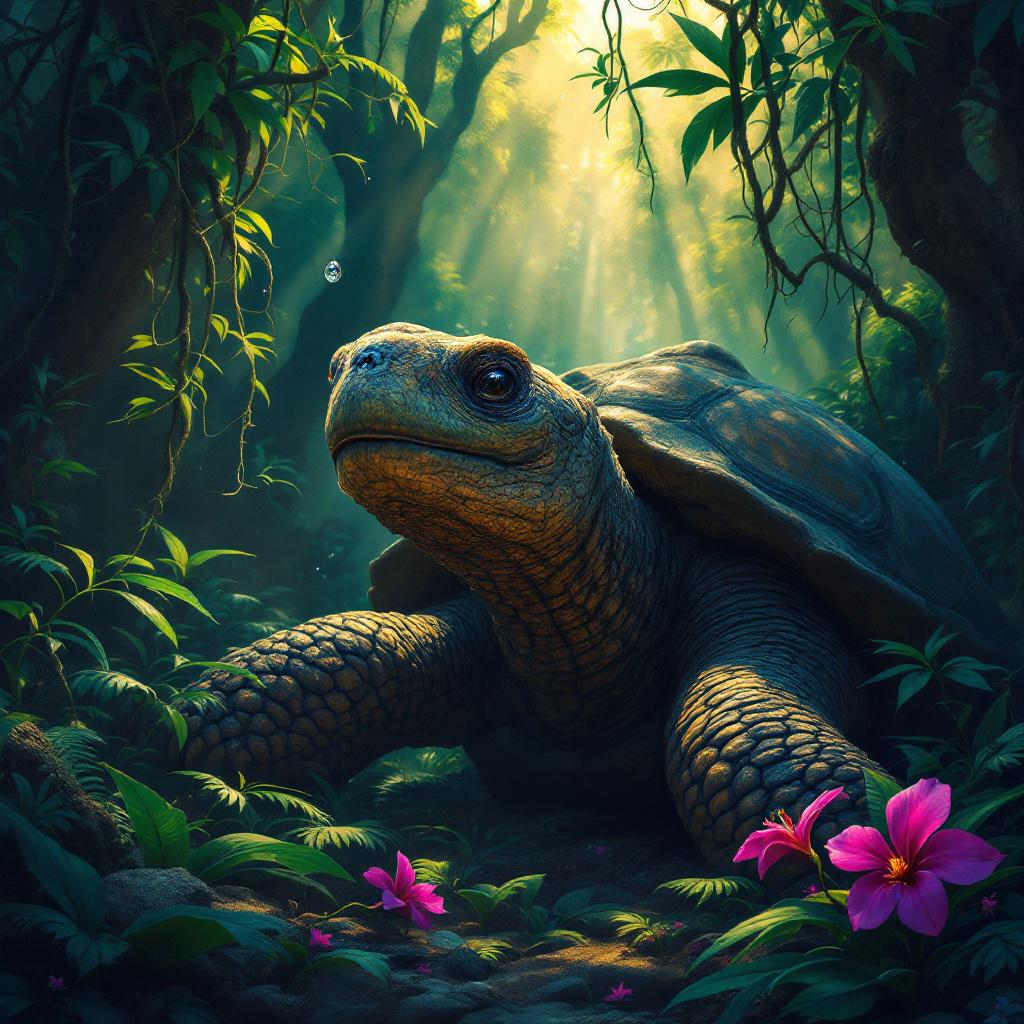
Tortoise - Flux.1.1 pro
prompt
A venerable giant tortoise, ancient and wise, its gnarled, moss-dusted shell a tapestry of deep greens and earthy browns, rests beneath the dappled sunlight of an ancient rainforest. Its scaly neck extends gently, a single, knowing eye gazing contemplatively at a crystalline dewdrop clinging precariously to a vibrant fuchsia orchid petal. The surrounding foliage is a riot of emerald ferns and trailing vines, with shafts of golden light piercing through the dense canopy. **Artistic Style:** Intricate fantasy realism, reminiscent of Brom with a touch of botanical illustration. **Lighting & Color:** Soft, warm, ethereal backlighting through the canopy, creating strong contrasts between highlights and deep jungle shadows. A rich, jewel-toned palette of greens, purples, and golds, with a hint of mystic blues in the distance. **Mood:** Serene, ancient, contemplative, slightly mystical. **Camera Angle & Composition:** Eye-level shot, slightly Dutch angle, focusing on the tortoise's gaze and the orchid. Rule of thirds composition, with the tortoise's head off-center. **Additional Elements:** A single, almost imperceptible firefly hovering near the orchid, leaving a faint, luminescent trail.
Analisi Dettagliata del Prompt Immagine Flux AI
Analizza il prompt dettagliato utilizzato per generare l'immagine con il Generatore Immagini Flux AI.
Esplora i Prompt Flux per il Generatore Immagini Flux AI
Come generare immagini con Flux.1.1 pro
Segui questi quattro semplici passaggi per creare l'immagine desiderata.
Passaggio 1: Inserisci il Tuo Testo (Sentiti libero di perfezionare il prompt per risultati migliori)
Passaggio 2: Scegli le Proporzioni dell'Immagine
Passaggio 3: Seleziona il Tuo Modello Flux:
Passaggio 4: Clicca il Pulsante Genera e Attendi Alcuni Secondi per la Tua Immagine
Strumenti Flux AI correlati per prompt su Flux.1.1 pro
Scopri strumenti avanzati di Flux AI per potenziare il tuo flusso di lavoro creativo.