Ratatouille - Flux.1.1 pro
Invite
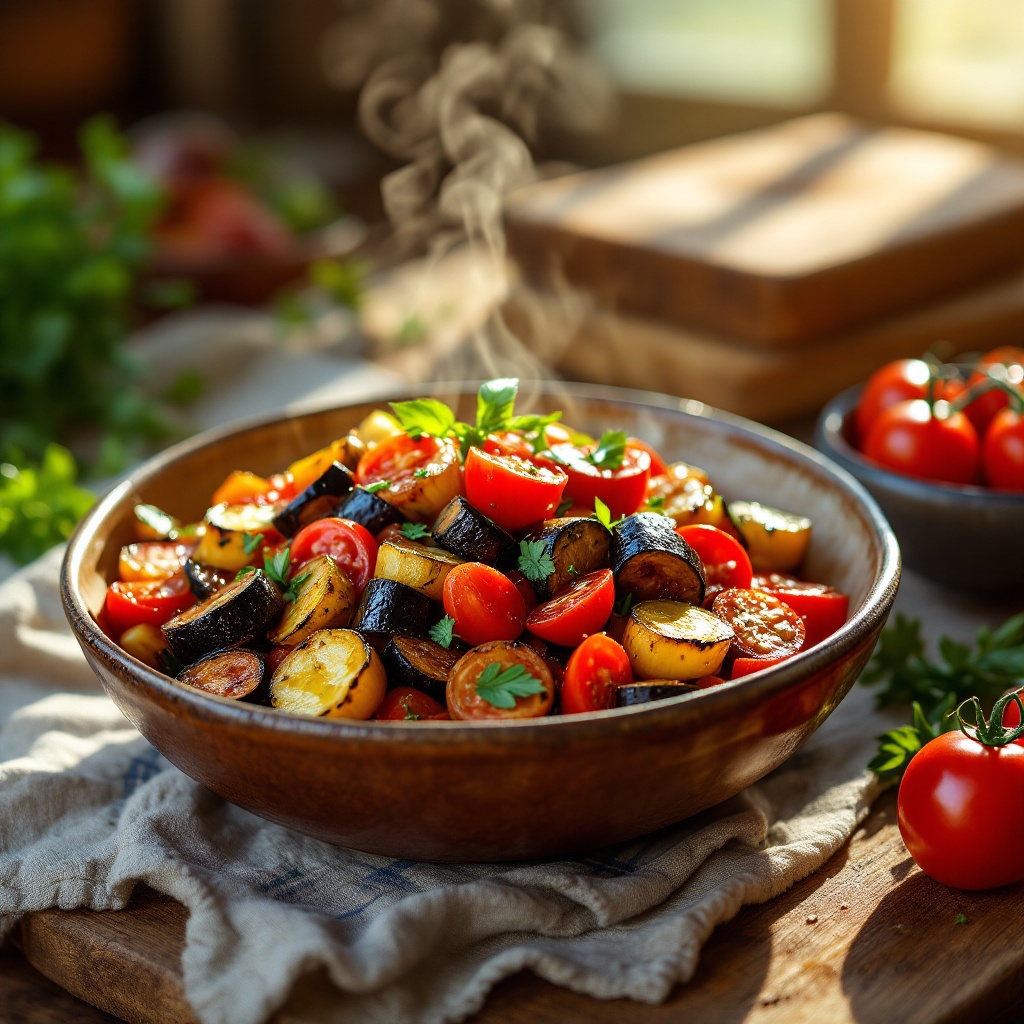
A vibrant dish of Ratatouille, showcasing a medley of colors—deep purple eggplant, bright red tomatoes, and golden zucchini—layered artfully in a rustic ceramic bowl. The vegetables are glistening with a drizzle of olive oil, their textures contrasting between the soft, tender slices and the slight crispness of the roasted edges. Set against a sun-drenched kitchen table adorned with fresh herbs and a wooden cutting board, the scene is bathed in warm, golden hour light that enhances the dish's rich hues. The composition features a close-up view, capturing the steam rising gently from the hot vegetables, inviting the viewer to savor the aroma. This rustic food photography style evokes a sense of home-cooked comfort, making the Ratatouille not just a meal, but a celebration of flavors and warmth.
Analyse Détaillée du Prompt d'Image Flux IA
Analysez le prompt détaillé utilisé pour générer l'image avec Flux IA Image Generator.
Explorez les invites Flux IA
Comment générer une image par Flux.1.1 pro
Suivez ces quatre étapes simples pour créer l'image désirée.
Étape 1 : Entrez votre texte (N'hésitez pas à affiner votre prompt pour de meilleurs résultats)
Étape 2 : Choisissez le ratio d'aspect de l'image
Étape 3 : Sélectionnez votre modèle Flux :
Étape 4 : Cliquez sur le bouton Générer et attendez quelques secondes pour votre image
Outils Flux IA liés aux prompts sur Flux.1.1 pro
Découvrez des outils avancés de Flux IA pour booster votre flux de travail créatif.