Ratatouille - Flux.1.1 pro
プロンプト
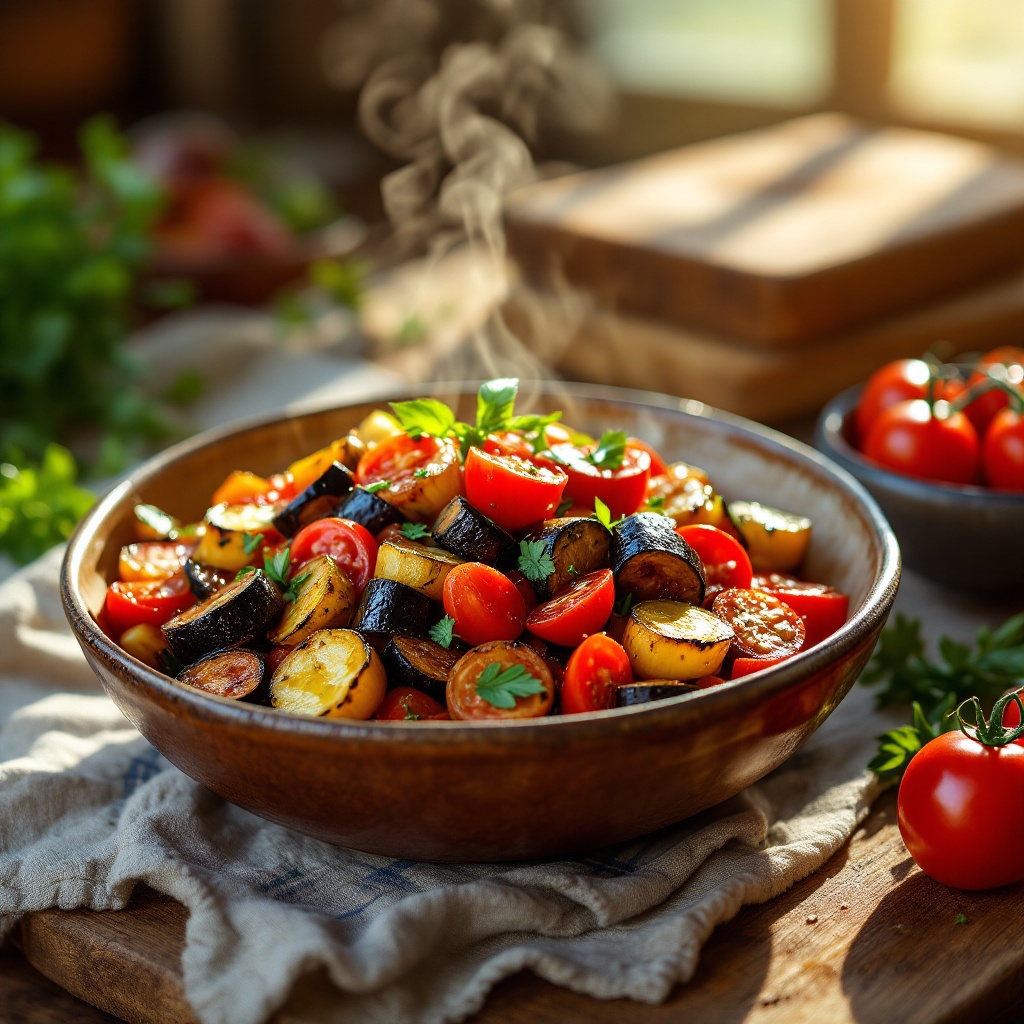
A vibrant dish of Ratatouille, showcasing a medley of colors—deep purple eggplant, bright red tomatoes, and golden zucchini—layered artfully in a rustic ceramic bowl. The vegetables are glistening with a drizzle of olive oil, their textures contrasting between the soft, tender slices and the slight crispness of the roasted edges. Set against a sun-drenched kitchen table adorned with fresh herbs and a wooden cutting board, the scene is bathed in warm, golden hour light that enhances the dish's rich hues. The composition features a close-up view, capturing the steam rising gently from the hot vegetables, inviting the viewer to savor the aroma. This rustic food photography style evokes a sense of home-cooked comfort, making the Ratatouille not just a meal, but a celebration of flavors and warmth.
Flux AI Image Promptの詳細分析
Flux AI Image Generatorを使用して画像を生成するために使用された詳細なプロンプトを分析します。
Flux AI画像生成のプロンプトを探索
で画像を生成する方法 Flux.1.1 pro
以下の4つの簡単なステップに従って、希望する画像を作成してください。
ステップ 1: テキストを入力 (より良い結果のためにプロンプトを調整してください)
ステップ 2: 画像のアスペクト比を選択
ステップ 3: Fluxモデルを選択:
ステップ 4: 生成ボタンをクリックして数秒待ち、画像を取得
プロンプトに関連するFlux AIツール Flux.1.1 pro
Flux AIの高度なツールを発見して、クリエイティブな作業フローを強化しましょう。