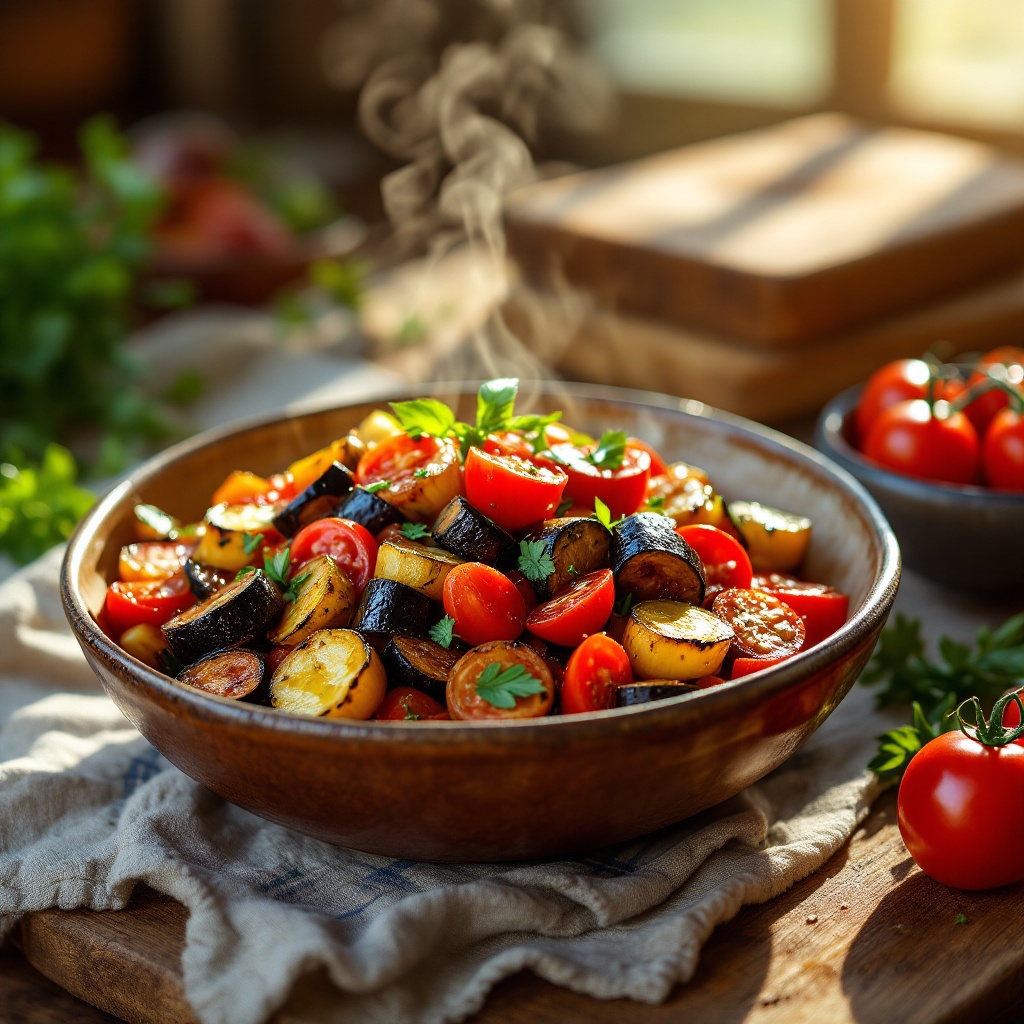
Ratatouille - Flux.1.1 pro
프롬프트
A vibrant dish of Ratatouille, showcasing a medley of colors—deep purple eggplant, bright red tomatoes, and golden zucchini—layered artfully in a rustic ceramic bowl. The vegetables are glistening with a drizzle of olive oil, their textures contrasting between the soft, tender slices and the slight crispness of the roasted edges. Set against a sun-drenched kitchen table adorned with fresh herbs and a wooden cutting board, the scene is bathed in warm, golden hour light that enhances the dish's rich hues. The composition features a close-up view, capturing the steam rising gently from the hot vegetables, inviting the viewer to savor the aroma. This rustic food photography style evokes a sense of home-cooked comfort, making the Ratatouille not just a meal, but a celebration of flavors and warmth.
Flux AI 이미지 프롬프트에 대한 상세 분석
Flux AI Image Generator를 사용하여 이미지를 생성하는 데 사용된 상세한 프롬프트를 분석합니다.
Flux AI 이미지 생성기 프롬프트 탐색
을 통해 이미지를 생성하는 방법 Flux.1.1 pro
원하는 이미지를 만들기 위해 다음 네 가지 간단한 단계를 따르세요.
단계 1: 텍스트 입력 (더 나은 결과를 위해 프롬프트를 자유롭게 수정하세요)
단계 2: 이미지 종횡비 선택
단계 3: Flux 모델 선택:
단계 4: 생성 버튼을 클릭하고 몇 초간 기다려 이미지를 받으세요
프롬프트와 관련된 Flux AI 도구 Flux.1.1 pro
Flux AI의 고급 도구를 발견하여 창의적인 작업 흐름을 향상시키세요.