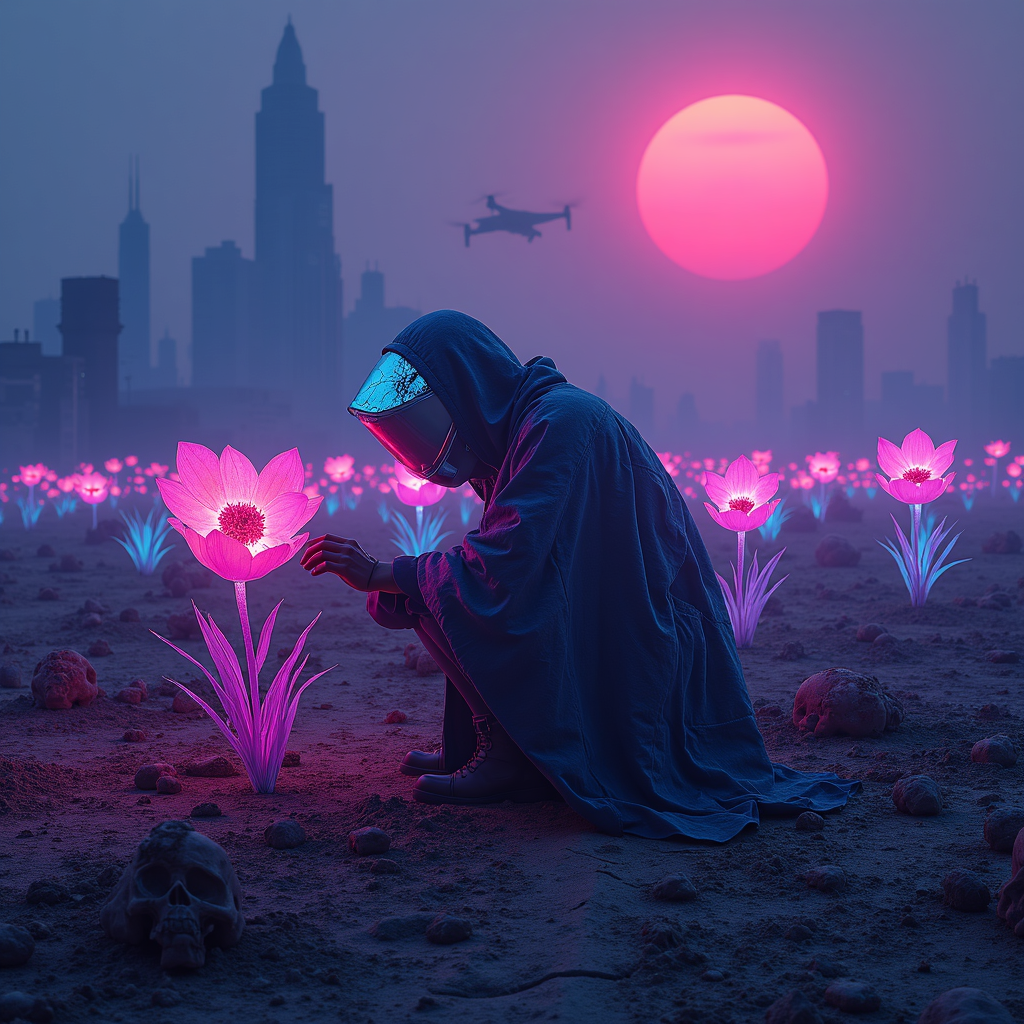
Neon-lit plastic flowers adorn mass grave sites - Flux.1 dev
Invite
A neon-drenched wasteland stretches under a smog-choked sky, where clusters of synthetic flowers glow with an eerie, electric luminescence, their plastic petals shimmering in hues of toxic pink, electric blue, and radioactive violet. The flowers sprout defiantly from cracked earth, their roots entwined with bleached bones and forgotten relics, marking the edges of mass graves hidden beneath the soil. Flickering holographic epitaphs float above the site, their fragmented text glitching in and out of existence. Distant, monolithic megacities loom on the horizon, their jagged silhouettes backlit by a blood-orange sun, while drones hum overhead, casting fleeting shadows. The air is thick with the scent of ozone and decay, and the faint hum of a distant synthwave dirge echoes through the ruins. A lone figure in a tattered, high-tech poncho kneels at the edge of the grave, their face obscured by a cracked visor reflecting the neon glow, one hand brushing the petals of a flower as if in mourning or reverence. The scene is bathed in the cold, artificial light of buzzing streetlamps, their glow diffused through the perpetual haze, casting everything in a surreal, dreamlike pallor.
Analyse Détaillée du Prompt d'Image Flux IA
Analysez le prompt détaillé utilisé pour générer l'image avec Flux IA Image Generator.
Explorez les invites Flux IA
Comment générer une image par Flux.1 dev
Suivez ces quatre étapes simples pour créer l'image désirée.
Étape 1 : Entrez votre texte (N'hésitez pas à affiner votre prompt pour de meilleurs résultats)
Étape 2 : Choisissez le ratio d'aspect de l'image
Étape 3 : Sélectionnez votre modèle Flux :
Étape 4 : Cliquez sur le bouton Générer et attendez quelques secondes pour votre image
Outils Flux IA liés aux prompts sur Flux.1 dev
Découvrez des outils avancés de Flux IA pour booster votre flux de travail créatif.