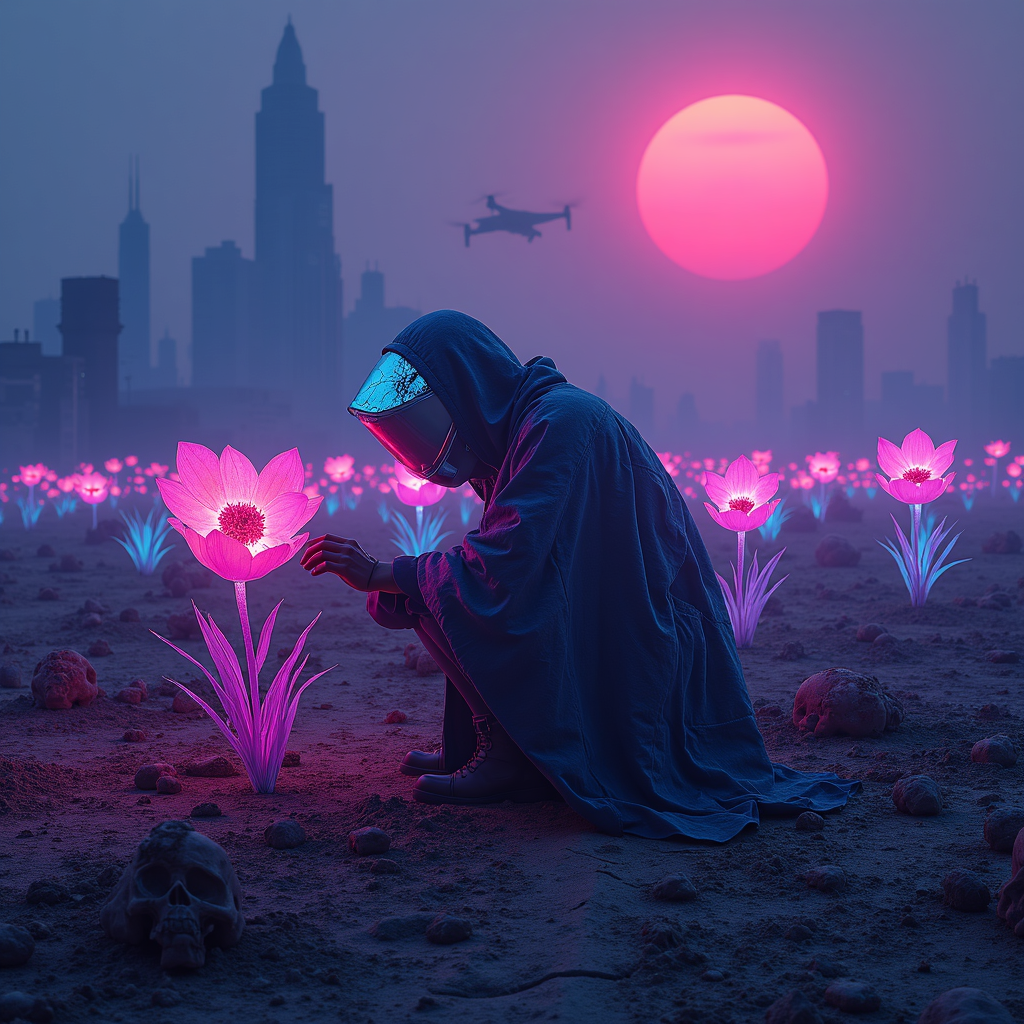
Neon-lit plastic flowers adorn mass grave sites - Flux.1 dev
Prompt
A neon-drenched wasteland stretches under a smog-choked sky, where clusters of synthetic flowers glow with an eerie, electric luminescence, their plastic petals shimmering in hues of toxic pink, electric blue, and radioactive violet. The flowers sprout defiantly from cracked earth, their roots entwined with bleached bones and forgotten relics, marking the edges of mass graves hidden beneath the soil. Flickering holographic epitaphs float above the site, their fragmented text glitching in and out of existence. Distant, monolithic megacities loom on the horizon, their jagged silhouettes backlit by a blood-orange sun, while drones hum overhead, casting fleeting shadows. The air is thick with the scent of ozone and decay, and the faint hum of a distant synthwave dirge echoes through the ruins. A lone figure in a tattered, high-tech poncho kneels at the edge of the grave, their face obscured by a cracked visor reflecting the neon glow, one hand brushing the petals of a flower as if in mourning or reverence. The scene is bathed in the cold, artificial light of buzzing streetlamps, their glow diffused through the perpetual haze, casting everything in a surreal, dreamlike pallor.
Análise Detalhada do Prompt de Imagem Flux IA
Analise o prompt detalhado usado para gerar a imagem com o Flux IA Image Generator.
Explore Prompts Flux para o Gerador de Imagens
Como gerar uma imagem por Flux.1 dev
Siga estes quatro passos simples para criar a imagem desejada.
Passo 1: Insira seu texto (Sinta-se à vontade para refinar seu prompt para melhores resultados)
Passo 2: Escolha a proporção da imagem
Passo 3: Selecione seu modelo Flux:
Passo 4: Clique no botão Gerar e aguarde alguns segundos para sua imagem
Ferramentas Flux IA relacionadas a prompts sobre Flux.1 dev
Descubra ferramentas avançadas da Flux IA para melhorar seu fluxo de trabalho criativo.