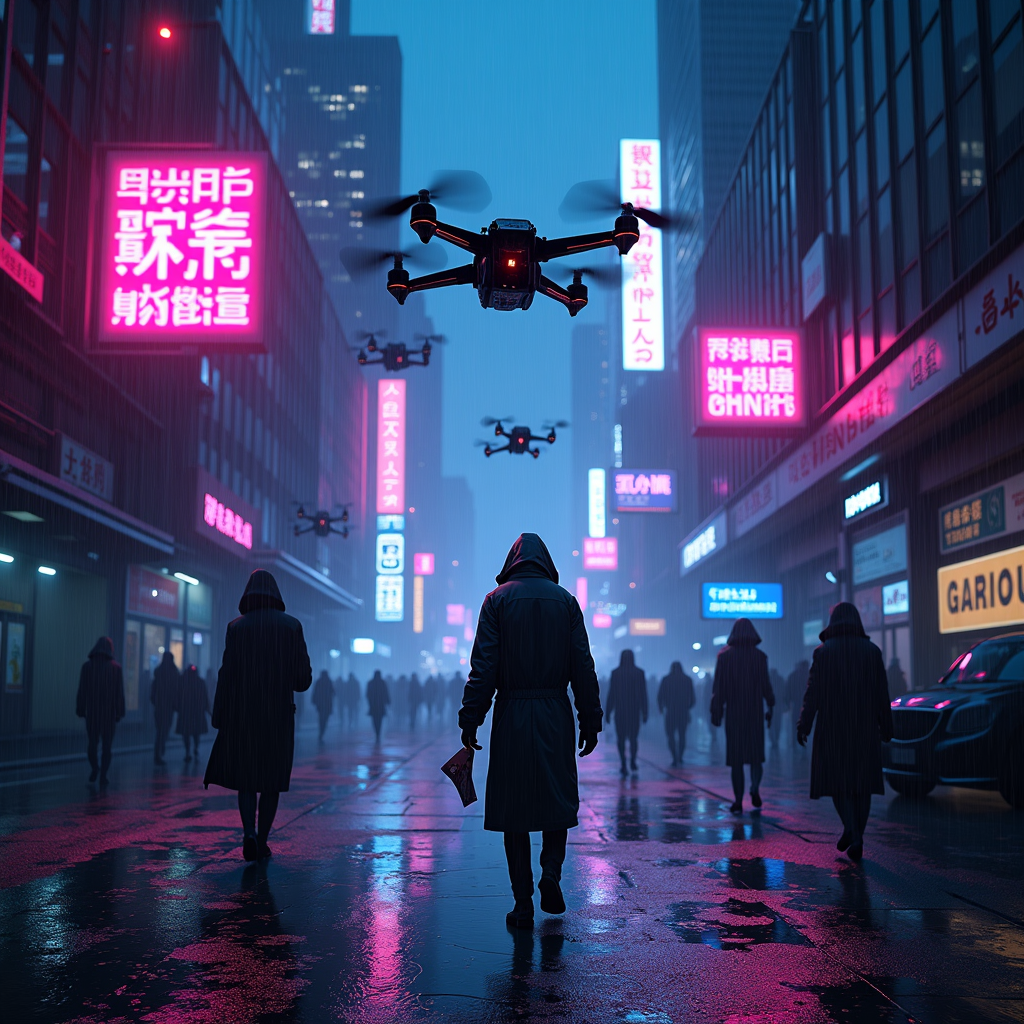
Drone-dropped leaflets advertise black-market antibiotics - Flux.1 dev
Invite
The scene unfolds in a rain-soaked cyberpunk metropolis, where neon signs flicker against the oppressive gloom of towering skyscrapers, their reflections shimmering in the oily puddles below. A swarm of sleek, matte-black drones hovers ominously, their rotors humming as they release a flurry of leaflets—vibrant, high-contrast flyers advertising black-market antibiotics in bold, glitching holographic text. The papers flutter down like digital snow, some caught in the gusts of wind, others plastered against wet pavement or grasped by shadowy figures in tattered coats. The air is thick with the scent of ozone and damp concrete, punctuated by the distant hum of traffic and the occasional burst of static from a broken billboard. A lone figure, face obscured by a cracked respirator, reaches for a leaflet, their gloved fingers brushing against the pulsing, neon-pink slogan: "Cure Any Ill—No Questions Asked." The scene is bathed in the sickly glow of violet and cyan streetlights, casting long, distorted shadows that stretch across the grimy alleyways, where the promise of salvation is just another commodity in the black market’s neon-lit underworld.
Analyse Détaillée du Prompt d'Image Flux IA
Analysez le prompt détaillé utilisé pour générer l'image avec Flux IA Image Generator.
Explorez les invites Flux IA
Comment générer une image par Flux.1 dev
Suivez ces quatre étapes simples pour créer l'image désirée.
Étape 1 : Entrez votre texte (N'hésitez pas à affiner votre prompt pour de meilleurs résultats)
Étape 2 : Choisissez le ratio d'aspect de l'image
Étape 3 : Sélectionnez votre modèle Flux :
Étape 4 : Cliquez sur le bouton Générer et attendez quelques secondes pour votre image
Outils Flux IA liés aux prompts sur Flux.1 dev
Découvrez des outils avancés de Flux IA pour booster votre flux de travail créatif.