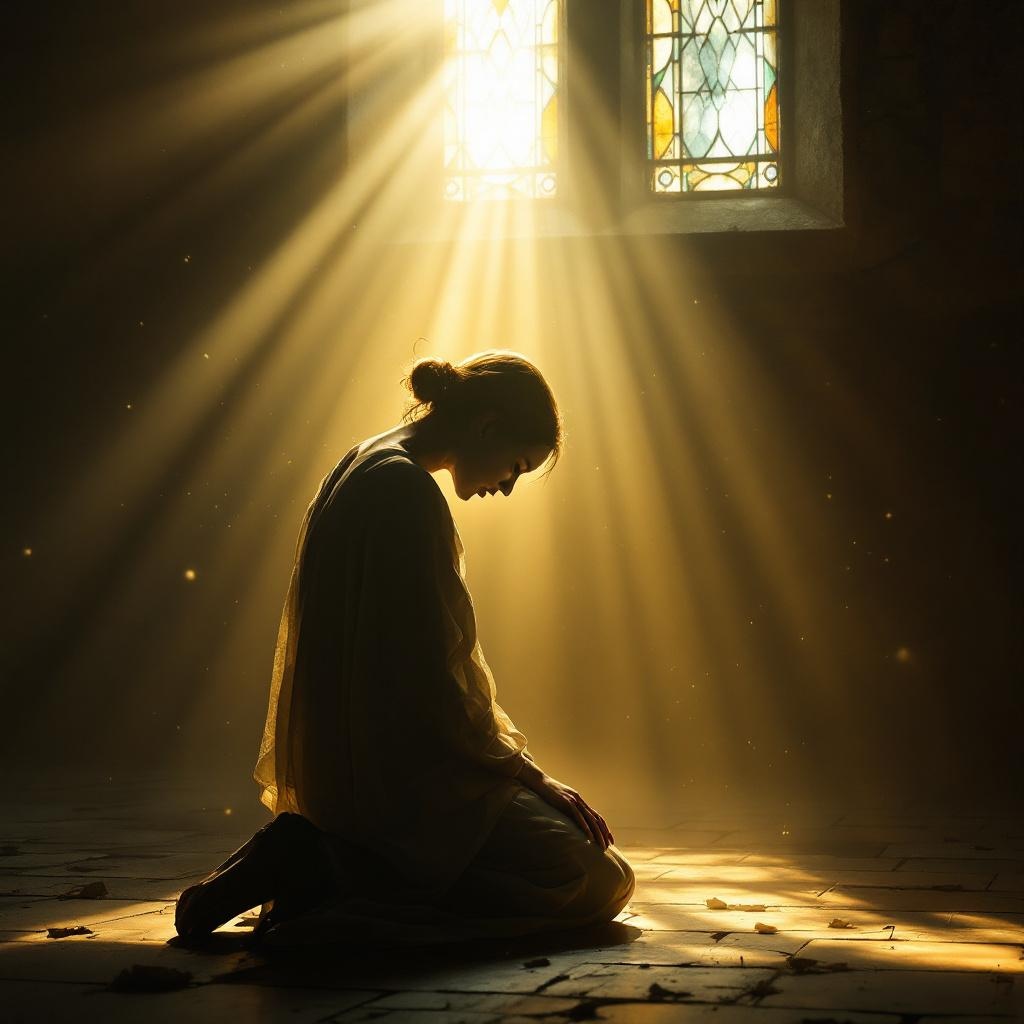
The Lord is close to the brokenhearted. - Flux.1.1 pro
Invite
**Prompt:** A serene, ethereal scene of a solitary figure kneeling in a dimly lit, weathered chapel, their head bowed in sorrow. Soft golden light streams through stained glass, casting a warm glow over them, while a luminous, divine presence—subtle yet powerful—hovers just behind, a hand gently resting on their shoulder. The atmosphere is tender and reverent, evoking Rembrandt’s chiaroscuro with rich contrasts of shadow and light. Delicate dust motes float in the air, and faint traces of tears glisten on the figure’s cheeks. The style is photorealistic with a painterly touch, blending realism with a hint of sacred art symbolism. The mood is one of quiet comfort, emphasizing divine closeness in moments of despair.
Analyse Détaillée du Prompt d'Image Flux IA
Analysez le prompt détaillé utilisé pour générer l'image avec Flux IA Image Generator.
Explorez les invites Flux IA
Comment générer une image par Flux.1.1 pro
Suivez ces quatre étapes simples pour créer l'image désirée.
Étape 1 : Entrez votre texte (N'hésitez pas à affiner votre prompt pour de meilleurs résultats)
Étape 2 : Choisissez le ratio d'aspect de l'image
Étape 3 : Sélectionnez votre modèle Flux :
Étape 4 : Cliquez sur le bouton Générer et attendez quelques secondes pour votre image
Outils Flux IA liés aux prompts sur Flux.1.1 pro
Découvrez des outils avancés de Flux IA pour booster votre flux de travail créatif.