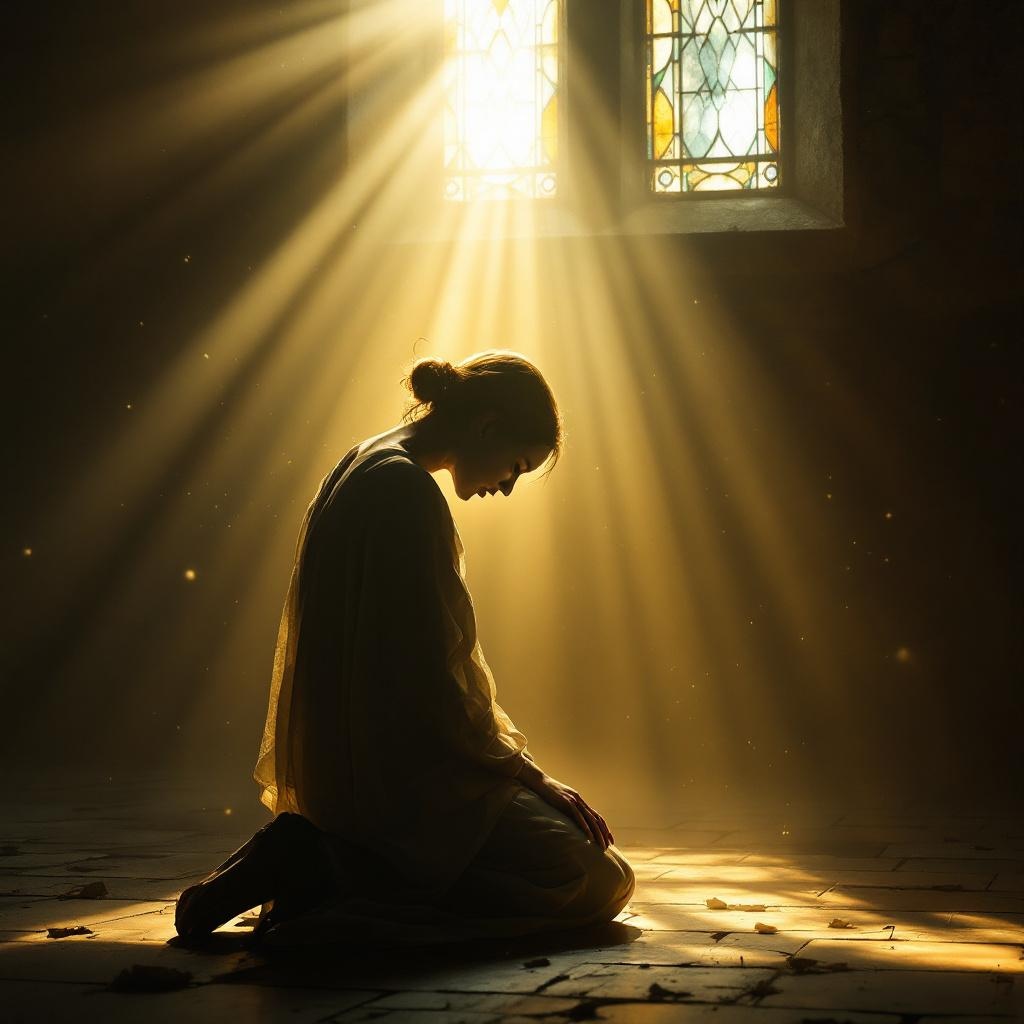
The Lord is close to the brokenhearted. - Flux.1.1 pro
prompt
**Prompt:** A serene, ethereal scene of a solitary figure kneeling in a dimly lit, weathered chapel, their head bowed in sorrow. Soft golden light streams through stained glass, casting a warm glow over them, while a luminous, divine presence—subtle yet powerful—hovers just behind, a hand gently resting on their shoulder. The atmosphere is tender and reverent, evoking Rembrandt’s chiaroscuro with rich contrasts of shadow and light. Delicate dust motes float in the air, and faint traces of tears glisten on the figure’s cheeks. The style is photorealistic with a painterly touch, blending realism with a hint of sacred art symbolism. The mood is one of quiet comfort, emphasizing divine closeness in moments of despair.
Detailed Analysis of the Flux AI Image Prompt
Analyze the detailed prompt used to generate the image with Flux AI Image Generator.
Explore Flux Prompts for the Flux AI Image Generator
How to generate image by Flux.1.1 pro
Follow these four simple steps to create your desired image.
Step 1: Enter Your Text (Feel free to refine your prompt for better results)
Step 2: Choose Image Aspect Ratio
Step 3: Select Your Flux Model:
Step 4: Click the Generate Button and Wait a Few Seconds for Your Image
Related Flux AI tools for prompts about Flux.1.1 pro
Discover advanced tools from Flux AI to boost your creative workflow.